Posts in the Product Updates category, page 1
Product Updates (posts 1–24)
Uncover our latest and greatest product updates.
- June Product Spotlight: A Big Few Months for Webinars
We shipped new editing tools like Remix, better team controls, and more ways to make your videos feel like your ...
- A Recap of Wistia’s 2026 Town Hall
See how our latest features are helping solve the biggest challenges marketers are facing these days.
- How to Enhance Your Creativity with Wistia’s AI Video Tools
Kickstart scripts, clean up recordings, and repurpose footage in a few clicks, so you can spend less time on busywork ...
- Our Top 25 Features of ‘25
Here's our roundup of our favorite features we've shipped this year that'll help you create faster, edit smarter, and much ...
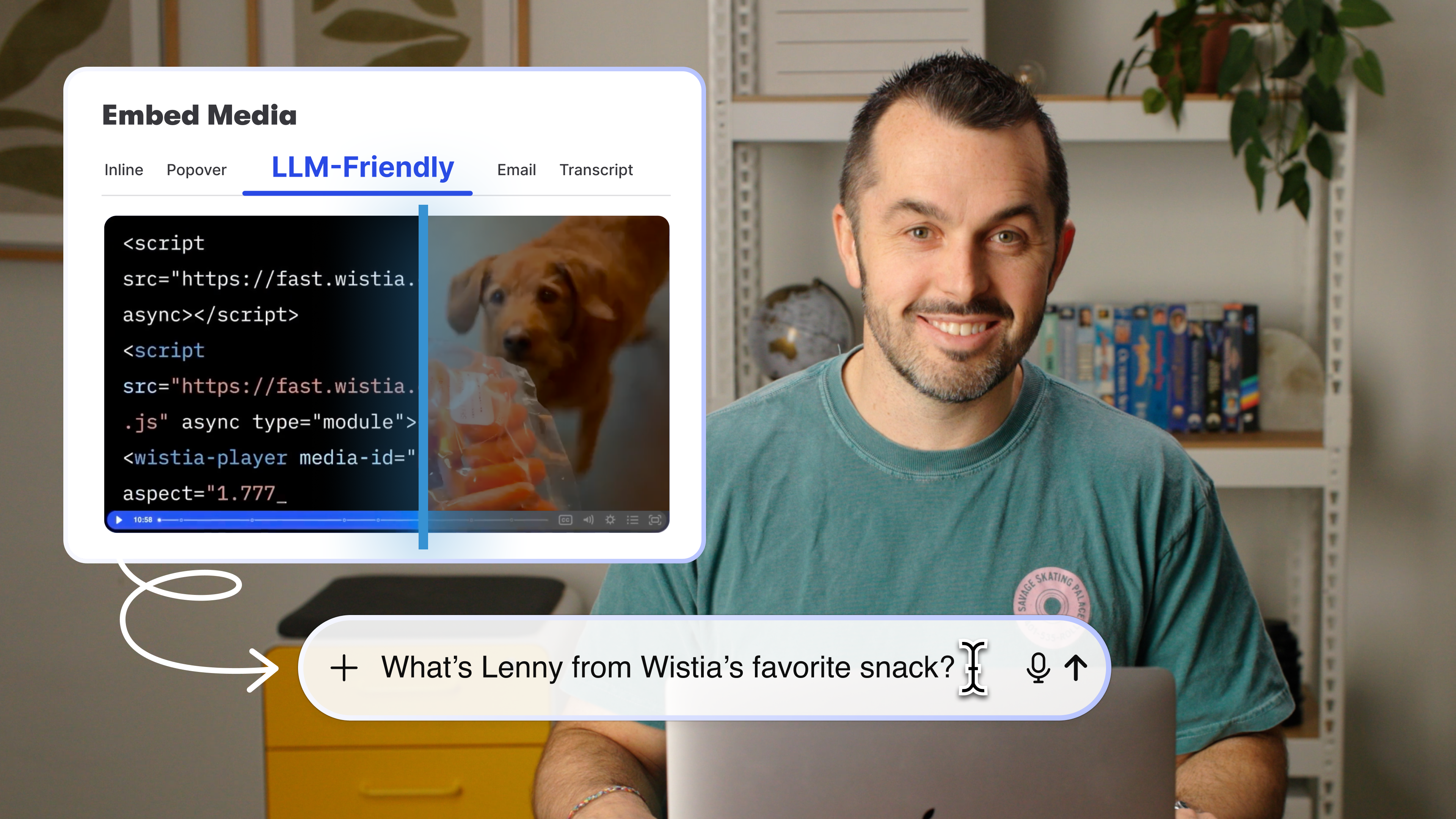
- LLM-Friendly Embeds: Get Found in AI Search
Embedding your videos with Wistia means AI agents can “see” and understand your videos.
- Product Spotlight: See What’s New in Wistia [2025]
Stay in the loop on all the features and updates we’ve released so far in 2025.
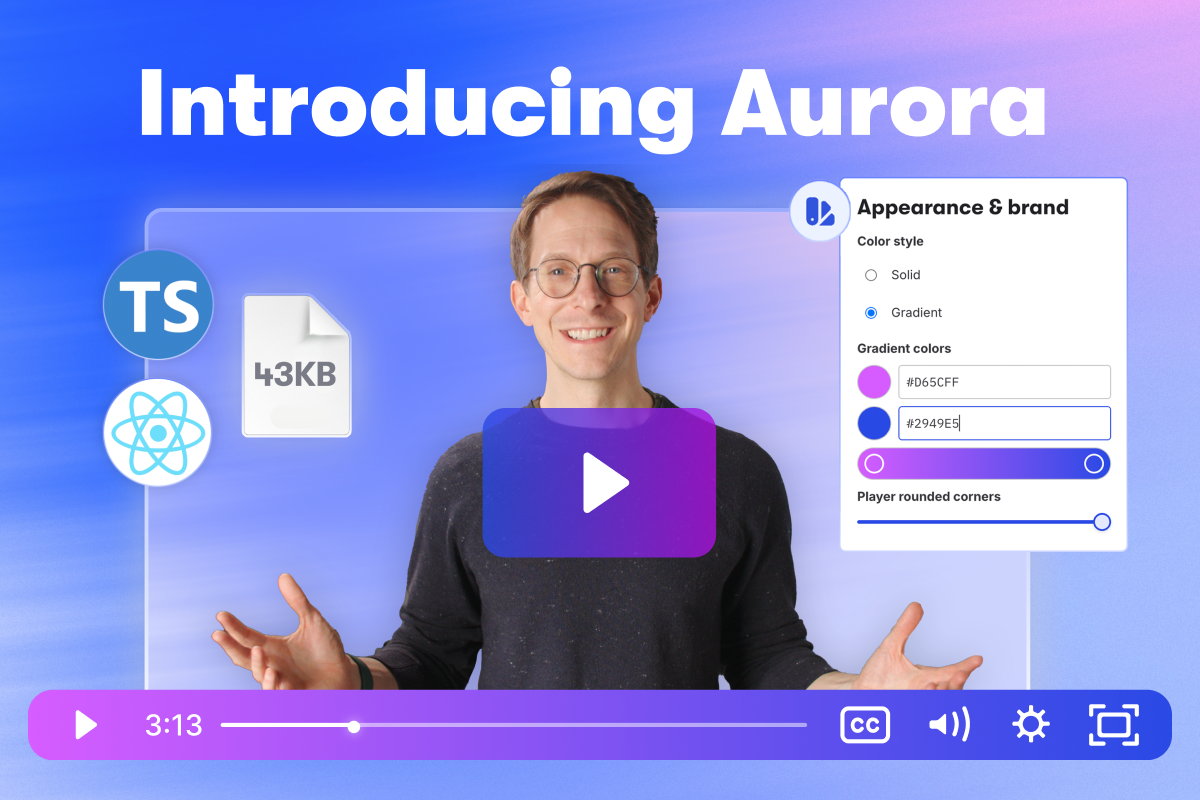
- Introducing Wistia's Newest Video Player, Aurora
Aurora is the lightest and most robust player we’ve ever built — and the fastest player on the market!
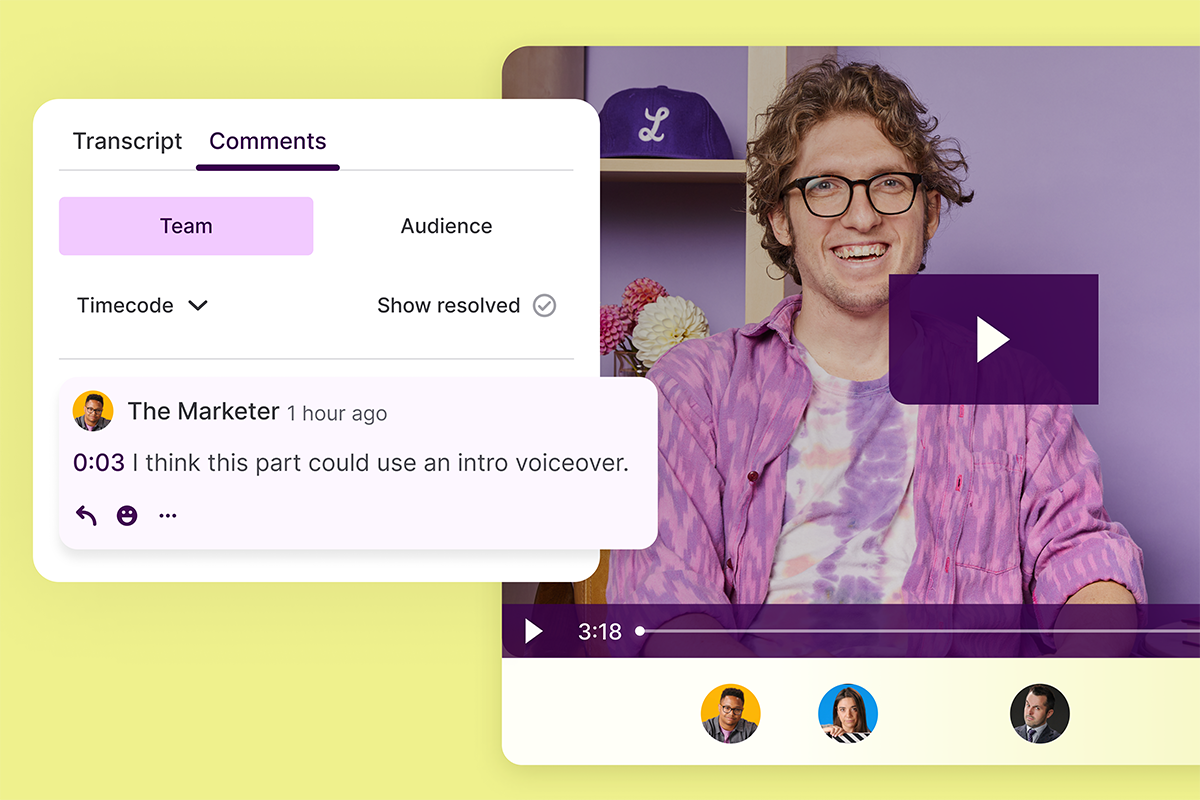
- Boost Collaboration with Wistia's Time-Coded Comments
Time-coded commenting lets you give your team feedback exactly where you need it.
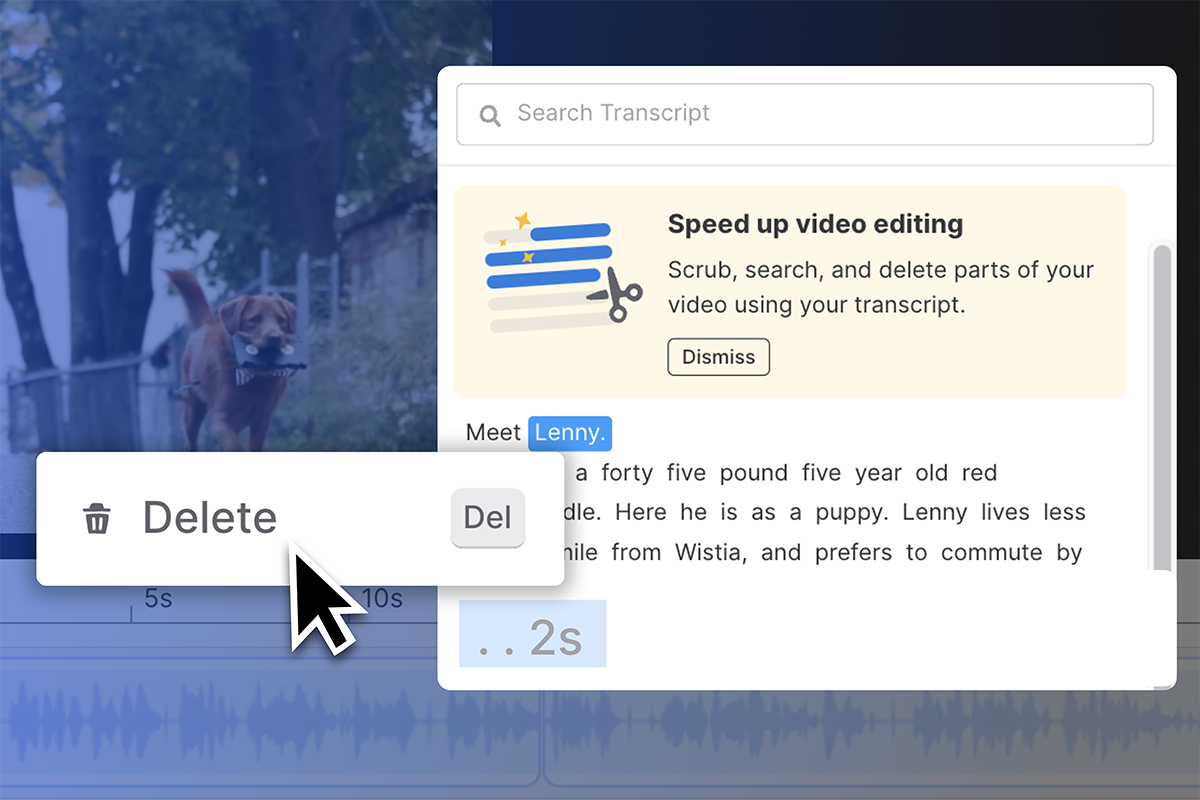
- Text-Based Video Editing: Your Transcript's New Superpower
Text-based editing is your video transcript’s new superpower in Wistia.
- Wistia + Hootsuite: Social Media Video Sharing Simplified
The social media and video platforms are coming together!
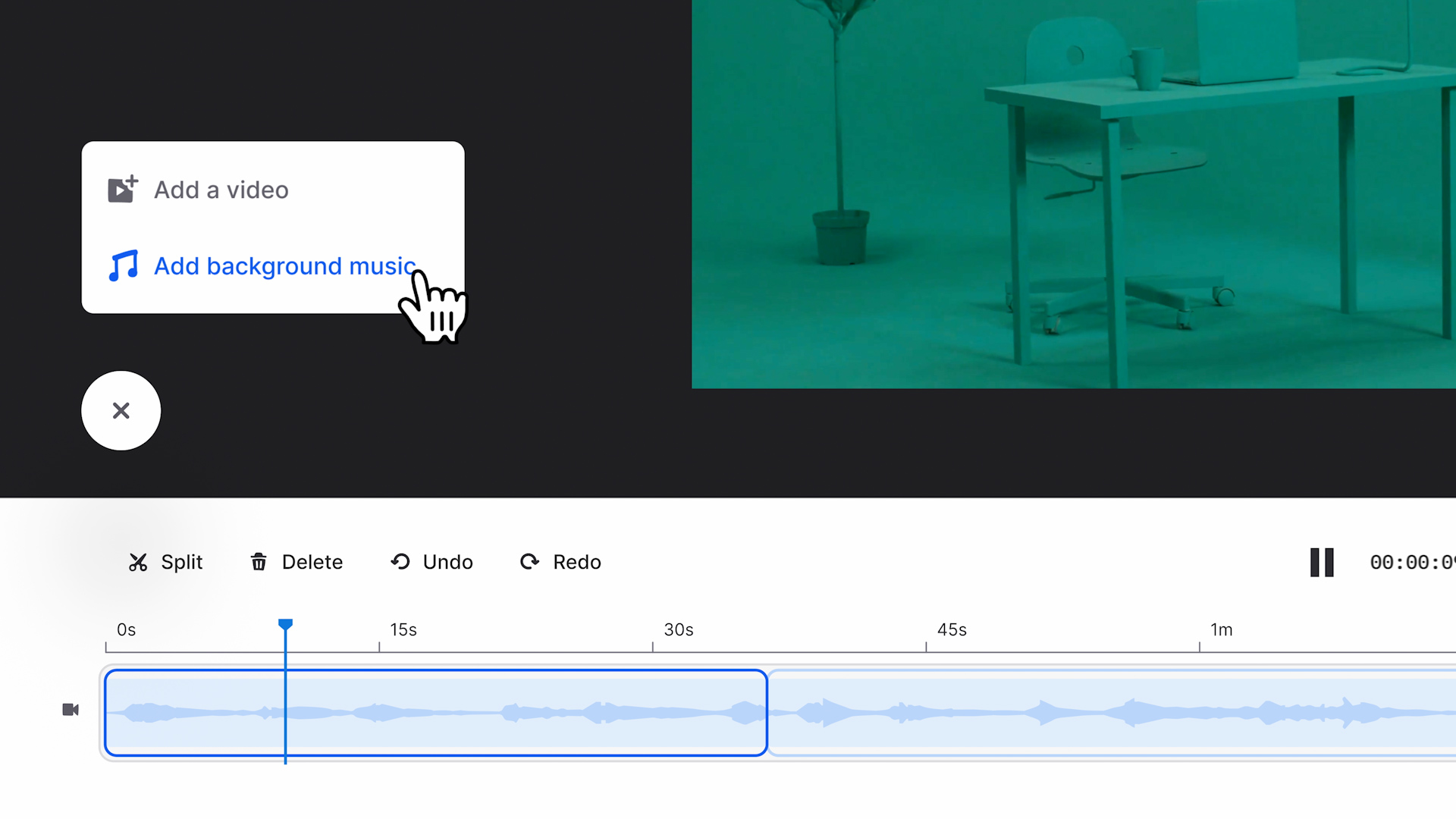
- Introducing Background Music Powered by Smart Tracks
Add background music to your videos right in our editor!
- Wistia’s Partner Program: How to Get Started Today
We’ve launched a new Wistia Partner Program to get your fellow marketers into the video marketing game — and make ...
- Meet the New Screen and Webcam Recorder in Wistia
Create high-quality video recordings by yourself with the new screen and webcam recorder, right in Wistia.
- Wistia + Zoom Integration: All Your Videos in One Place
The Wistia + Zoom integration will help you zoom right into a more organized and streamlined video recording workflow.
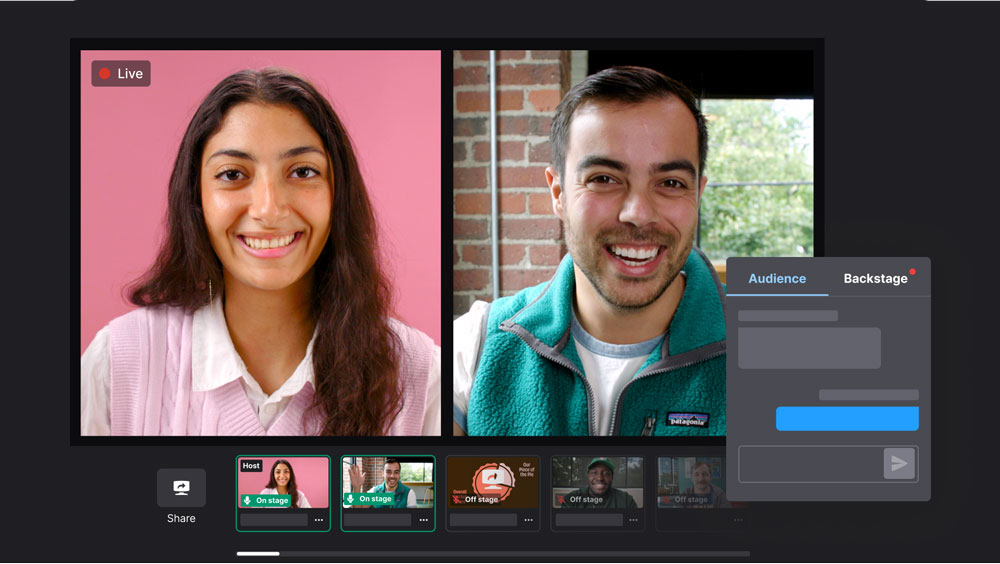
- Meet Wistia's Webinar Software: A New Way to Webinar
Build a registration page, go live, and repurpose the recording — all without leaving the video platform you already use.
- Introducing Wistia’s New Video Editing Feature! ✂️
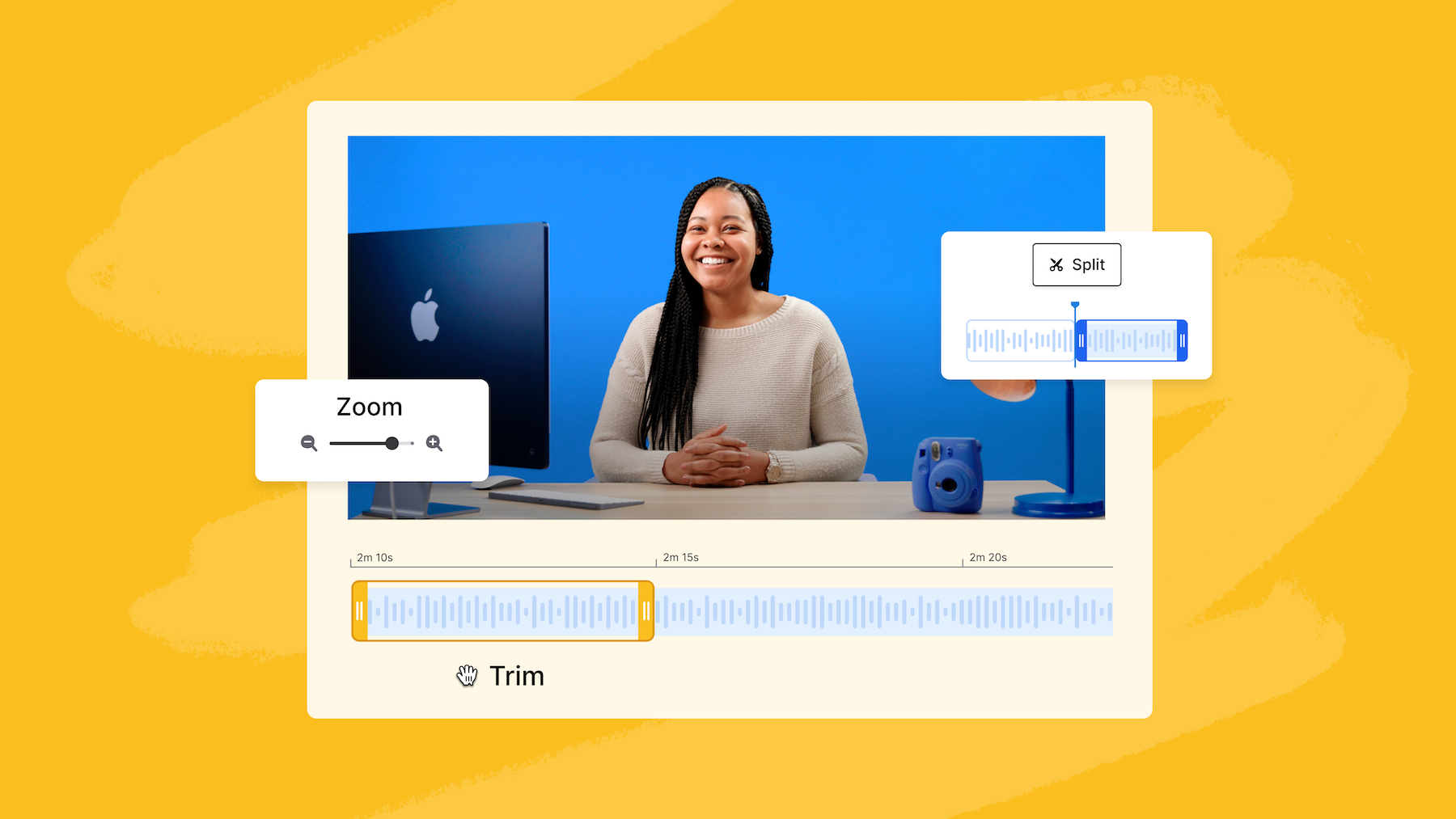
Take editing matters into your own hands with the ability to make quick trims, create short clips, and more.
- From Editing to Amplifying: Meet the Seamless Wistia x Descript Integration
We're excited to announce our integration with Descript, a super powerful all-in-one video and audio editing platform. Check it out!
- Make Video Marketing Easier With the New Wistia Media Bridge Integration for HubSpot
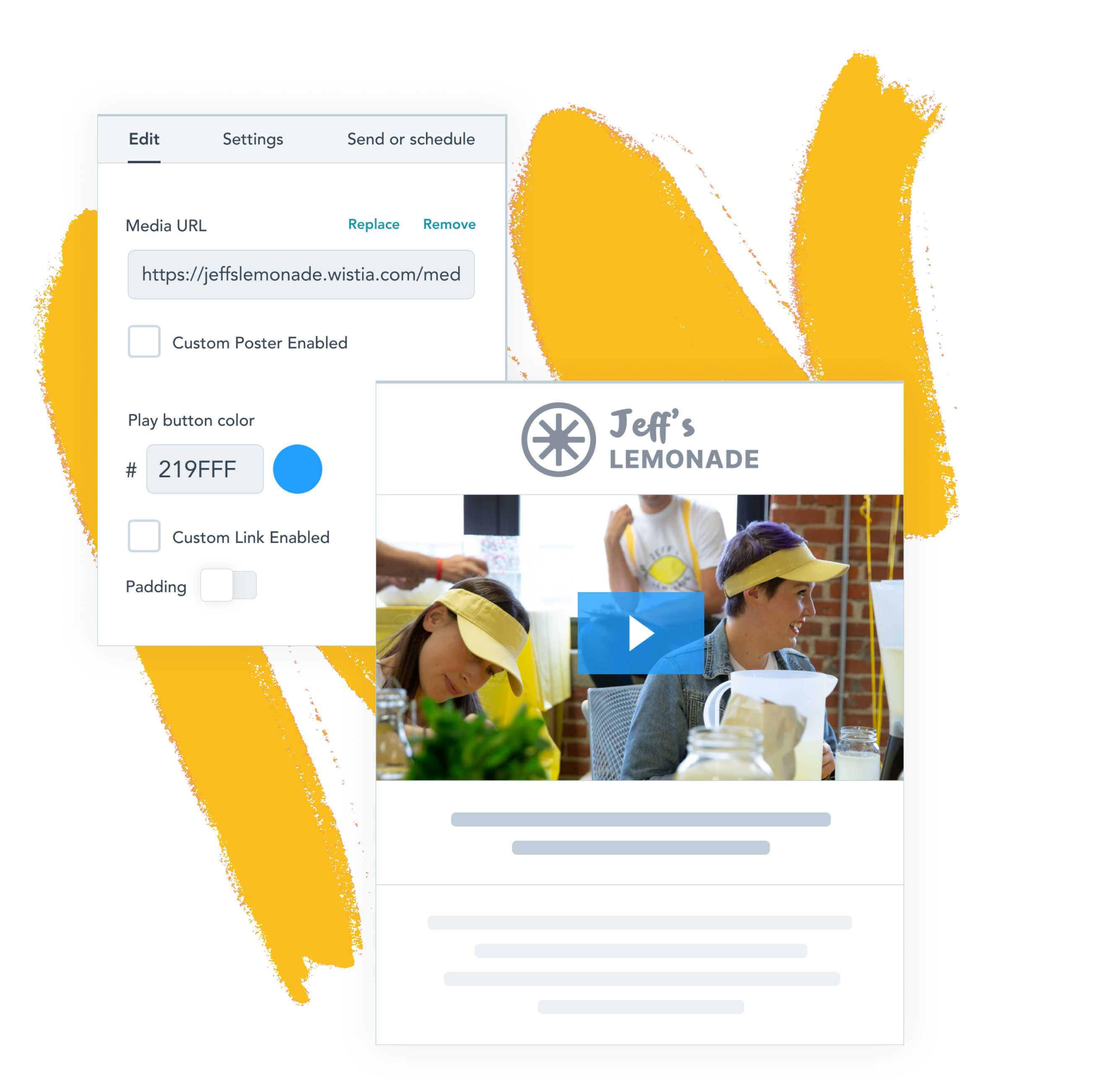
It's never been easier to make your webpages and emails shine with video content. Explore the new Wistia Media Bridge ...
- Wistia’s Video Player Just Got More Accessible
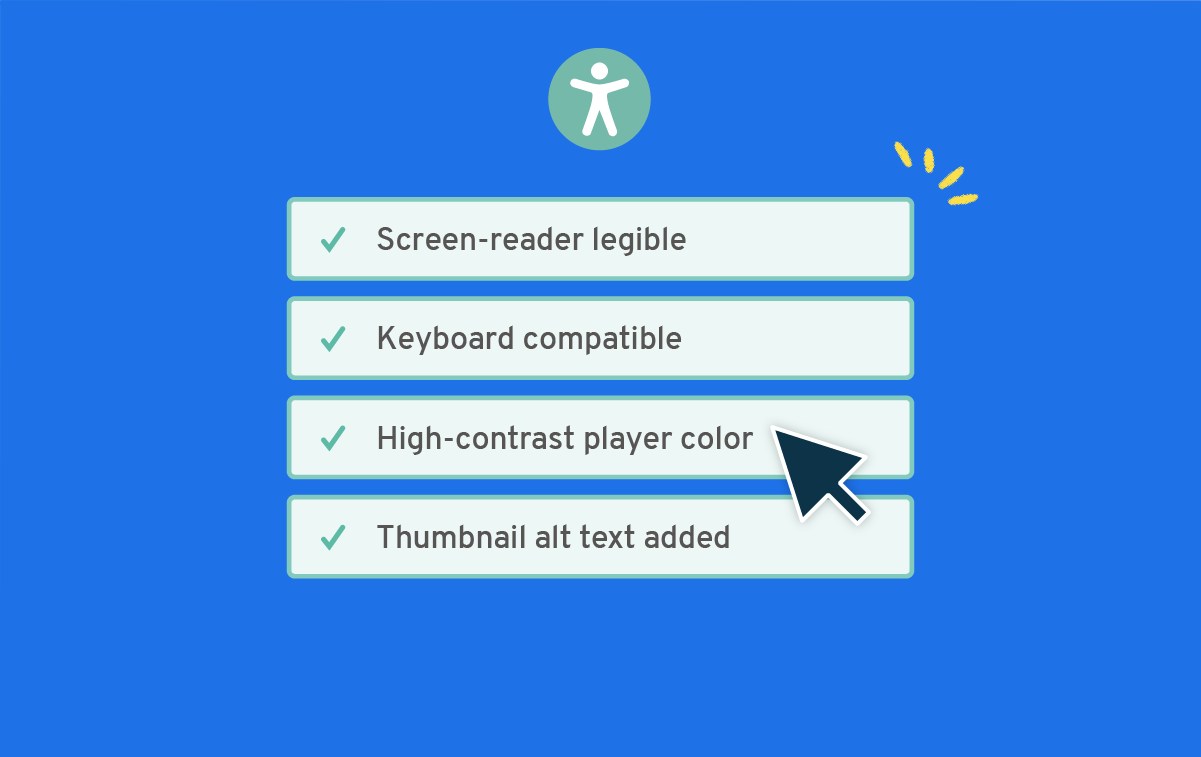
These new updates to our player and app will help you make your videos more accessible for everyone.
- Introducing Publish to Social: Share Your Wistia Videos on Facebook and YouTube
Publish and share videos from your Wistia account directly on some of your favorite social networks.
- Introducing Wistia’s Newest Feature: Privacy Mode
You shouldn’t have to choose between your viewers' privacy and collecting meaningful data about how your videos are performing.
- Introducing the Wistia-Intercom Integration
Communicate better with your customers and gain insight into what’s important to them.
- Video Playback in Email? Comin’ Right Up!
We built a feature to allow for inline video playback in Apple Mail, and Brendan dressed up as a mailman ...
Mailing list sign-up form
We deliver!
Sign up for email updates