

The video editor you just talk to.
Free to start, no credit card required.
From raw footage to finished video in three steps.
Remix is an agentic video editor. You direct; it does the editing.
Bring your footage
Drop in a recording, a podcast, a pile of b-roll, or paste a YouTube link. One source or many — Remix works with what you already have.
Describe what you want
Just talk to it. Say “cut this into a 90-second recap” or “pull the best customer moments.” No timeline to babysit, no exports to wrangle.
Get a polished cut
Remix edits a real, multi-source video — not just clips. Tweak it by chat, open it in the editor, or publish and share in a click.
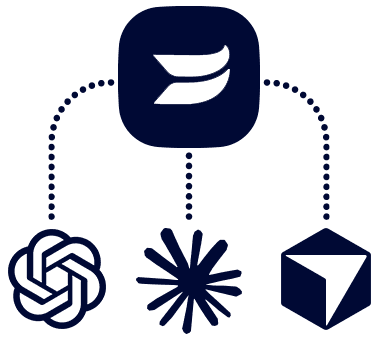
Wistia MCP
Repurpose your content directly from your agent
Now you can create a highlight reel from your webinar, generate social clips from your podcast directly in the AI tools you already use, like Claude, ChatGPT, or Cursor. Connect Wistia in minutes to get started.
Learn moreEditing is a conversation now.
Ask for a tighter cut, a punchier hook, captions, or a whole new angle. Remix understands what is on screen and what is said, so it keeps up — and you stay in the director’s chair.
You: Turn this 48-min webinar into a 60-second highlight reel.
Remix: On it. Pulling the strongest moments and the best hook…
Remix: Done — a 58s cut with captions. Want it punchier?
You: Yes, and add a title card.
Remix: Added. Here is your polished recap, ready to share.
See Remix in action.
Raw footage in, finished video out.
Not a clip generator. A real editor.
Multi-source editing
Combine many clips into one cohesive story, not a pile of fragments.
It watches and listens
Remix understands what is on screen and what is said — scenes, speakers, and moments.
Drive it by chat
Refine in plain language. Ask for a tighter cut, a different vibe, captions, or a hook.
Or drive it with your agent
Point your own agent at Remix and let it produce video on autopilot.
Remix can handle it all.
Every one of these is a starting point — tweak it once you’re in.
Stop babysitting the timeline.
Free to start, no credit card required.