Wistia’s MCP server
How the Wistia MCP server works

One agent, your whole video workflow
Wistia’s MCP connects to our all-in-one platform, so your agent can create, analyze, organize, and publish from a single connection. Other video MCPs only cover one piece of the job, like editing or creating, but with Wistia you can power up your entire video and webinar workflow.
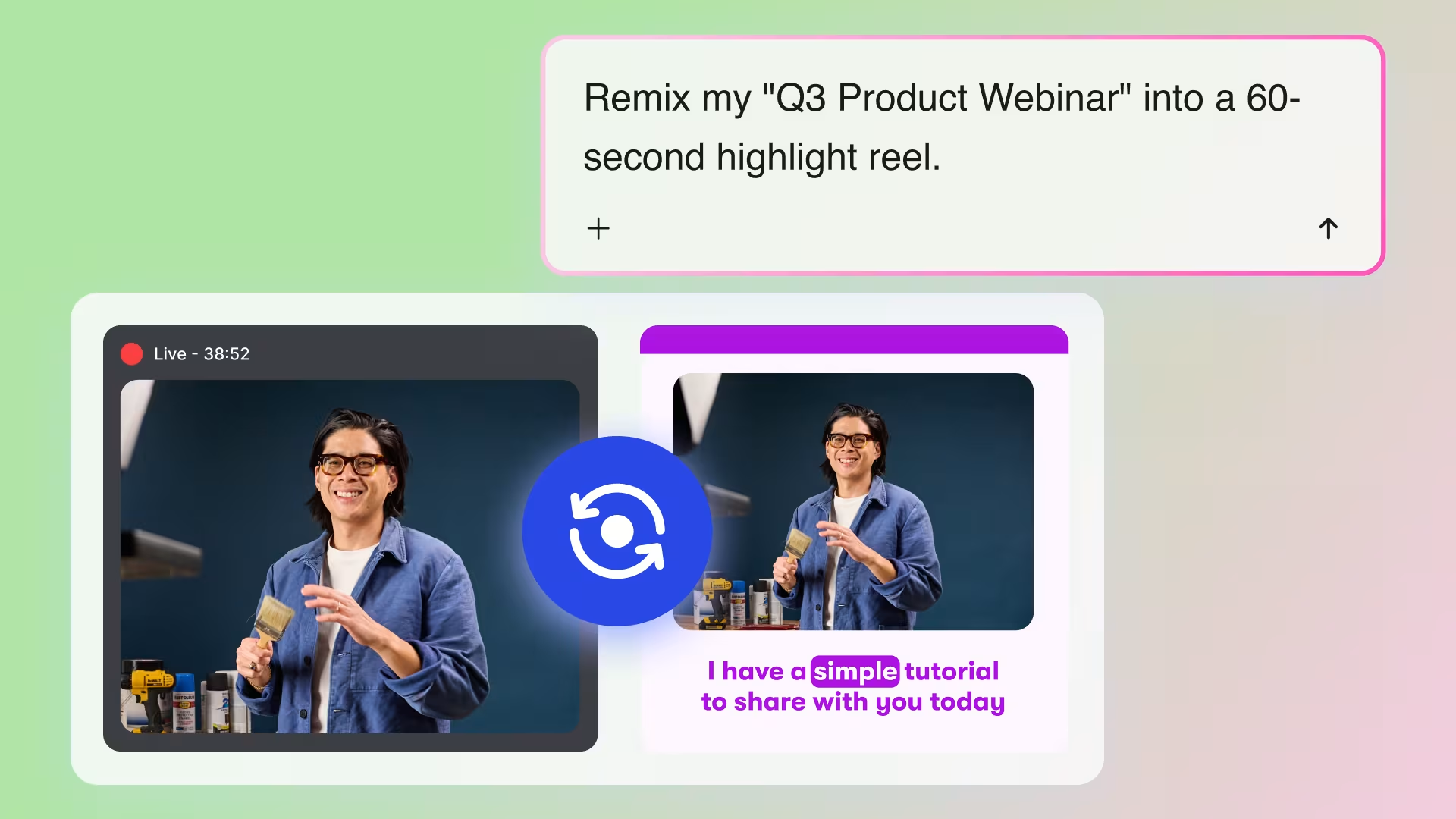
Repurpose videos into clips in one prompt
Prompt your agent to use Wistia’s Remix feature to extend the life of your content with new clips, highlight reels, and cutdowns — all with a simple prompt. Turn a webinar recording into a highlight reel and a set of ready-to-share social clips, or transform a thought leadership piece into clips for your next lead gen email.
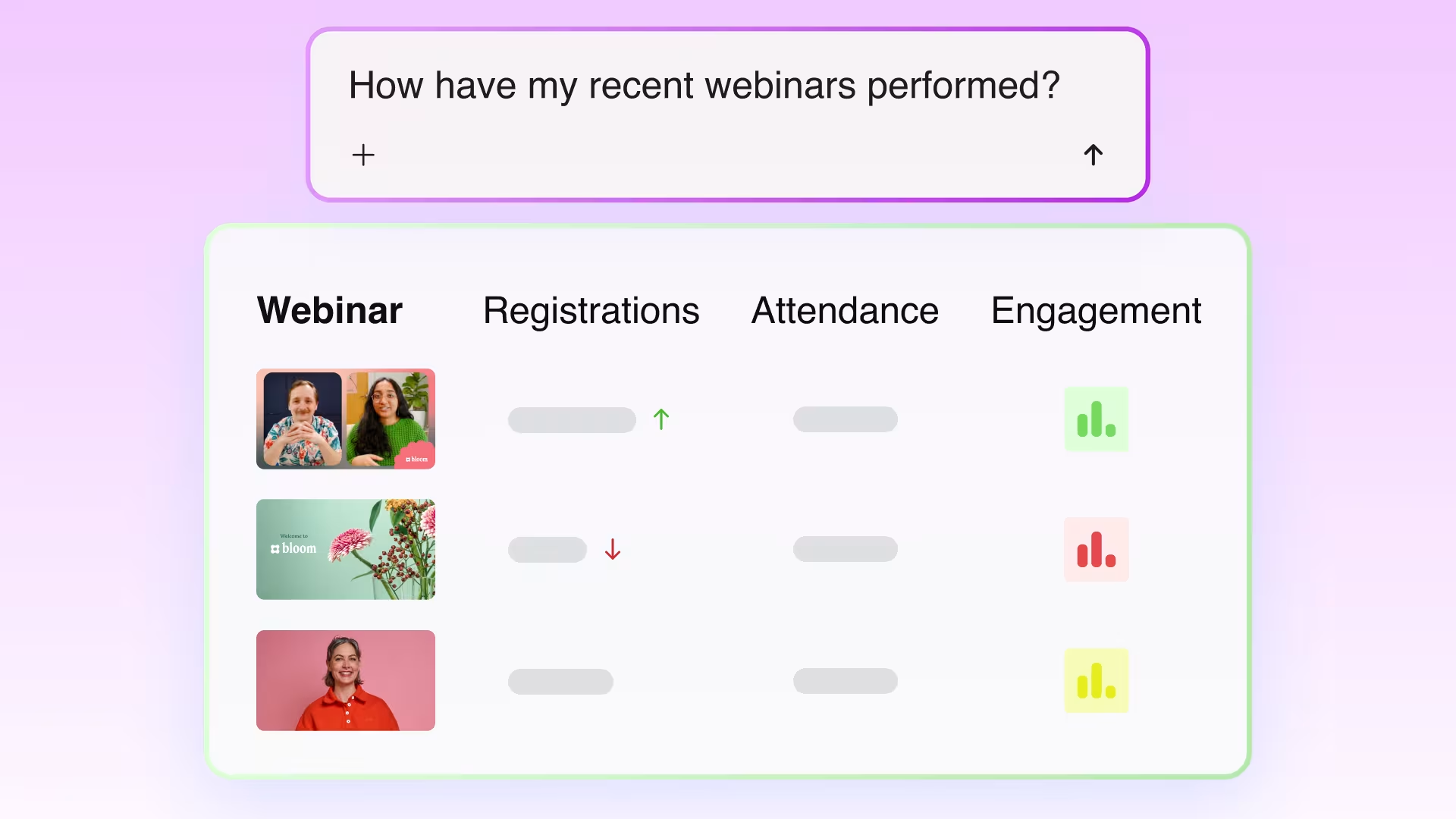
Get performance reports without digging through dashboards
Ask your agent for engagement, play rate, and embed location data across a folder, a channel, or your whole library, then turn it into a report that runs on a schedule. Dive deeper into trends and comparative performance, without having to click around the dashboard — all you have to do is ask.
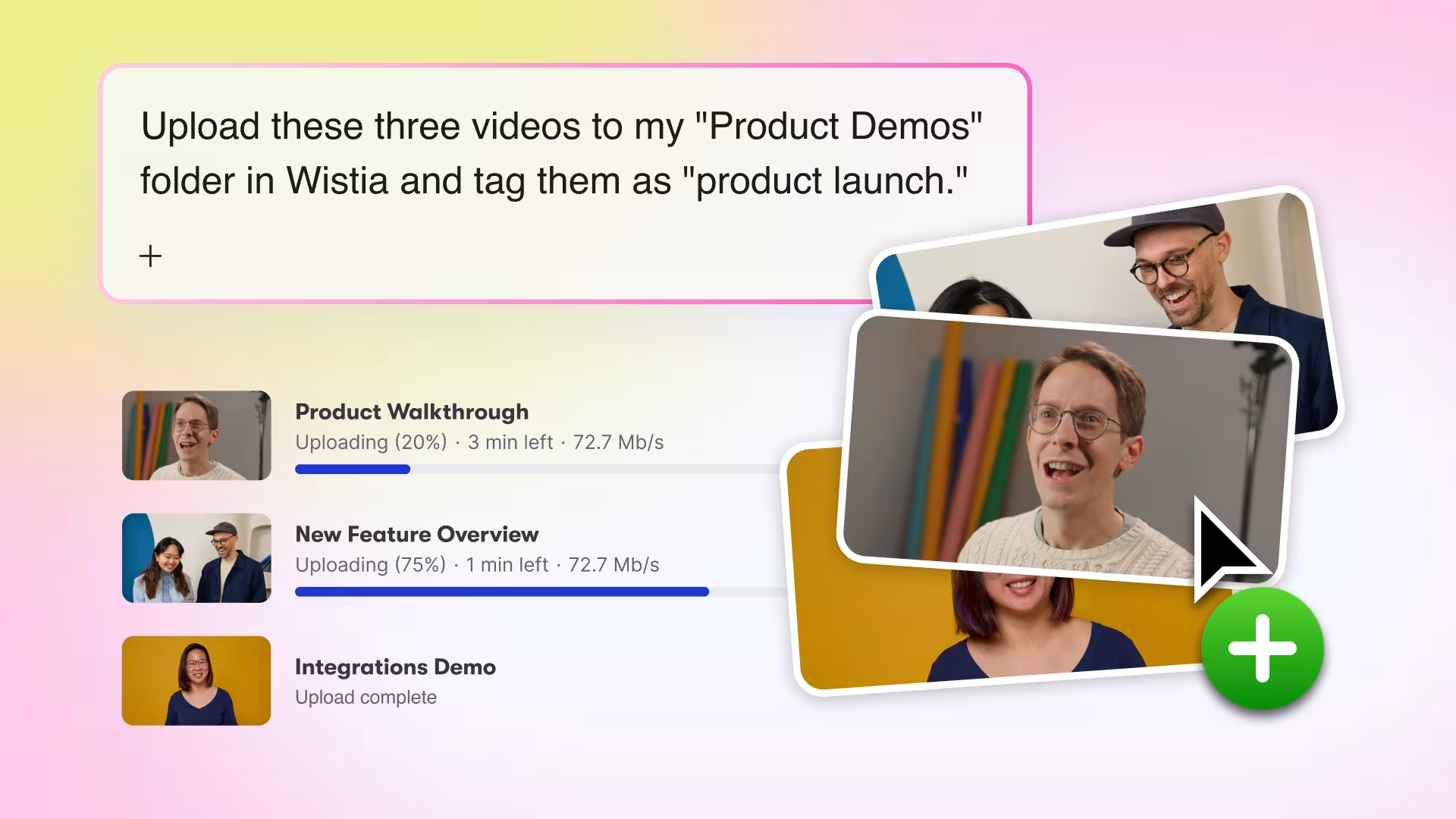
Manage and organize your library at scale
Stop dreading those tedious organization tasks, like updating file names, correcting dates, or changing the metadata. Now you can do it all with a seamless prompt in your agent of choice, and all you have to do is review and approve. Everything from re-organizing your folders to adding metadata and even setting up tags based on performance is doable in minutes instead of hours.
Data shared with your agent via the MCP
With Wistia’s MCP server, you’re in control. You can determine what information your agent has access to and what permission it has within your account. By default, your account is set to always get approval for any actions, big or small. To modify your settings, just go to the Wistia connection in your agent and select what always has permission, what needs approval, and what actions are blocked.
Your Wistia account →Claude, ChatGPT, Cursor, and more
Give your AI agent secure access to create, organize, and report on your video content.
- Video & webinar content
- Create, upload, remix, organize, edit, and customize content
- Engagement & performance data
- Reports, comparisons, scheduled updates
Available for
- Webinars
- Channels
- Video