VIDEO MANAGEMENT SOFTWARE
A video library for the modern marketer
Speedy imports, bulk updates, and search—with AI built in.
Trusted by over 440,000 customers
Importing made easy
Four ways to get content into your account stat.
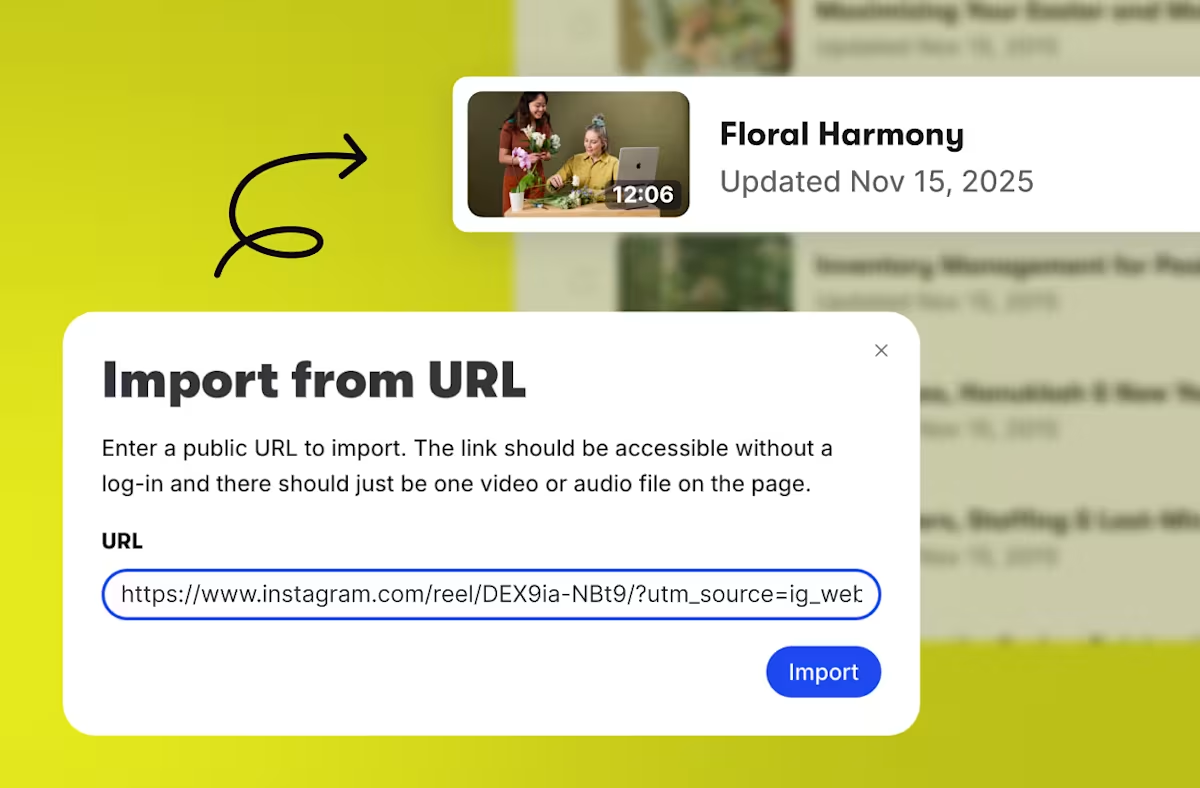
Import from URL
Get a video from a webpage just by copying and pasting the link.
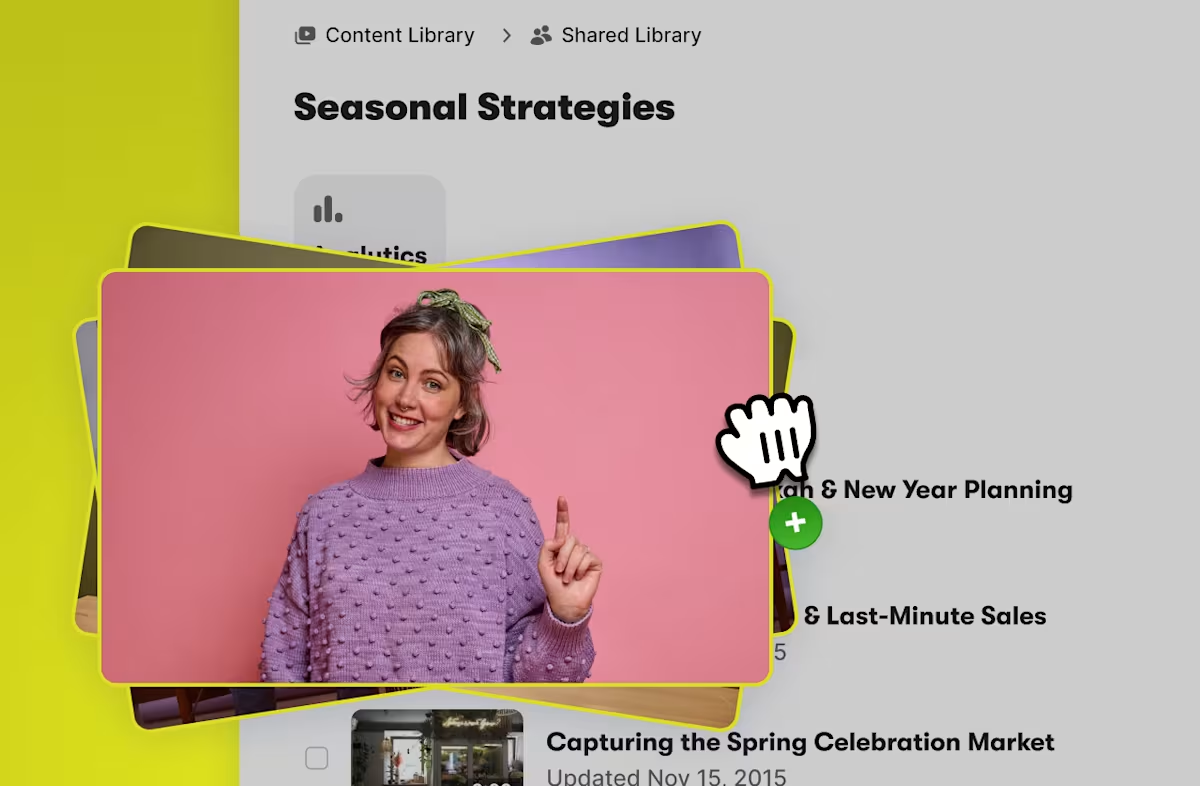
Drag & drop
Upload content from your desktop with a swipe of your cursor.

Import from Google Drive & Zoom
Wistia connects to both, so you can pull in files straight from our app.
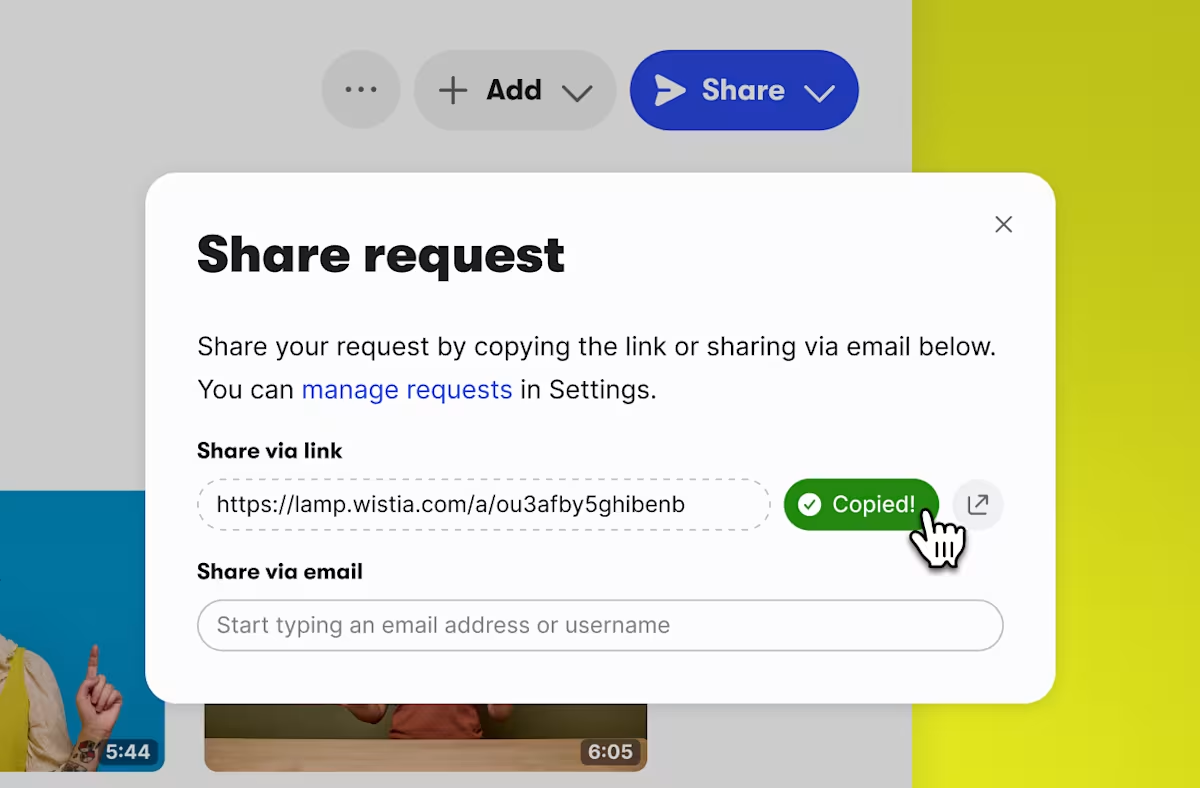
Request a video
Collect uncompressed footage with a customizable link.
Organization, your way
Structure that’s designed for how you work.
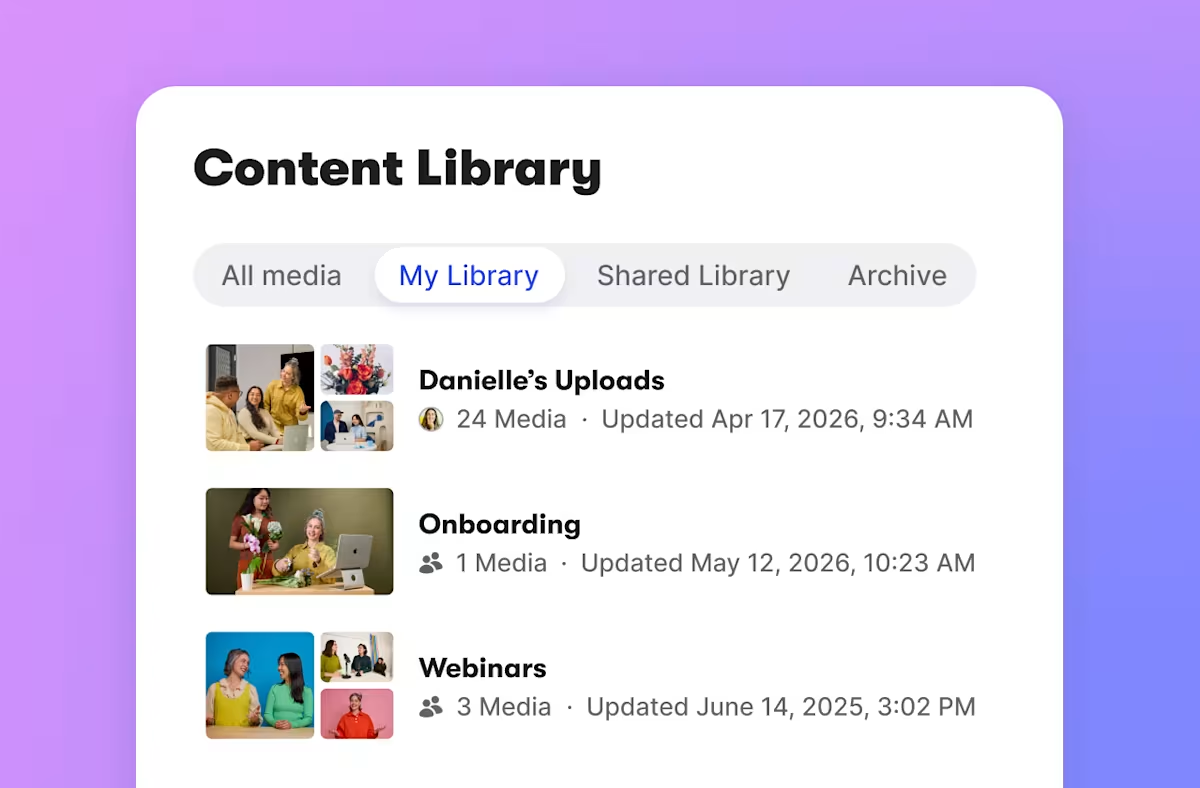
My Library
Your team members’ personal space to record, upload, edit, and organize videos before sharing.
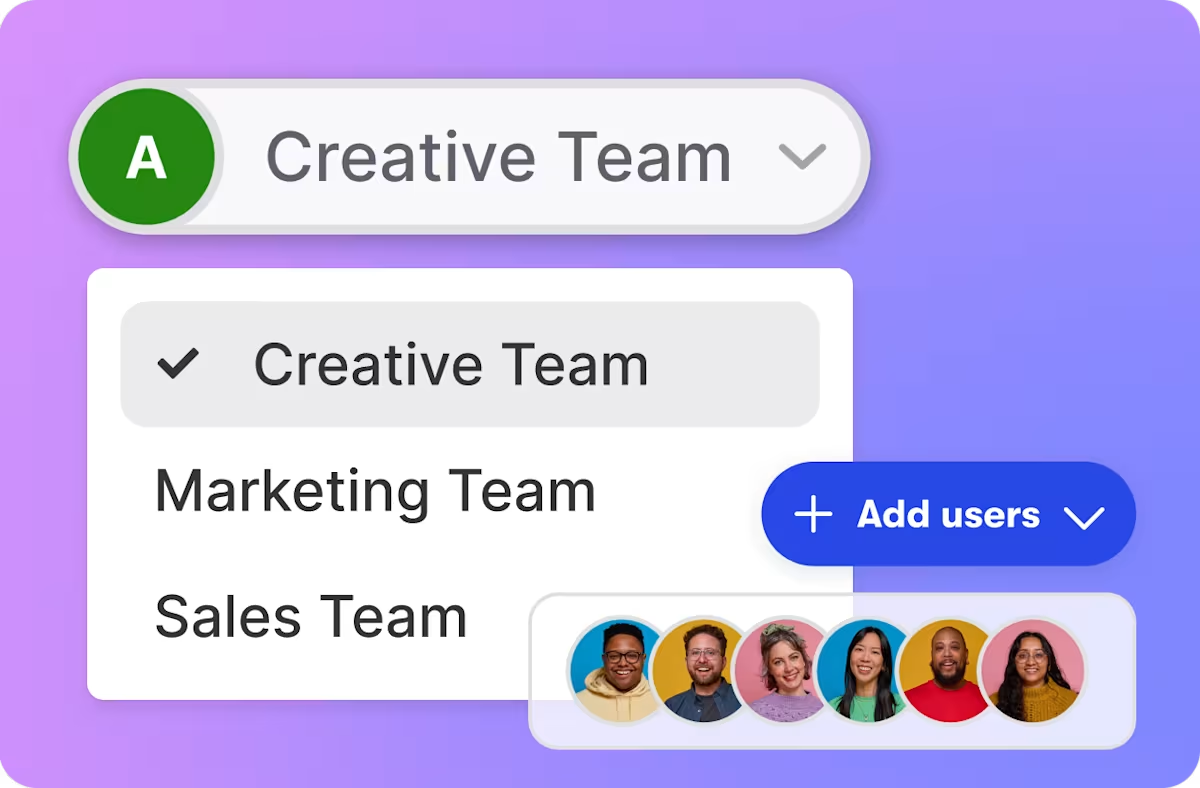
Team Accounts
Manage videos and webinars across multiple brands, client portfolios, or business entities from one primary account.
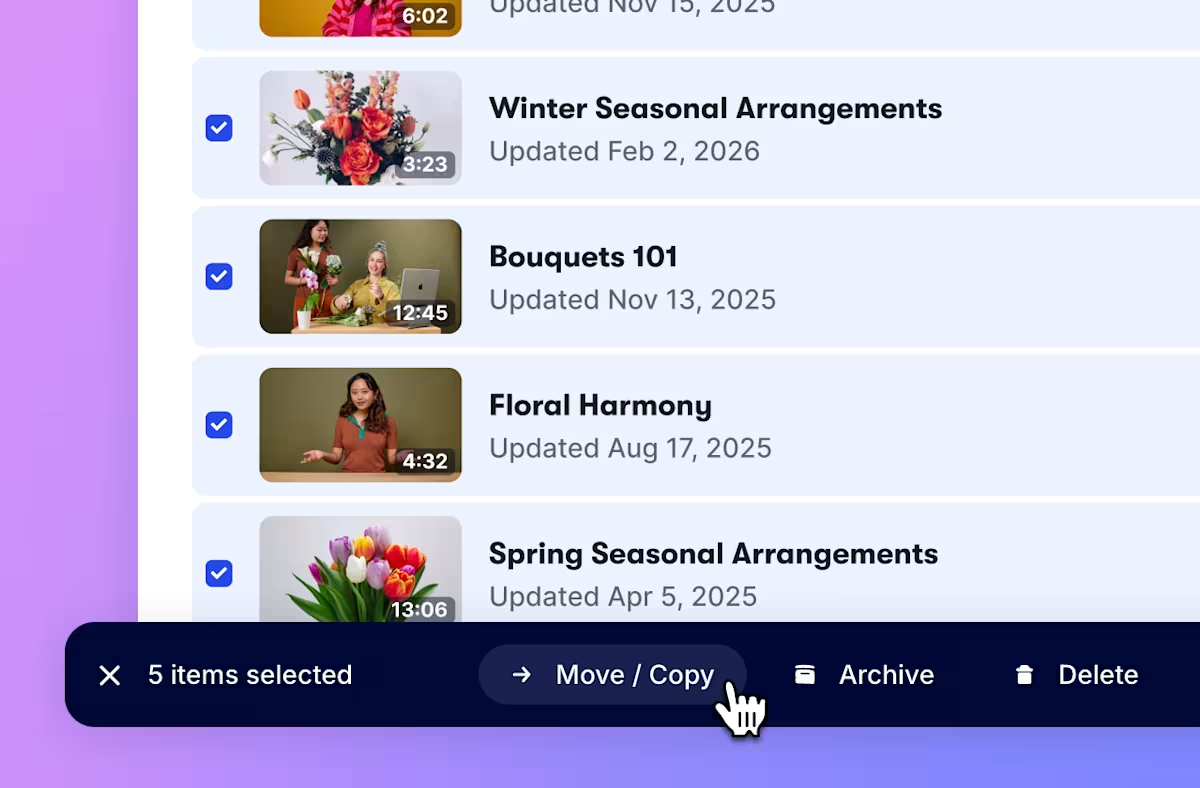
Bulk actions
Move, copy, archive, delete, and tag whole sets of videos at once. Even add them to a Wistia Channel in three clicks.
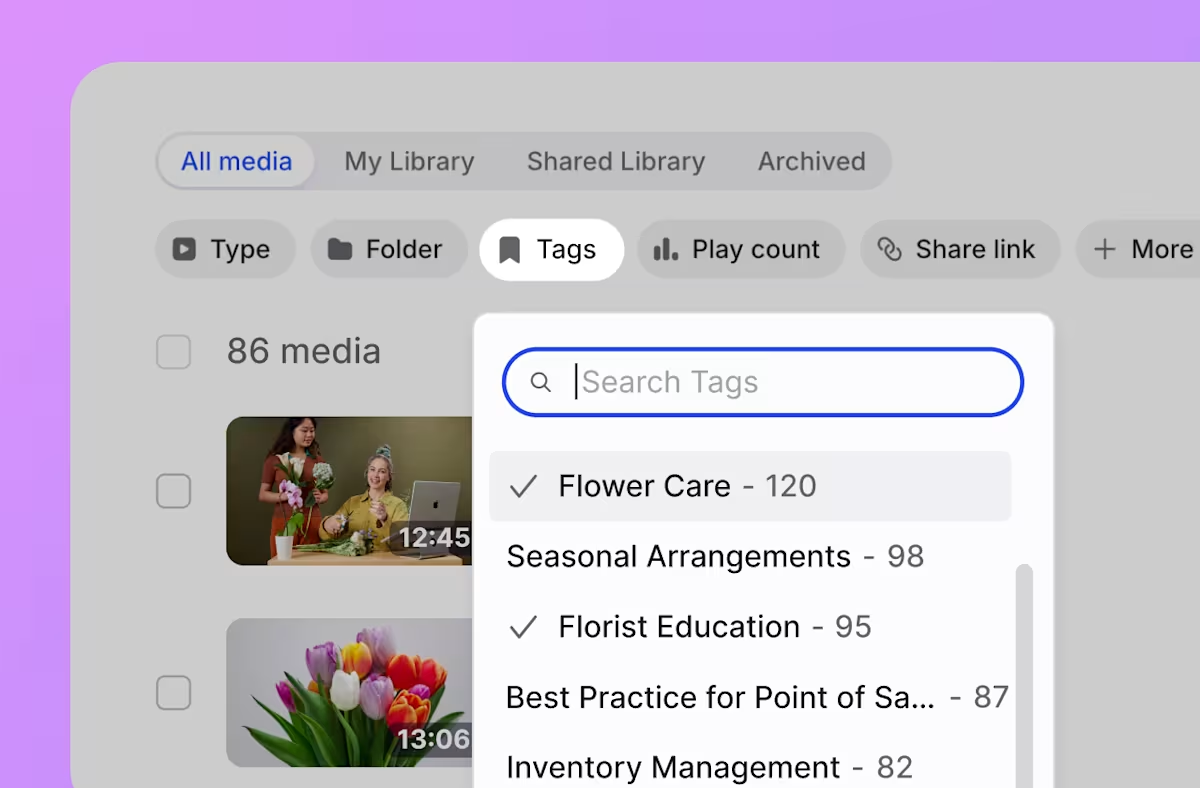
Tagging
Stop chasing down those videos. Custom tags help you find the important stuff fast.
Give our video management system a whirl
Start a free trial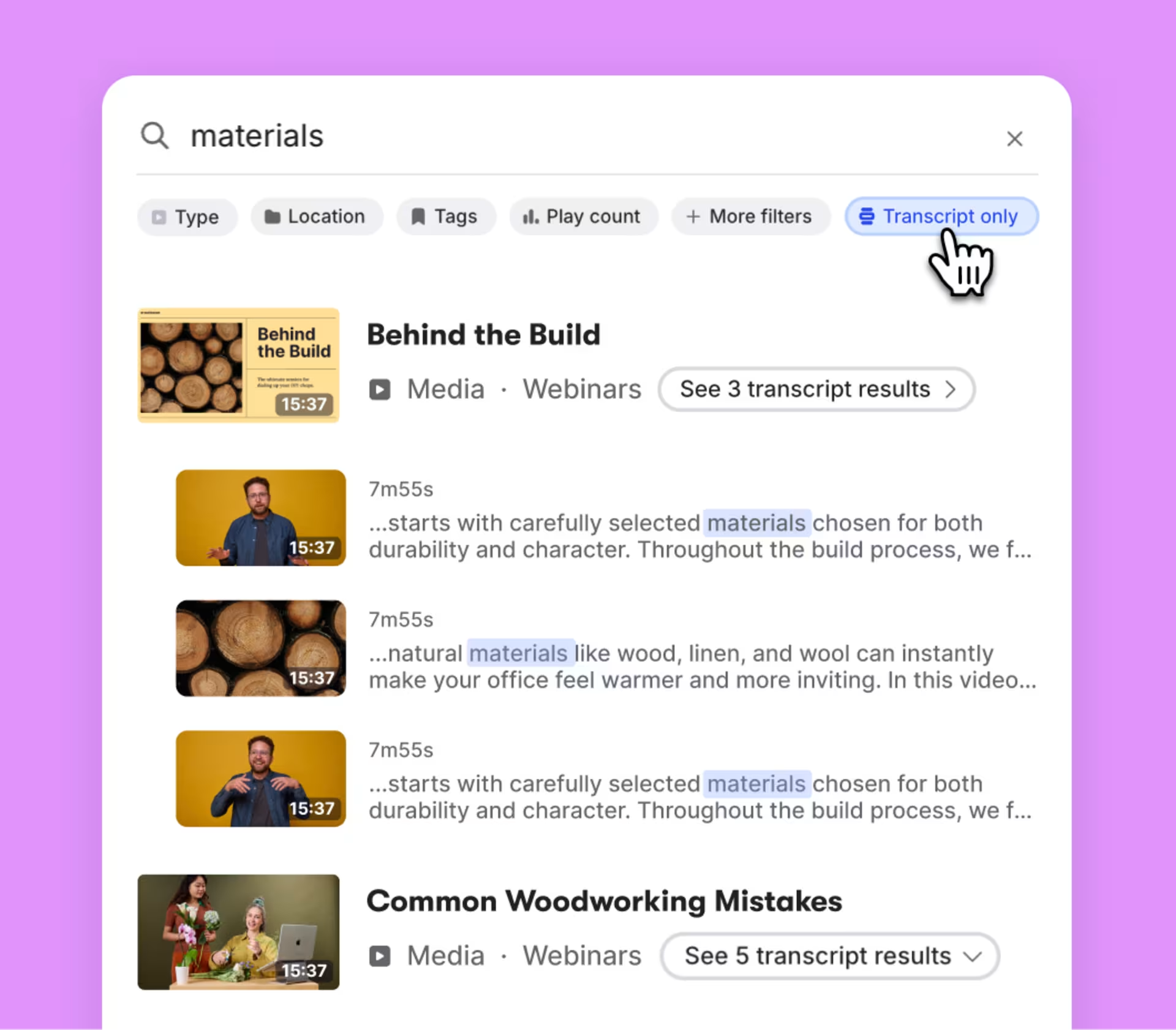
Search smarter, not harder
Search by what was said in the transcript. Drill down with filters like content type, creator, and length. Sort folders alphabetically, by date, or in your own custom order.
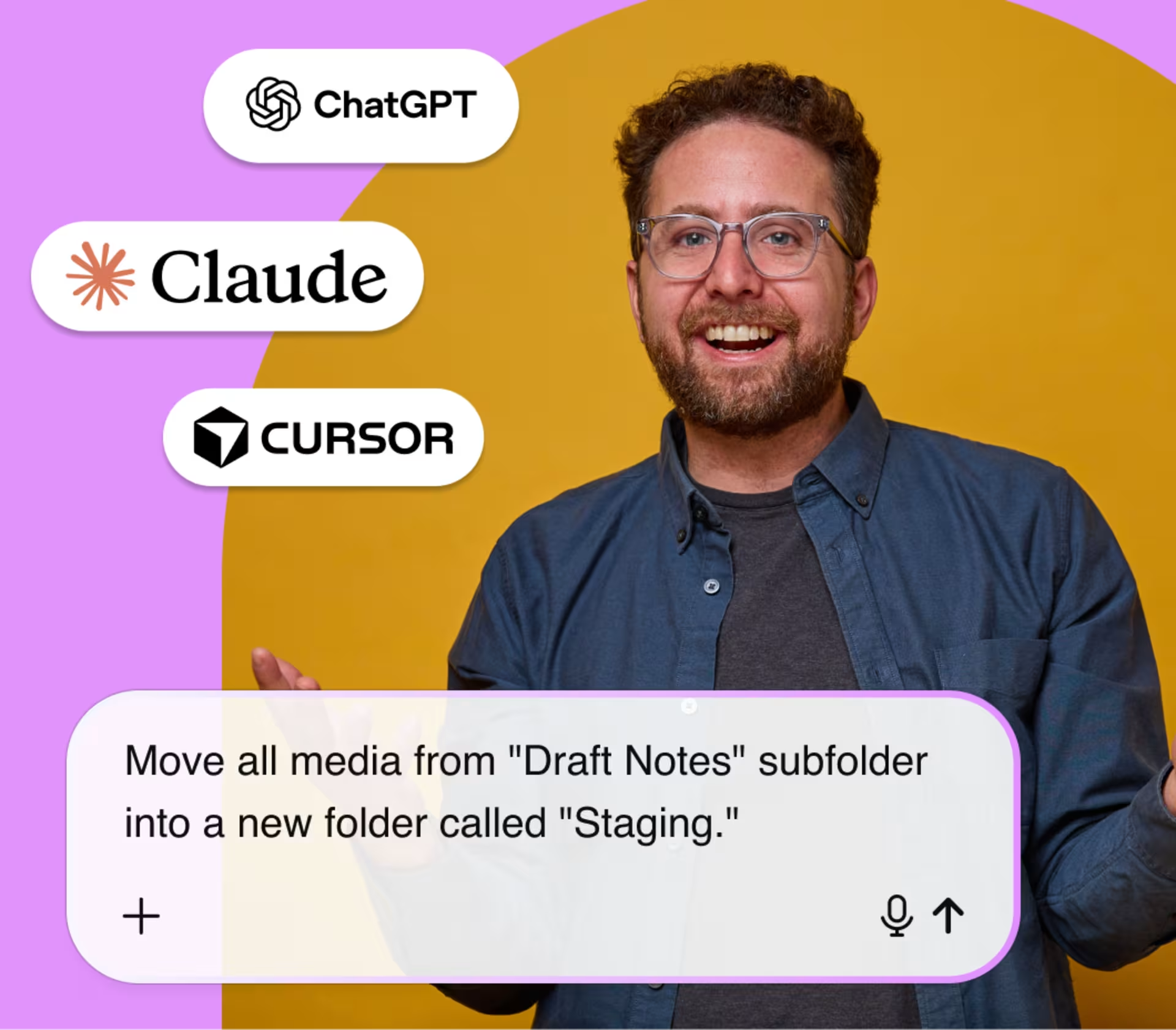
Work out of Claude, Cursor, or ChatGPT
With Wistia’s MCP server, you can find videos, make bulk updates, manage access, and pull performance with a quick prompt in Claude, Cursor, or ChatGPT.
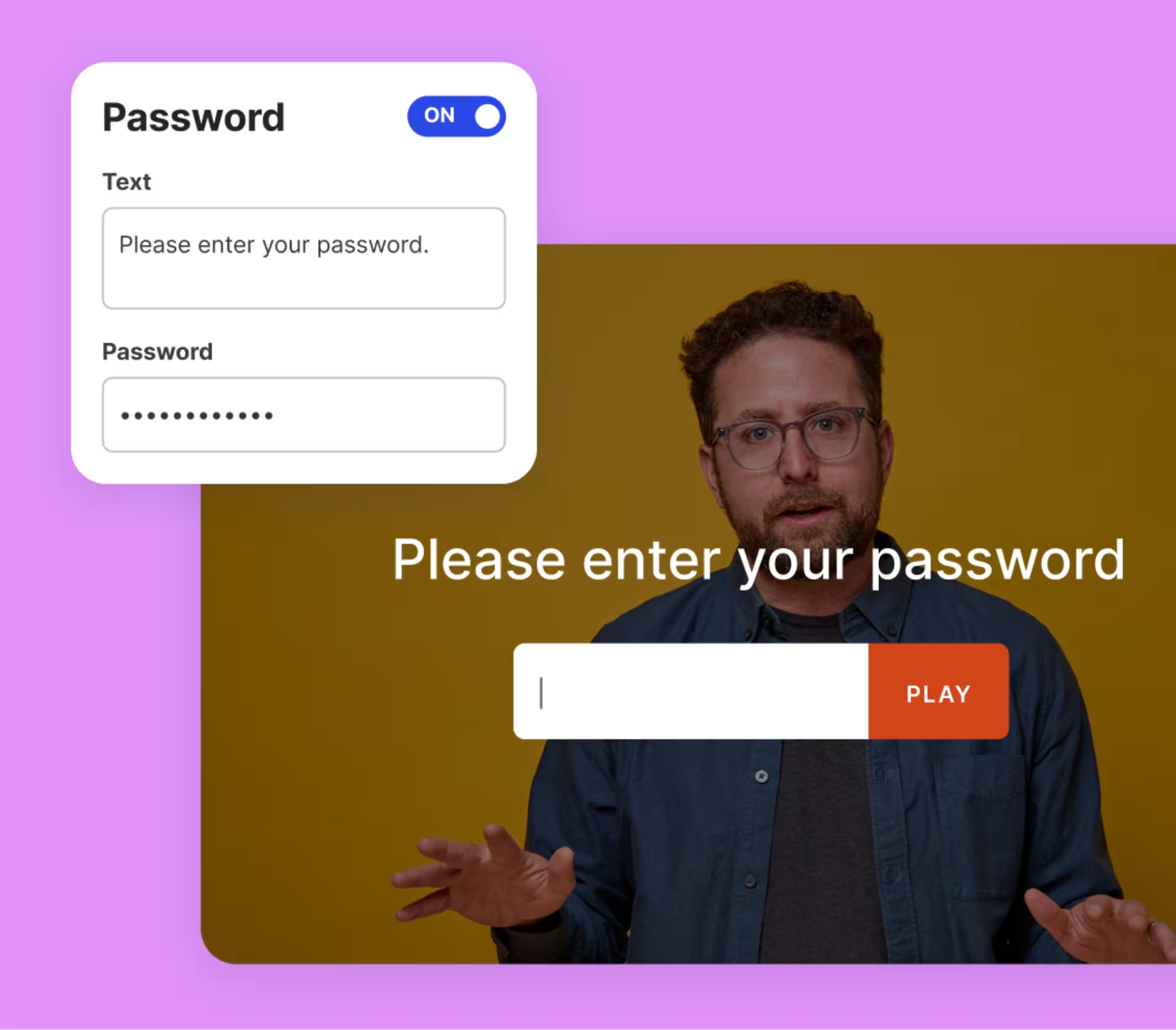
Totally private, completely secure
Whether it's one video or an entire folder’s worth of content, we've got options that keep your media secure. Add password protection to a single video, or customize permissions for total control over who accesses and edits your library.
“A highly customizable and professional video platform”
Wistia enables us to store a massive amount of high-quality videos, facilitates easy team access, and supports efficient video sharing and downloading without compromising video quality.
Candice L. Marketing Manager
Sourced by G2
Video management is just the beginning
We’ve got all the tools you need to squeeze more juice out of your videos.
Webinars
Hosting webinars is now a piece of cake. Preferably red velvet.
Playback
We designed our player to be fast, customizable, and compatible with any browser or device.
Recording
Create super polished videos with just your laptop.
Collaboration
We’ve made getting feedback simple and fun. Really!
Embedding
Copy and paste our embed code onto your page for reliable playback on any device.
Marketing integrations
Automatically send video data to your favorite marketing tools.
Video galleries
Build an on-brand page for all your content. No coding required.
Wistia API
Build custom video experiences for your site.