Marketing automation
Automate workflows with engagement
Score leads, alert sales, and trigger campaigns when you connect Wistia to your marketing platform.

Pick your platform
Learn how Wistia integrates with your marketing automation.
See the full integrations directory



MARKETING AUTOMATION FOR VIDEO
Turn plays into pipeline
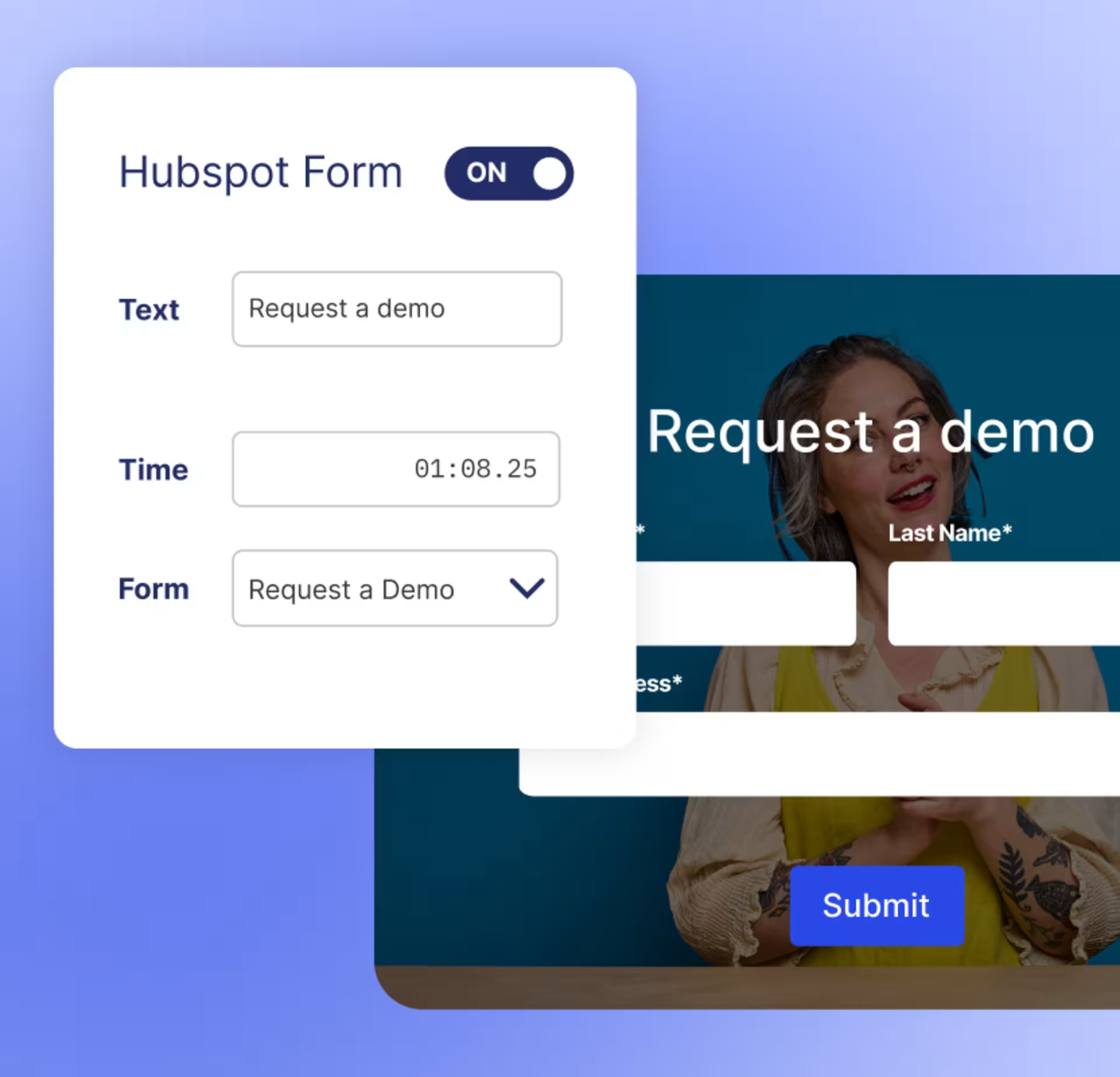
Never miss a lead
Add Wistia's form to your videos, or pull one in from your marketing platform. Every form-fill becomes rich contact data.
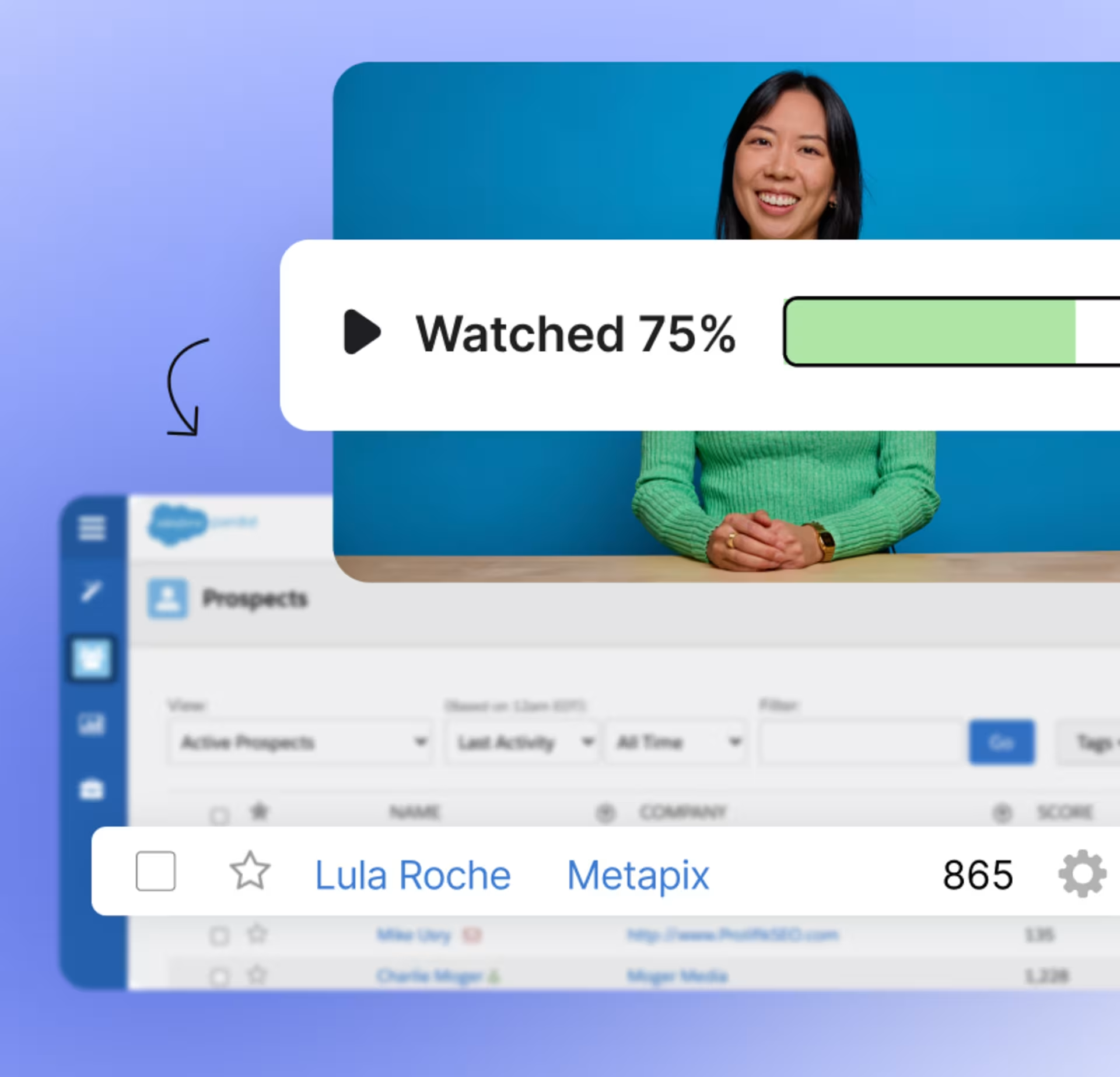
Signals worth scoring
Turn engagement signals like 'watched 75%' or 'clicked video CTA' into scoring inputs and triggers.
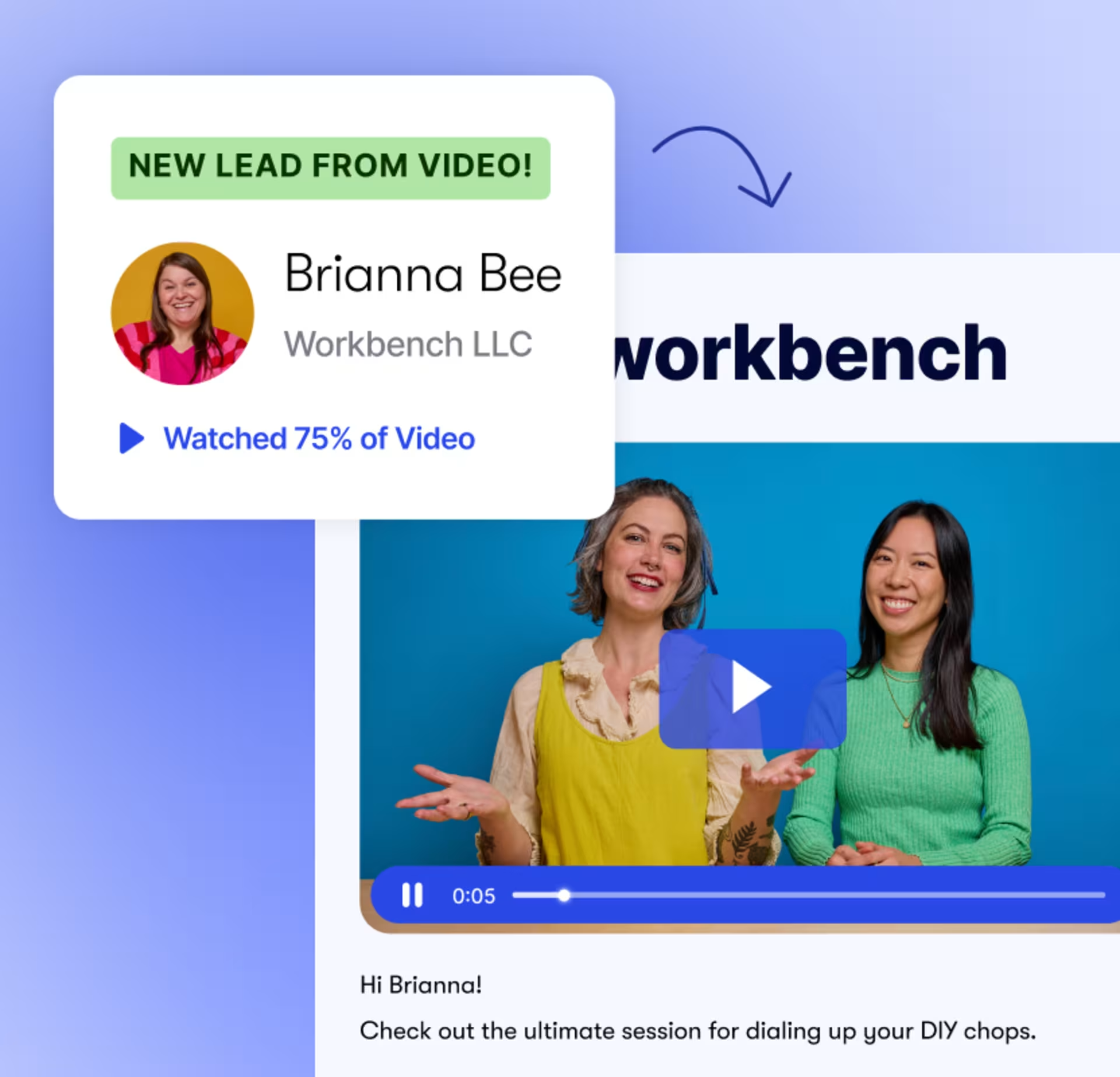
Workflows on autopilot
Engagement data automatically syncs to contact records, triggering personalized nurture flows and follow-ups.
MARKETING AUTOMATION FOR WEBINARS
Go from registration to revenue
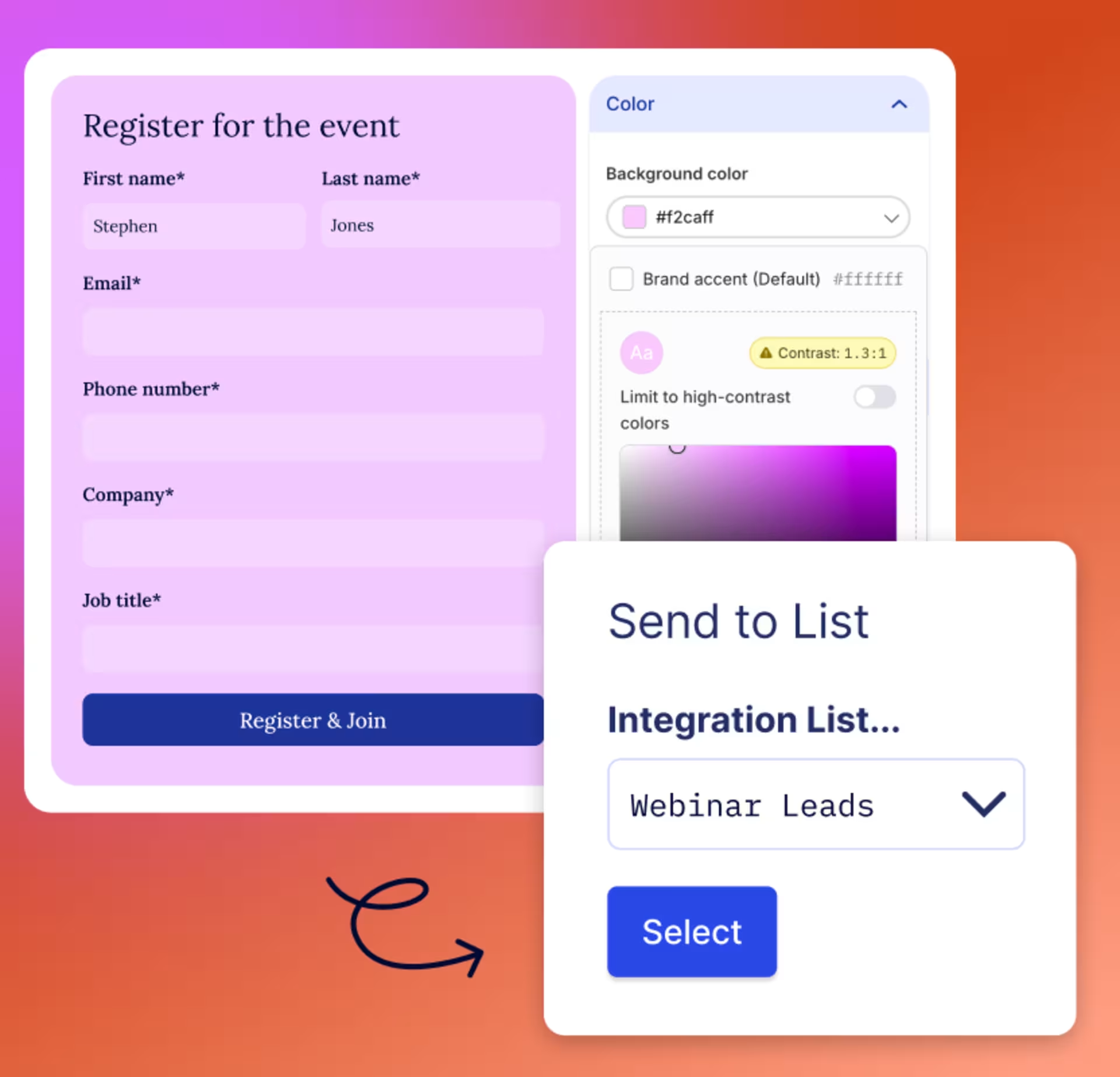
Track every registrant
Collect the information you need on a customizable registration page with your brand colors, font, and artwork.
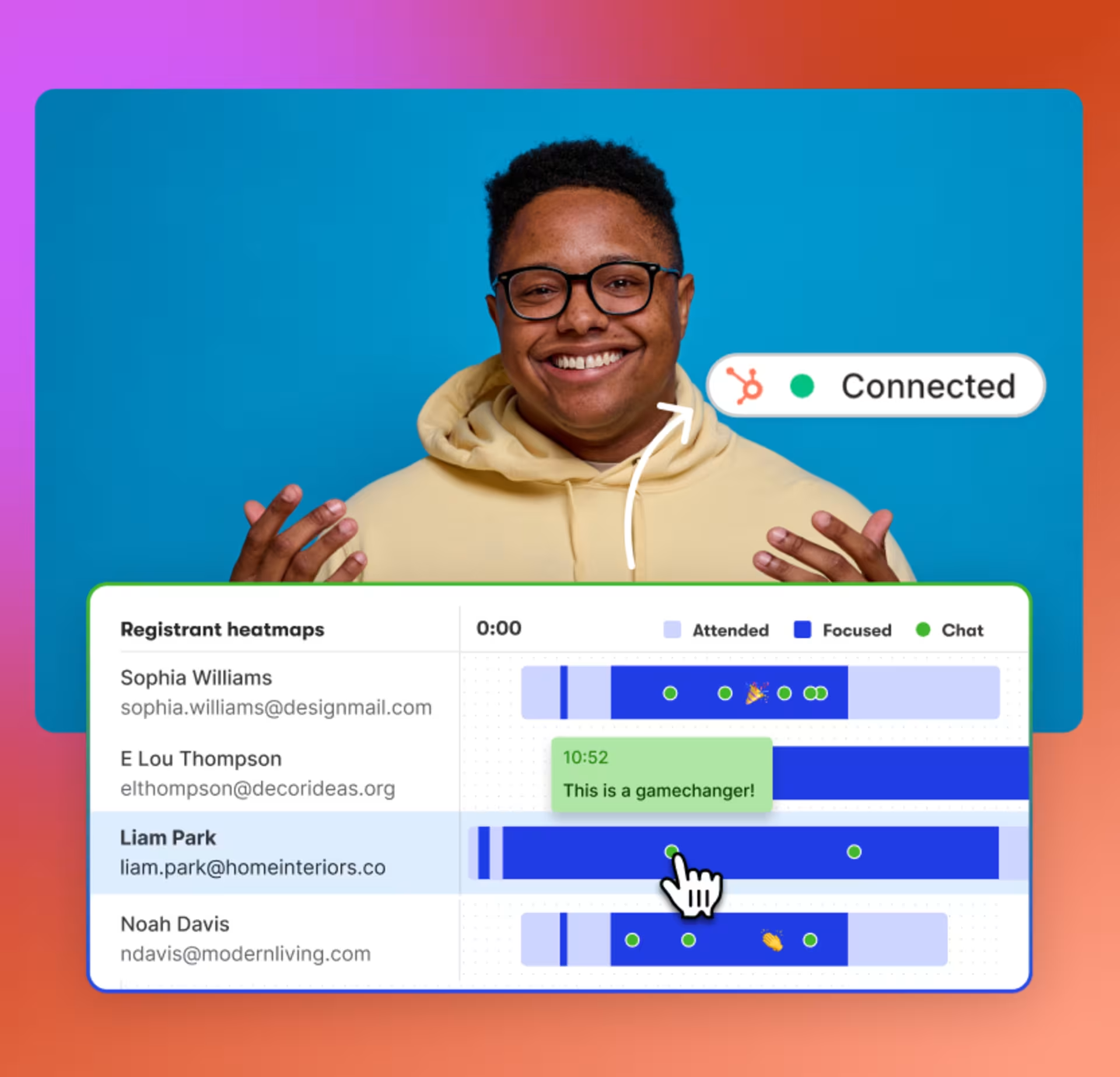
Let your data do the work
Focused attendance, drop-off points, chat activity, and poll responses all hit your automation platform in real time.
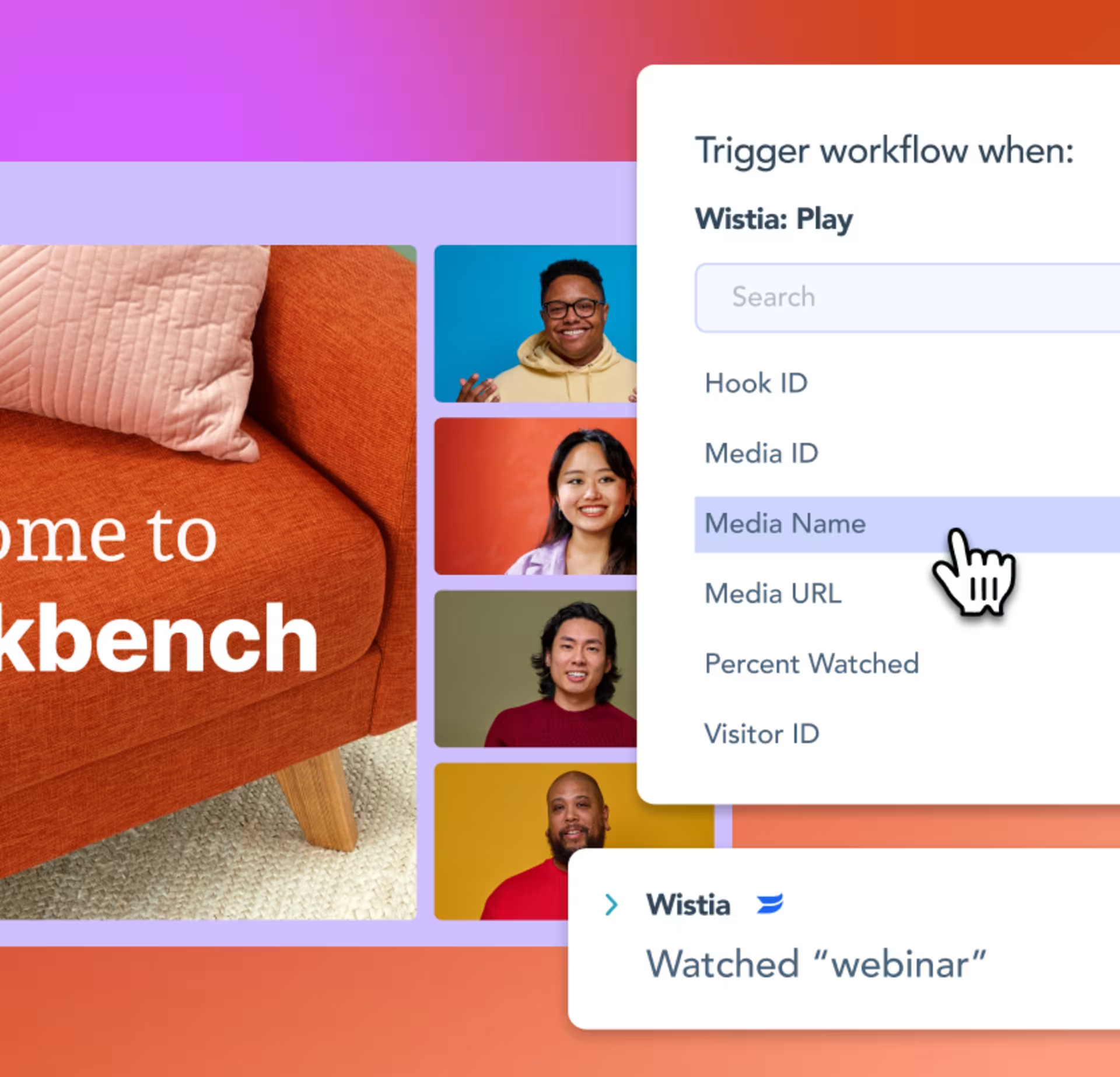
Trigger flows & outreach
Automate alerts, lead scoring, and nurture flows based on how attendees engage with your event.
Take Wistia Signals for a spin
Start a free trialSetup in 1, 2, 3
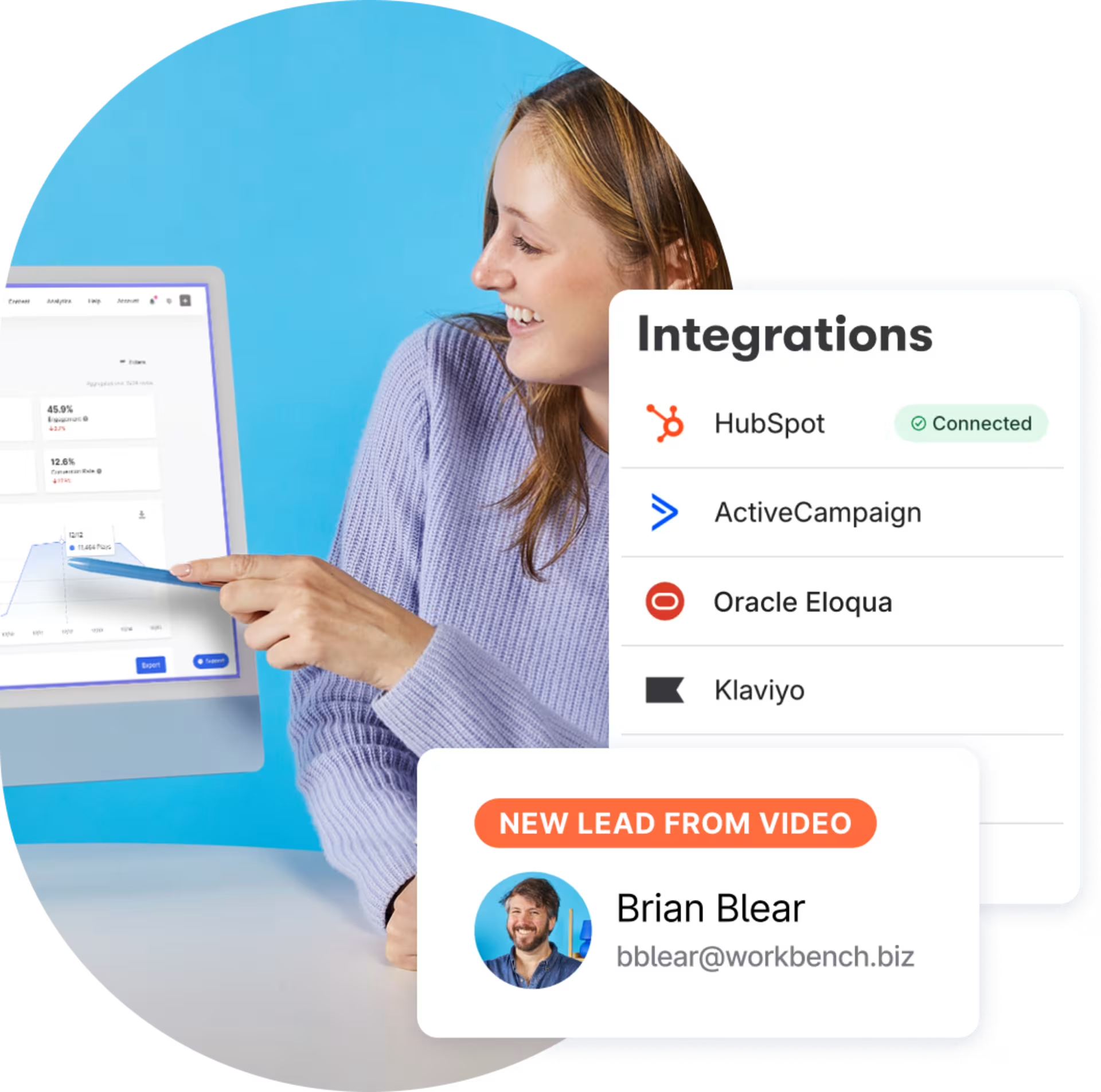
1. Connect your platform
Drop in your platform credentials and get up and running in a few clicks.
2. Sync your data
Contact info, attribution data, and engagement automatically flow from Wistia to your marketing platform.
3. Build your workflows
Score leads based on watch percentage. Segment your audience using webinar attendance. Trigger flows with play events.
“The first thing a salesperson does when assigned a lead is look at the lead's activity in HubSpot. The most helpful information is often which videos they watched, how much of each video they finished, and if they watched a video again.”
Scarlett Bush Director of Operations

Marketing automation features by plan
| Capability | Business Plan | Wistia Signals* | Webinars & Webinars Plus* |
|---|---|---|---|
| Marketing automation integration | — | ✓ | ✓ |
| Lead capture sync with customizable Wistia forms | — | ✓ | ✓ |
| Video engagement sync (% watched, heatmaps, play events) | — | ✓ | ✓ |
| Marketing automation forms for video gating | — | ✓ | ✓ |
| Engagement-driven automation workflows | — | ✓ | ✓ |
| Webinar registration sync | — | — | ✓ |
| Webinar attendance & on-demand engagement sync | — | — | ✓ |
*Wistia Business Plan required. Wistia Signals, Webinars, and Webinars Plus can be purchased as add-ons.
Video marketing automation is just the beginning
We’ve got all the tools you need to squeeze more juice out of your videos.

Management
Store, organize, find, and archive your videos in a jiffy.
Playback
We designed our player to be fast, customizable, and compatible with any browser or device.
Embedding
Copy and paste our embed code onto your page for reliable playback on any device.
Video galleries
Build an on-brand page for all your content. No coding required.
Podcasting
Upload your pod and we’ll distribute it to top directories like Apple and Spotify.
Webinars
Hosting webinars is now a piece of cake. Preferably red velvet.
Wistia forms
Capture leads with branded, in-video forms.
Video analytics
Get nerdy with key metrics, heatmaps, and A/B testing at your fingertips.
Wistia API
Build custom video experiences for your site.