Video collaboration software
Collaborate better, faster, stronger
Feedback, security, and project management in one sweet package—for less hustle and more flow.
Trusted by over 440,000 customers
Work better together
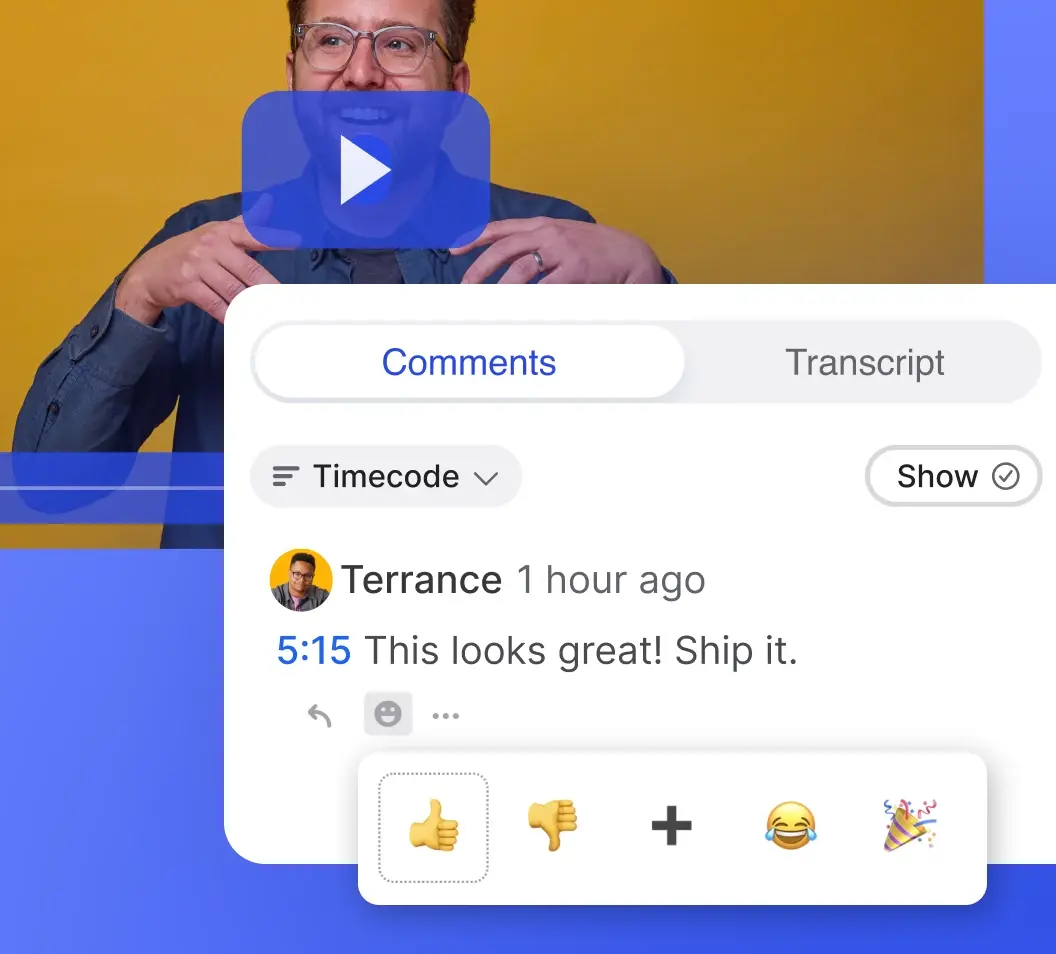
Collect on-frame feedback
Share a link to get on-frame, timestamped feedback from anyone, even if they don’t have a Wistia account. And if you're giving feedback, tag folks so they get an email notification with your notes.
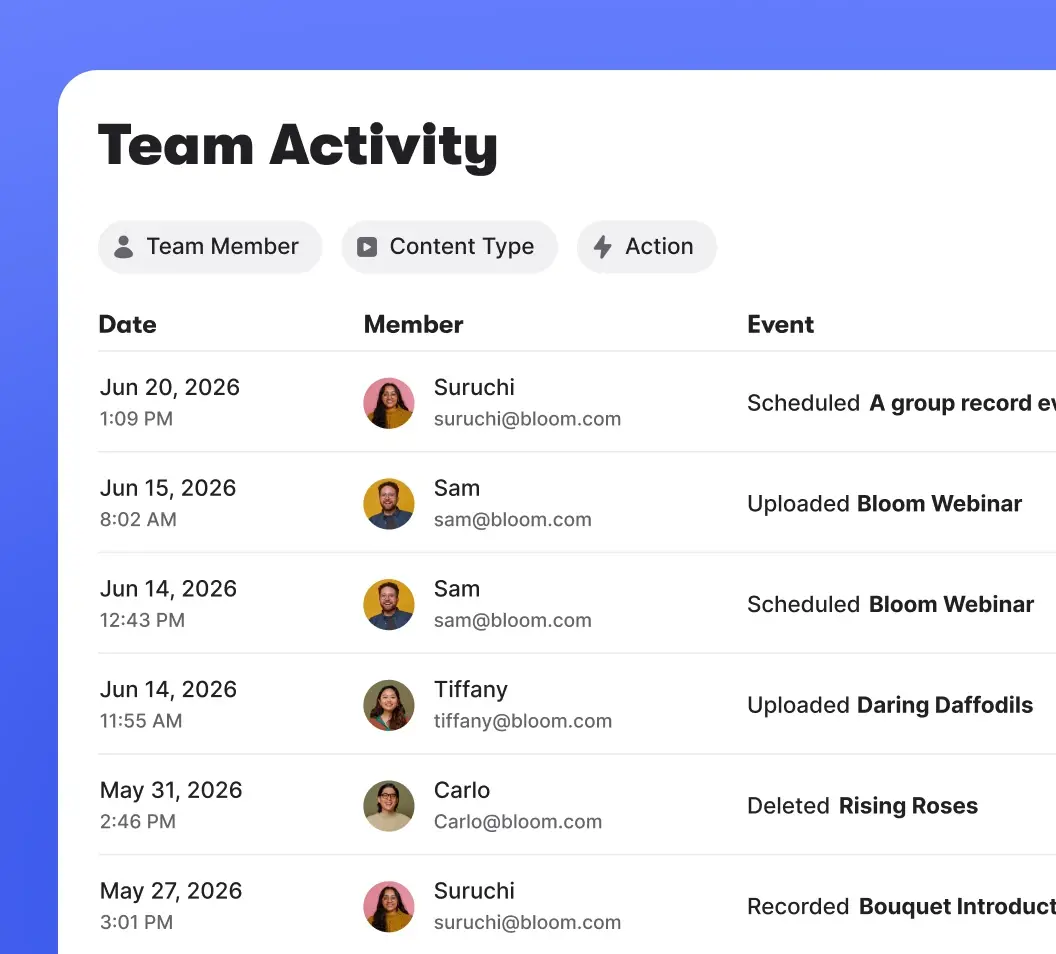
Track team activity
Stay on top of who’s doing what with a chronological feed of uploads, deletions, webinar setup, and more.
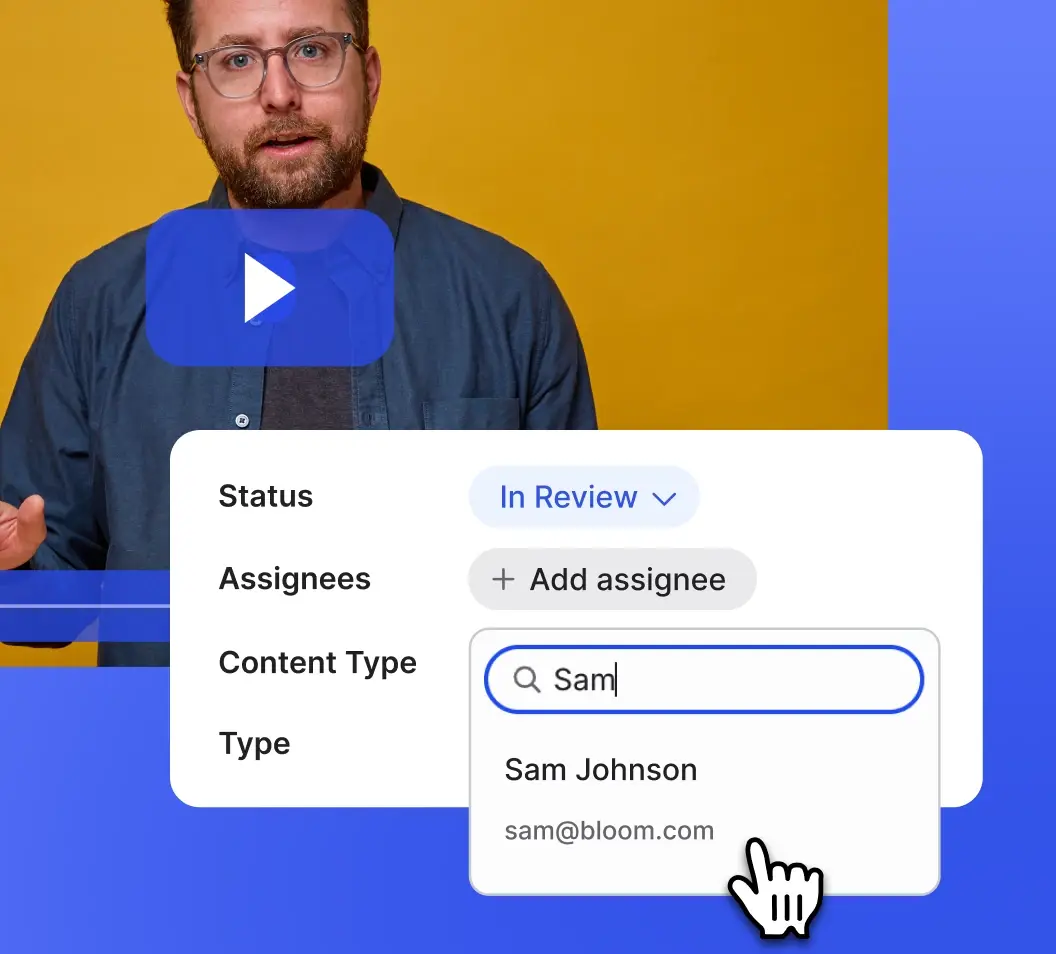
See project progress
Stay organized and keep video projects moving with built-in workflow tracking and ownership. Assign media, check review status, and filter projects by status or unresolved comments.
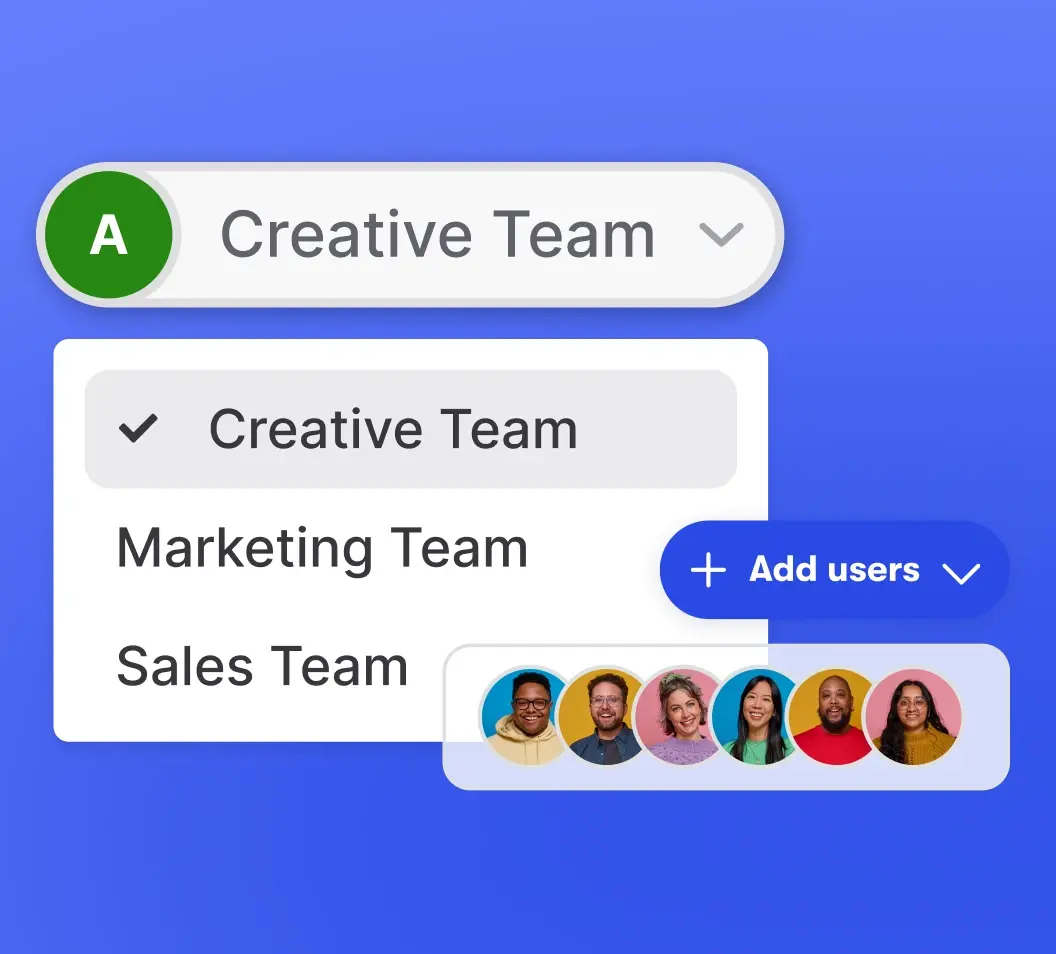
Manage multiple accounts
Manage videos and webinars across multiple brands, client portfolios, or businesses from one team account.
Manage access at scale
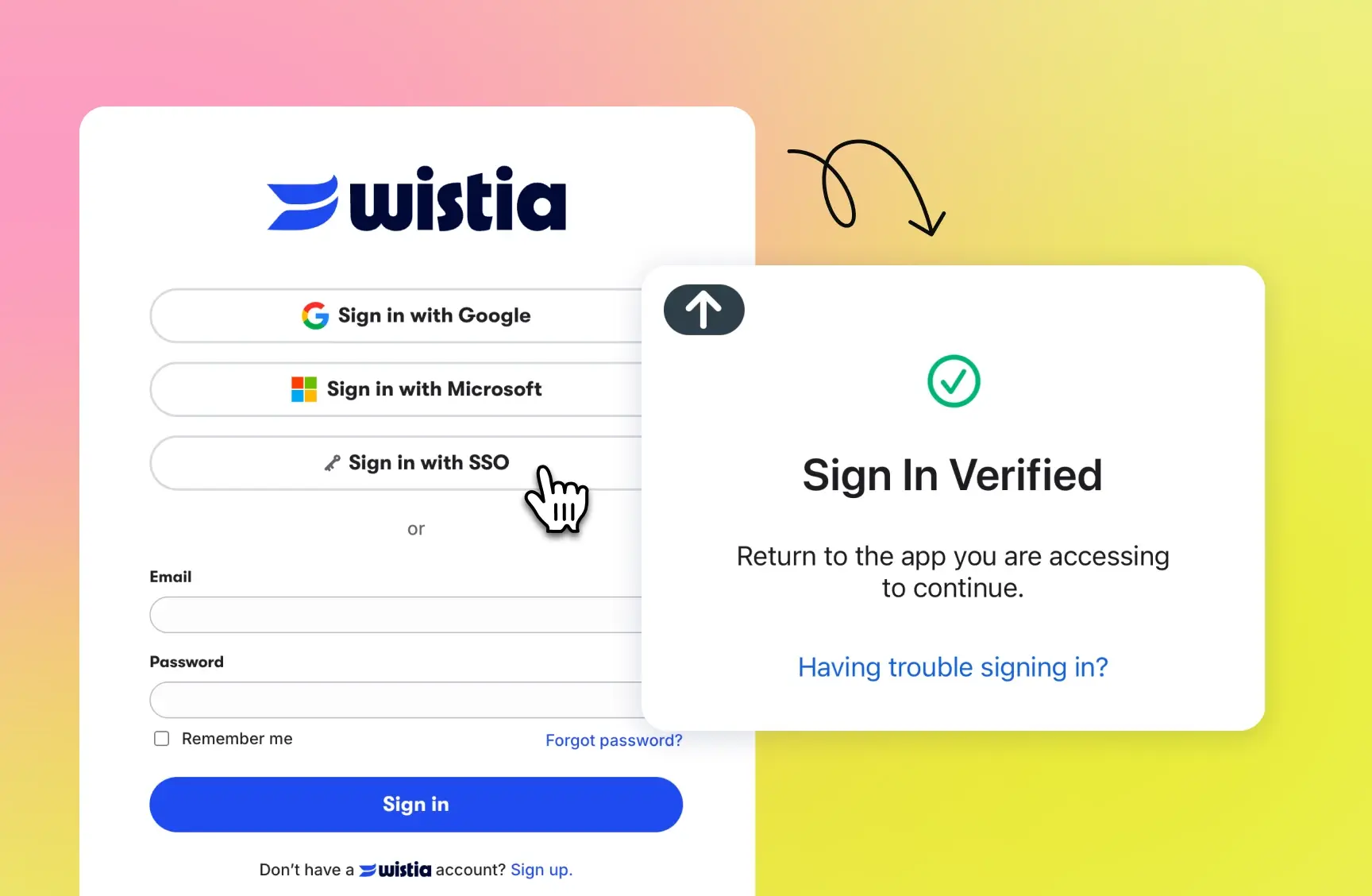
With single sign-on, your team can log into Wistia using tools like Okta, Azure AD, and OneLogin. Translation? Fewer passwords, more security.
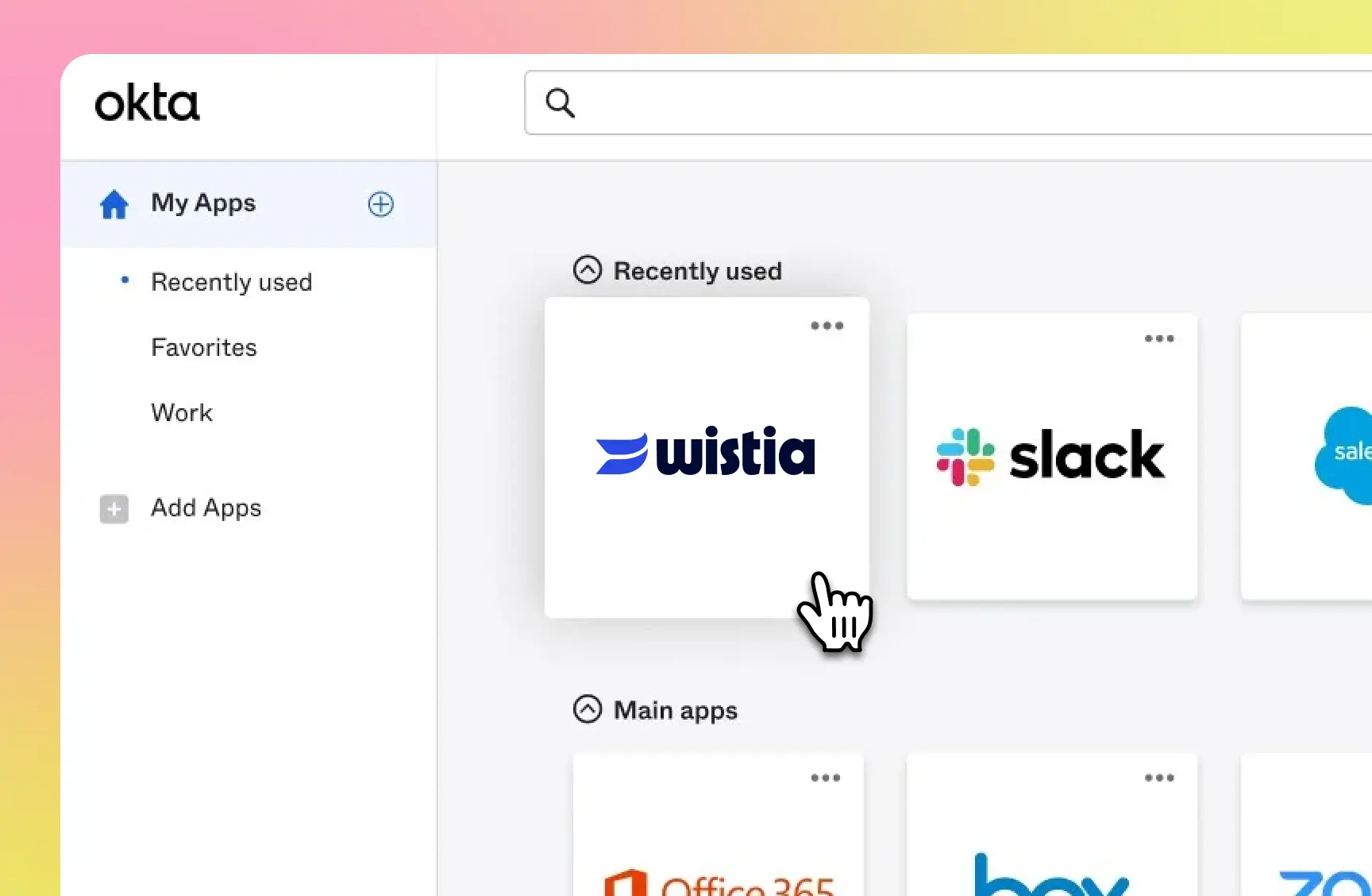
Administrators can grant or remove Wistia access alongside the rest of your team’s apps, all from Okta.
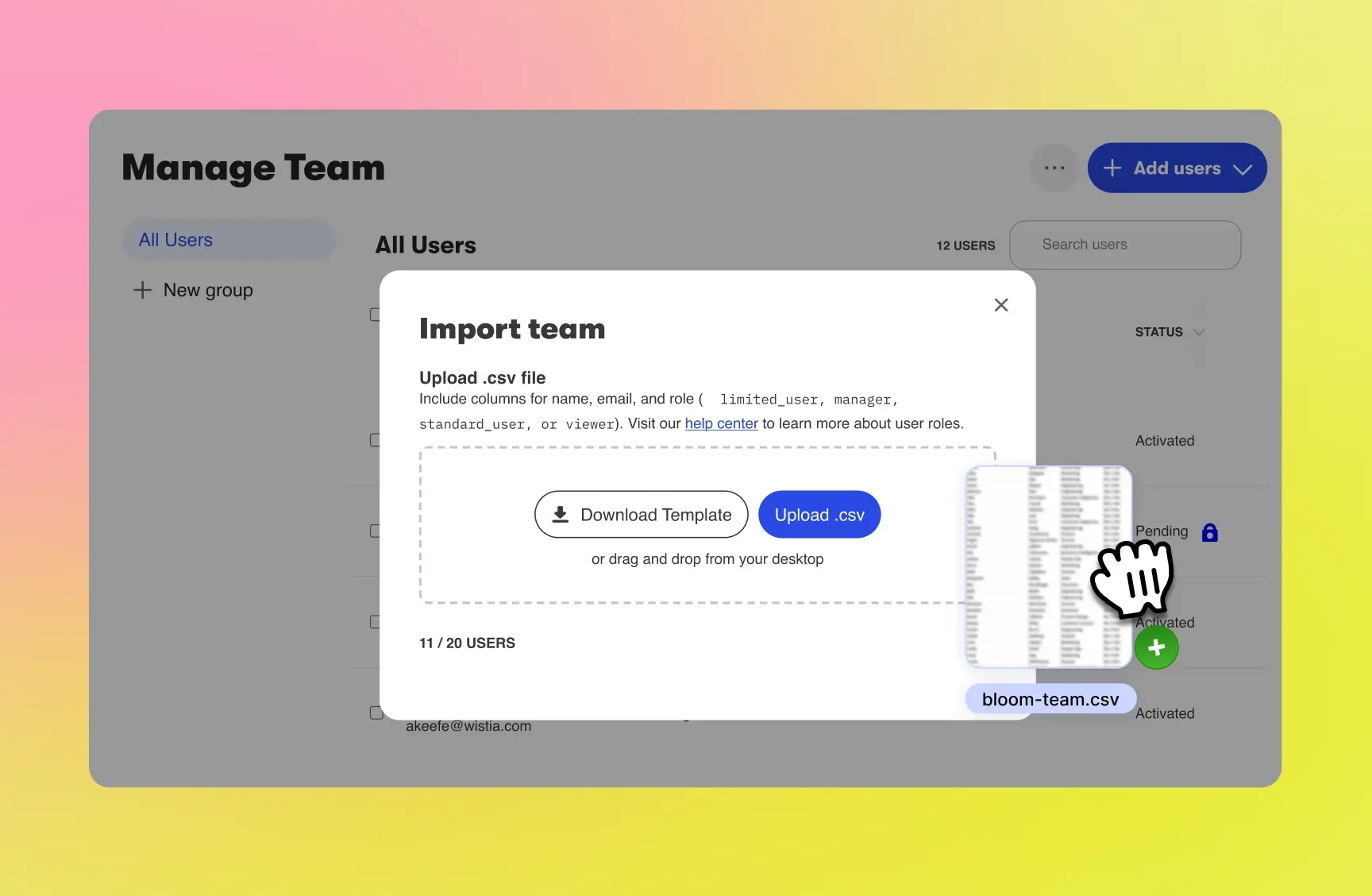
Onboarding a big team? Do it in one fell swoop by uploading a CSV file with each person’s name, email, and role.
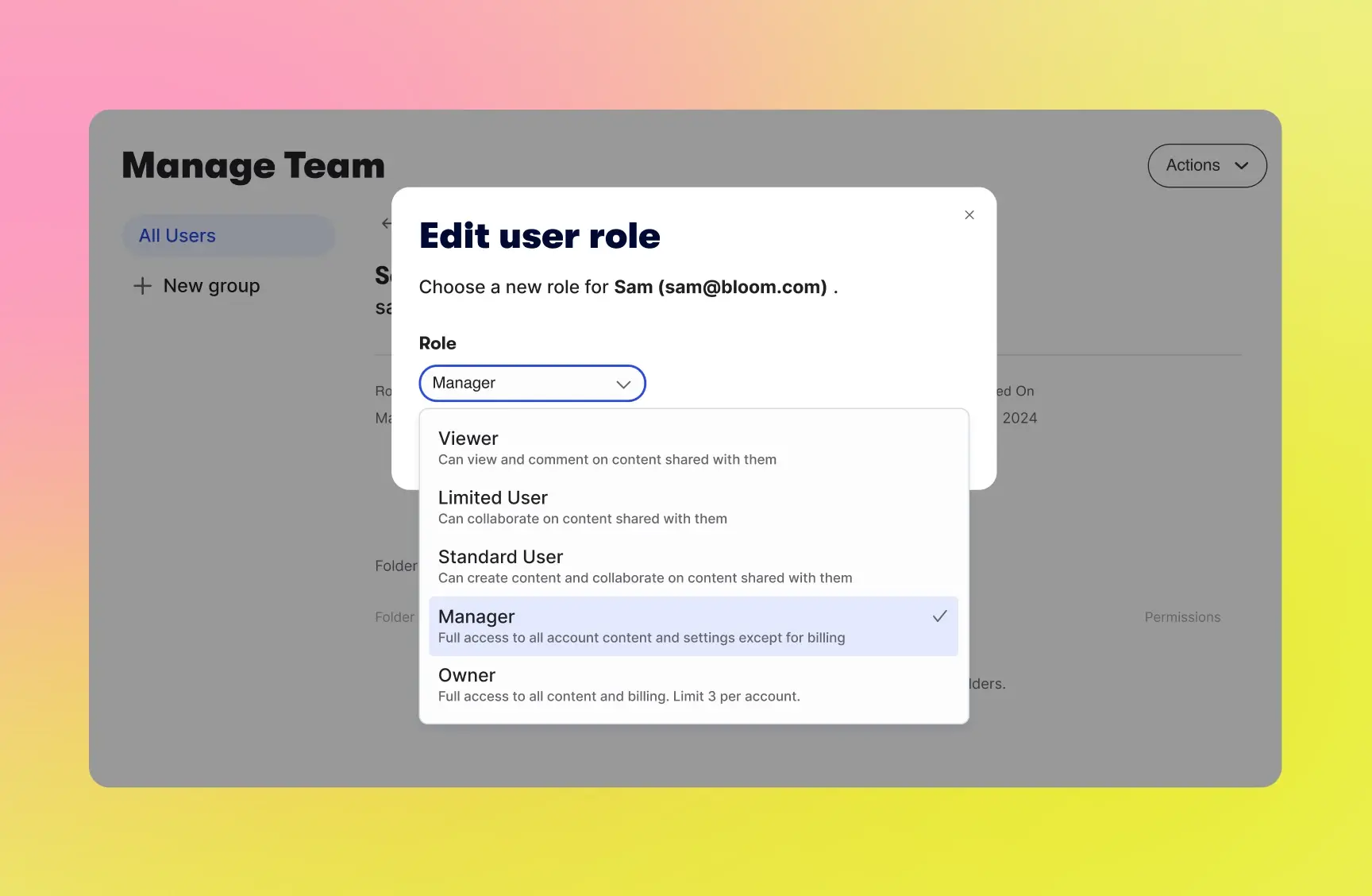
Give people exactly the access they need—no more, no less. Assign role-based permissions like Owner, Manager, and Viewer, or customize by team or group.
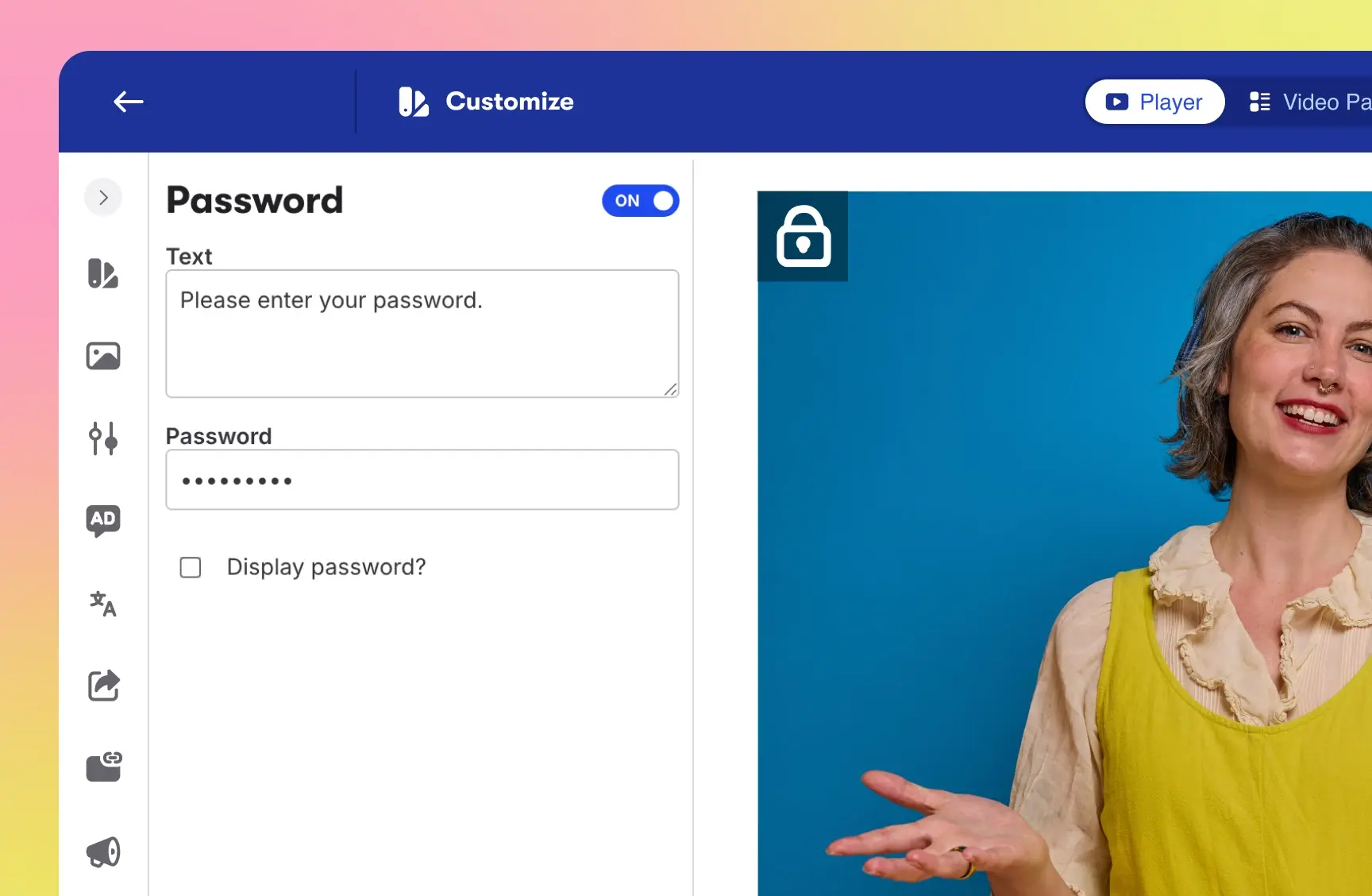
Set permissions for individual videos, webinars, folders, and Channels. Password protect your content, or take things a step further with authenticated log-ins for individual media.
Like what you see?
Start a free trial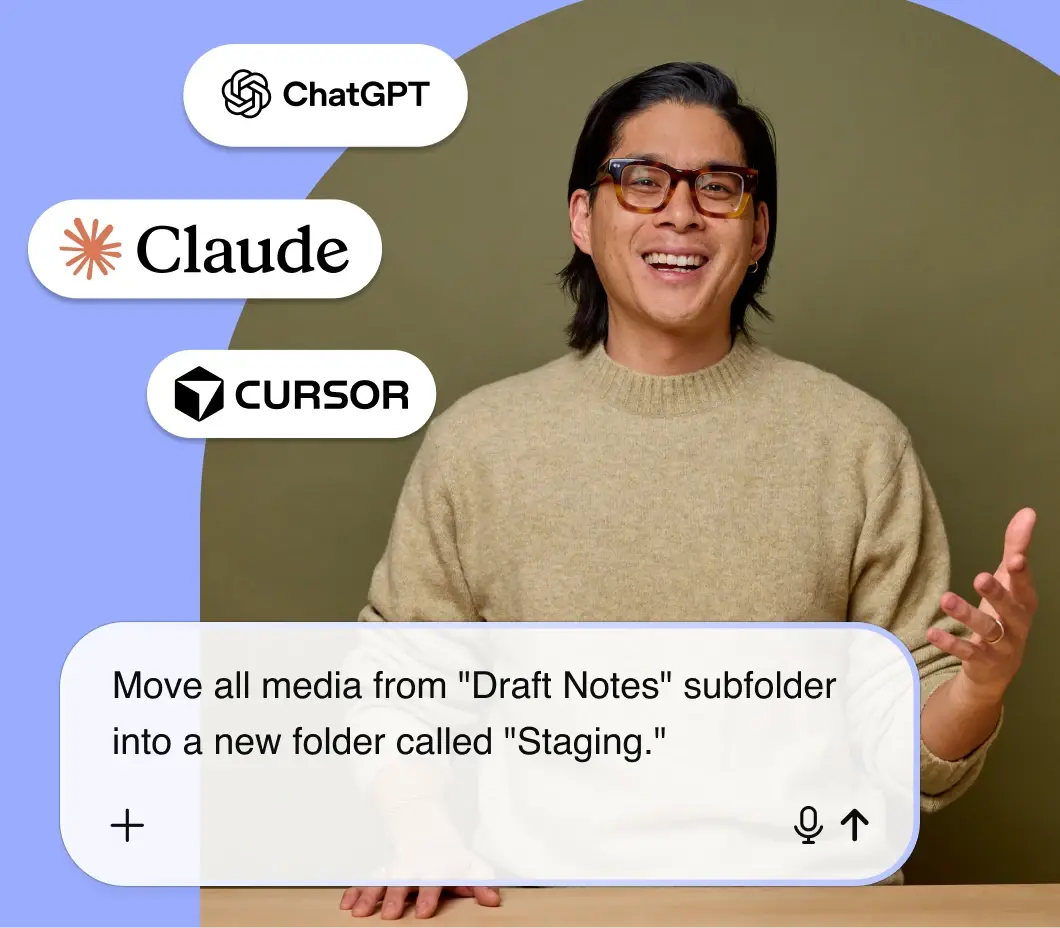
Work from Claude, Cursor, or ChatGPT
With Wistia’s MCP server, you can upload videos, make bulk updates, manage access, and pull performance with a quick prompt in your AI tool of choice.
“So easy to manage and share our video content, and the detailed metrics are a game-changer. It's an essential tool in our workflow, and we can't imagine doing our jobs without it!”
Fletcher J. Senior Event Producer, ServiceTitan

Video collaboration is just the beginning
We’ve got everything you need to squeeze more juice out of your videos.
Playback
We designed our player to be fast, customizable, and compatible with any browser or device.
Embedding
Copy and paste our embed code onto your page for reliable playback on any device.
Video galleries
Build an on-brand page for all your content. No coding required.
Wistia forms
Capture leads with branded, in-video forms.
Webinars
Hosting webinars is now a piece of cake. Preferably red velvet.
Video analytics
Get nerdy with key metrics, heatmaps, and A/B testing at your fingertips.
Marketing integrations
Automatically send video data to your favorite marketing tools.
Zoom integration
Zoom videos auto-import into Wistia as soon as you finish recording.
YouTube integration
Combine Wistia’s world-class hosting with YouTube’s discoverability and reach.
Podcasting
Upload your pod and we’ll distribute it to top directories like Apple and Spotify.