
Wistia’s integration with Slack
How Wistia for Slack works
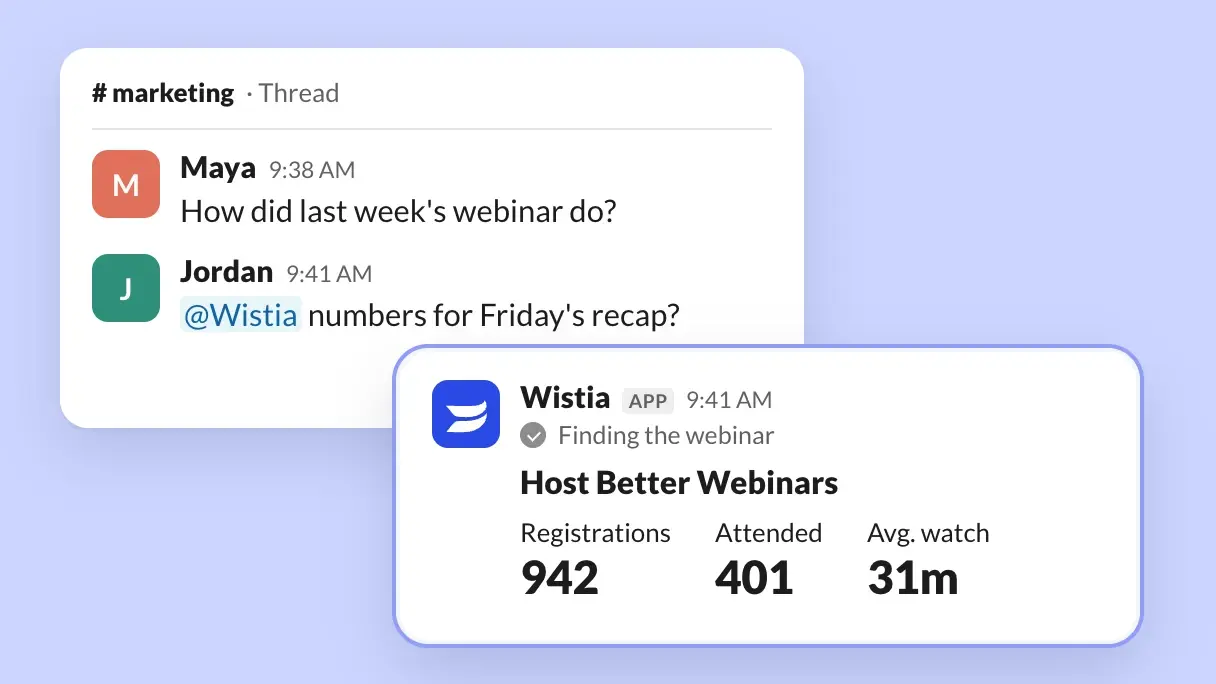
Tag Wistia into the conversation
Mention @Wistia in any thread and it reads the discussion for context, then replies right there. Ask it to share the latest numbers, create a review link for stakeholders, or turn last week’s webinar into clips for LinkedIn. No copy-pasting between tabs required.
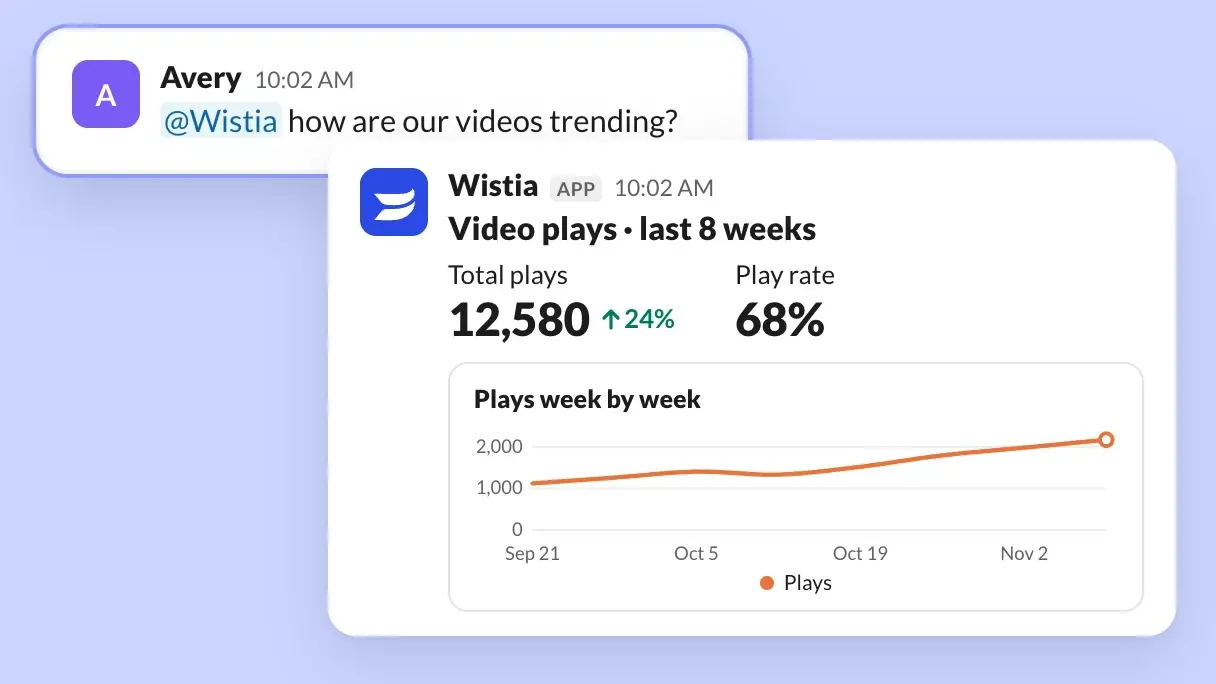
Get data without the dashboard
Ask for play rates, engagement, conversions, embed locations, or webinar registration and attendance. Compare across time periods or content types and get the answer right where your team can see it.
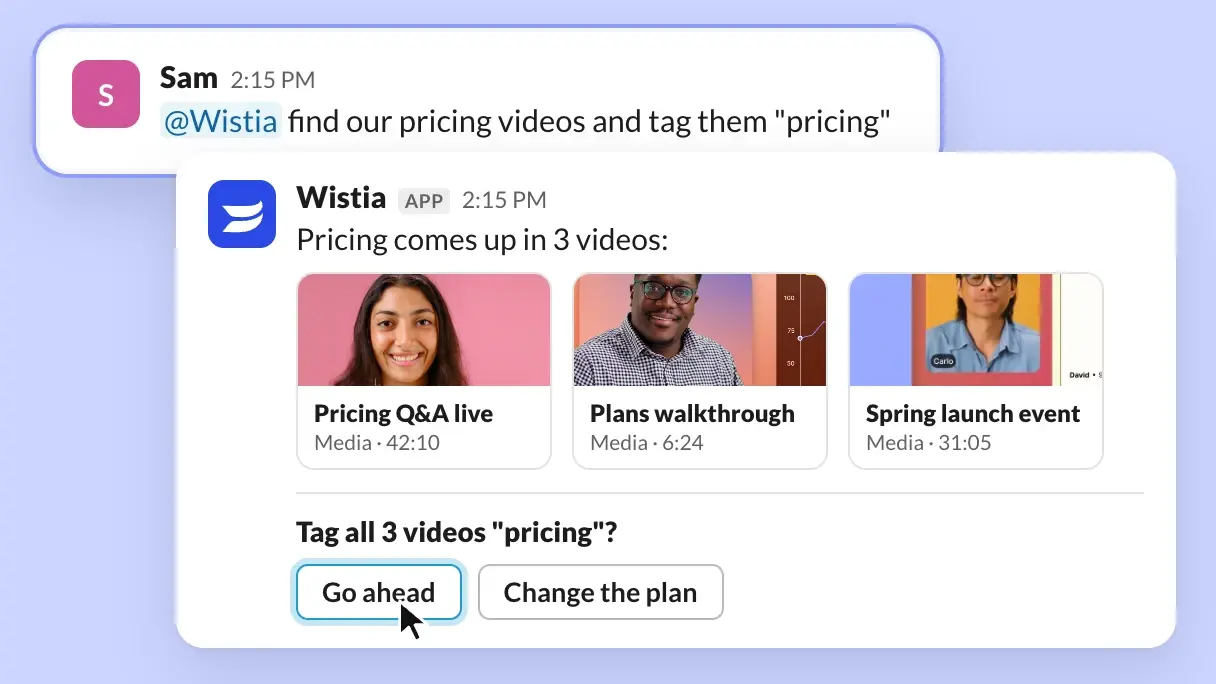
Find videos and organize your library in thread
Search by title or by what’s actually said in a video. Create folders, add tags, update titles and descriptions, and import videos from a URL, all from a quick message.
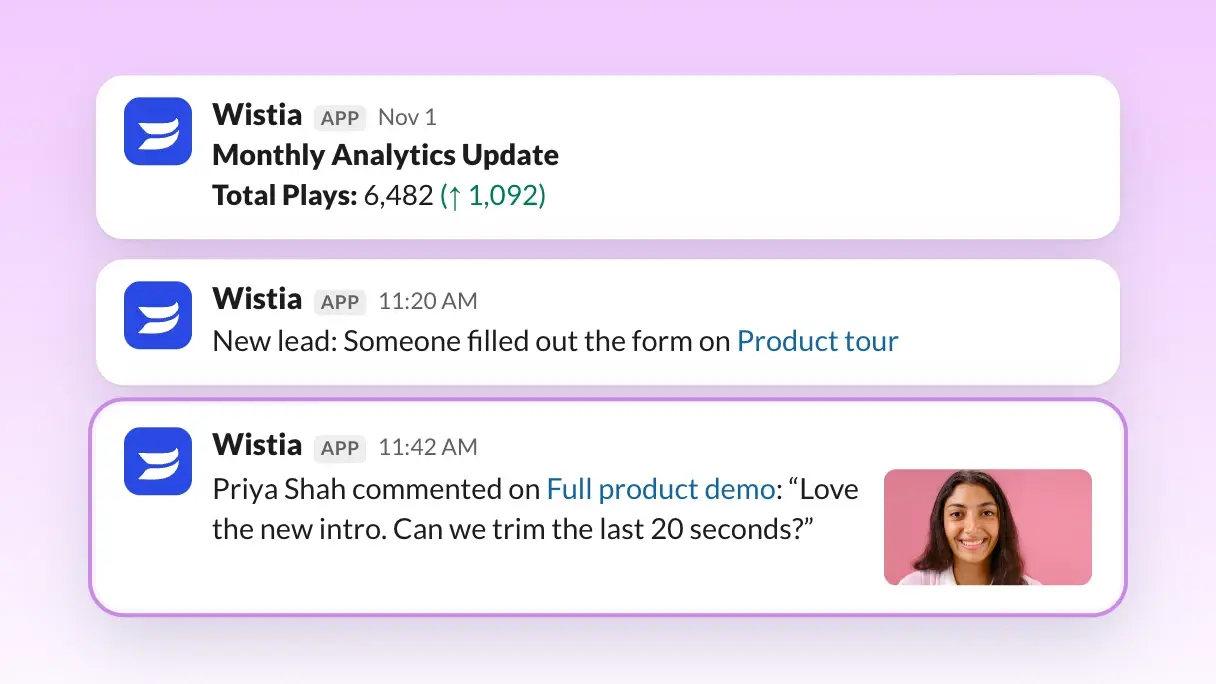
Stay in the loop with automated updates
Get Wistia notifications as Slack messages. Whether it’s getting updates when a team member comments on a video, getting flagged when you capture a new lead with video, or getting a monthly analytics recap, you can customize your Slack notification preferences right in Wistia.
Data shared with Slack
Wistia for Slack can only see and change what your Wistia account can access. It asks you to confirm before it archives videos, makes changes in bulk, or orders captions or translations, and deleting content stays in Wistia. It won’t respond in channels shared with other companies.
Your Wistia account →Slack
Give Slack secure access to create, organize, and report on your video content.
- Video & webinar content
- Create, upload, remix, organize, edit, and customize content
- Engagement & performance data
- Reports, comparisons, scheduled updates
Available for
- Video
- Webinars
- Channels