
Stephen Petto
Senior Video Producer at WistiaHe/Him
Stephen creates all kinds of video content for Wistia, from punchy ads to candid fireside chats. He also travels around the country to fix people's webcam setups for Wistia's Fix My Setup series.

The Best Webcam of 2024 for Recording Videos and Webinars
Learn why you don’t need a professional webcam setup to capture high-quality footage and why the iPhone is our choice for the best webcam for 2024.
Video Production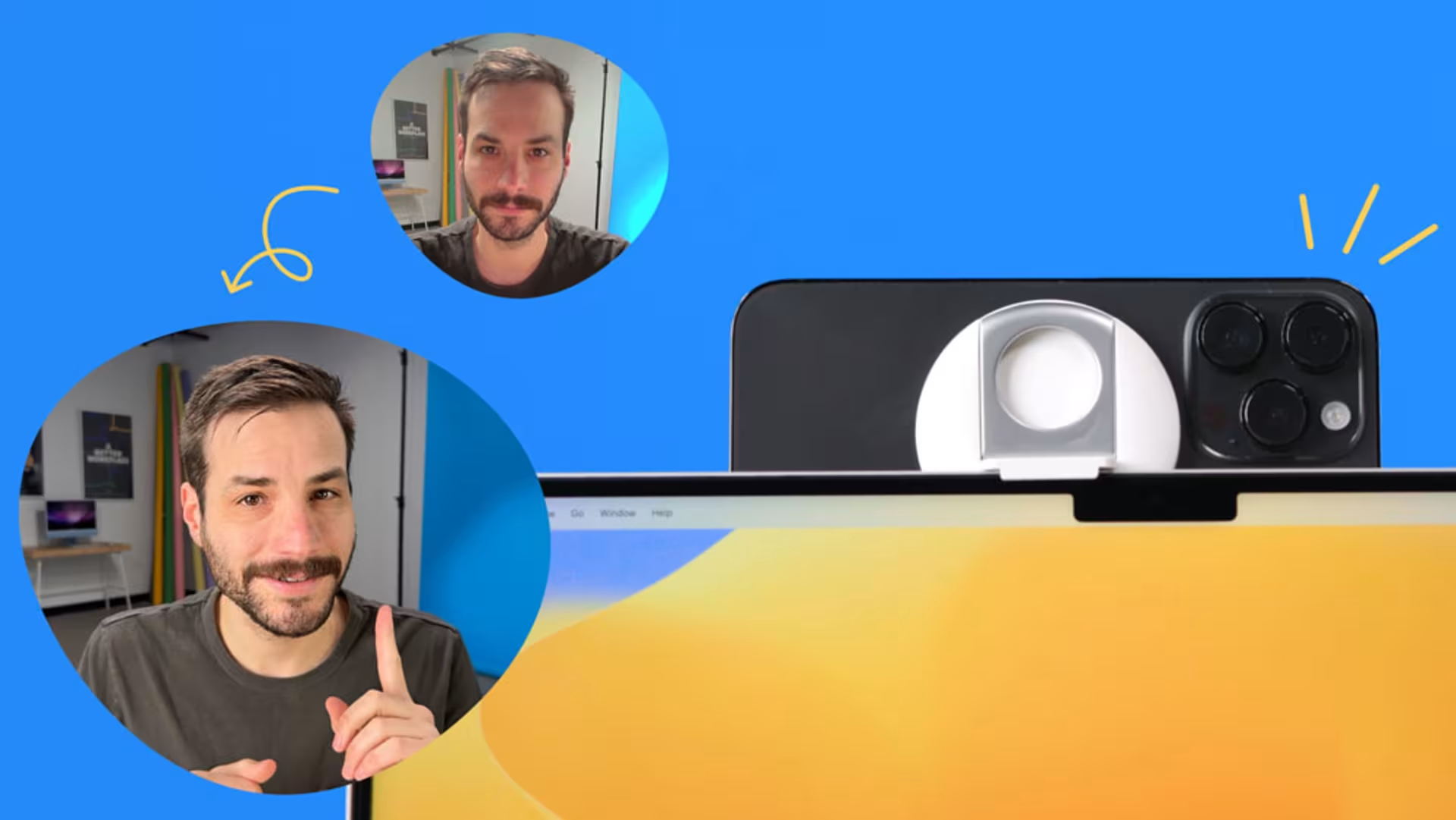
How to Use Continuity Camera: Make Your iPhone a Webcam for Your Mac
Get set up with Continuity Camera and start creating high-quality webinars and self-recordings using your iPhone as a webcam.
Video Production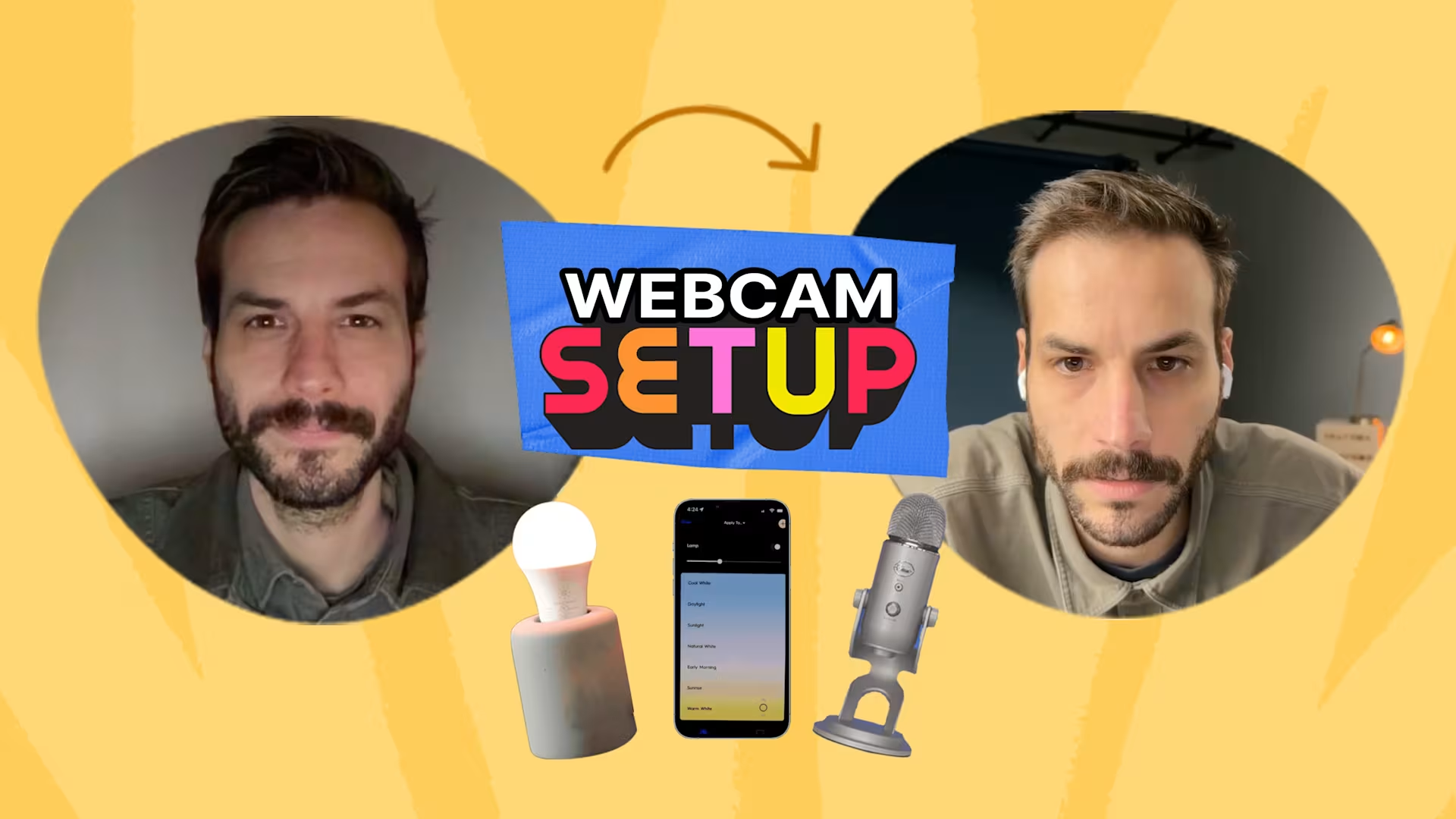
Fix Your Webcam Setup for Webinars and Video Recordings
Discover the best equipment and tried-and-true engagement techniques to use.
Video Production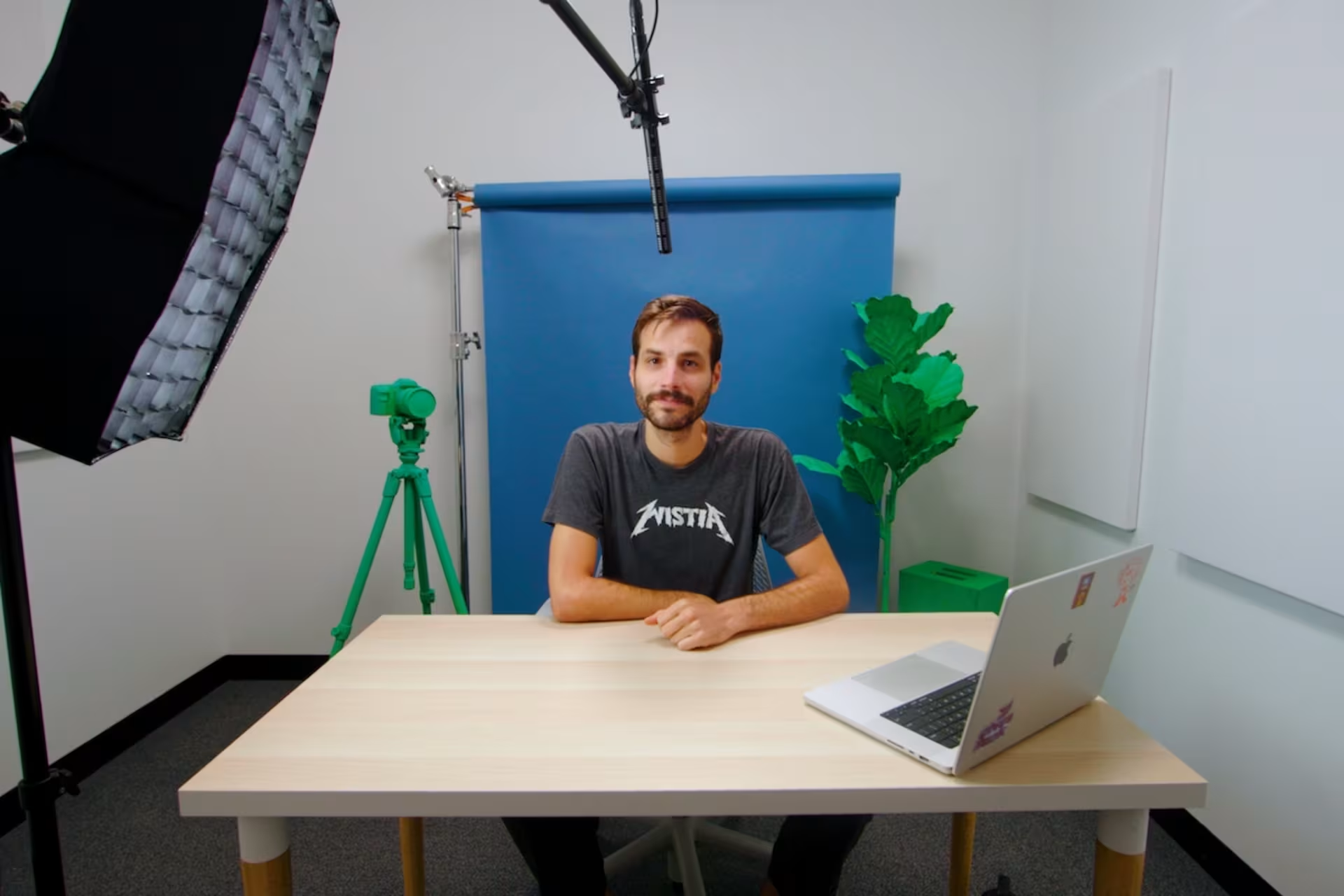
How to Set up a Mini Video Studio for In-Office Recordings
We built a dedicated space with lights, a camera, and a microphone for our teams — and you can, too.
Video Production
What is a LUT? How to Use LUTs for Color Grading
Learn how you can get started with color grading to speed up your workflow and produce better looking footage for your business.
Editing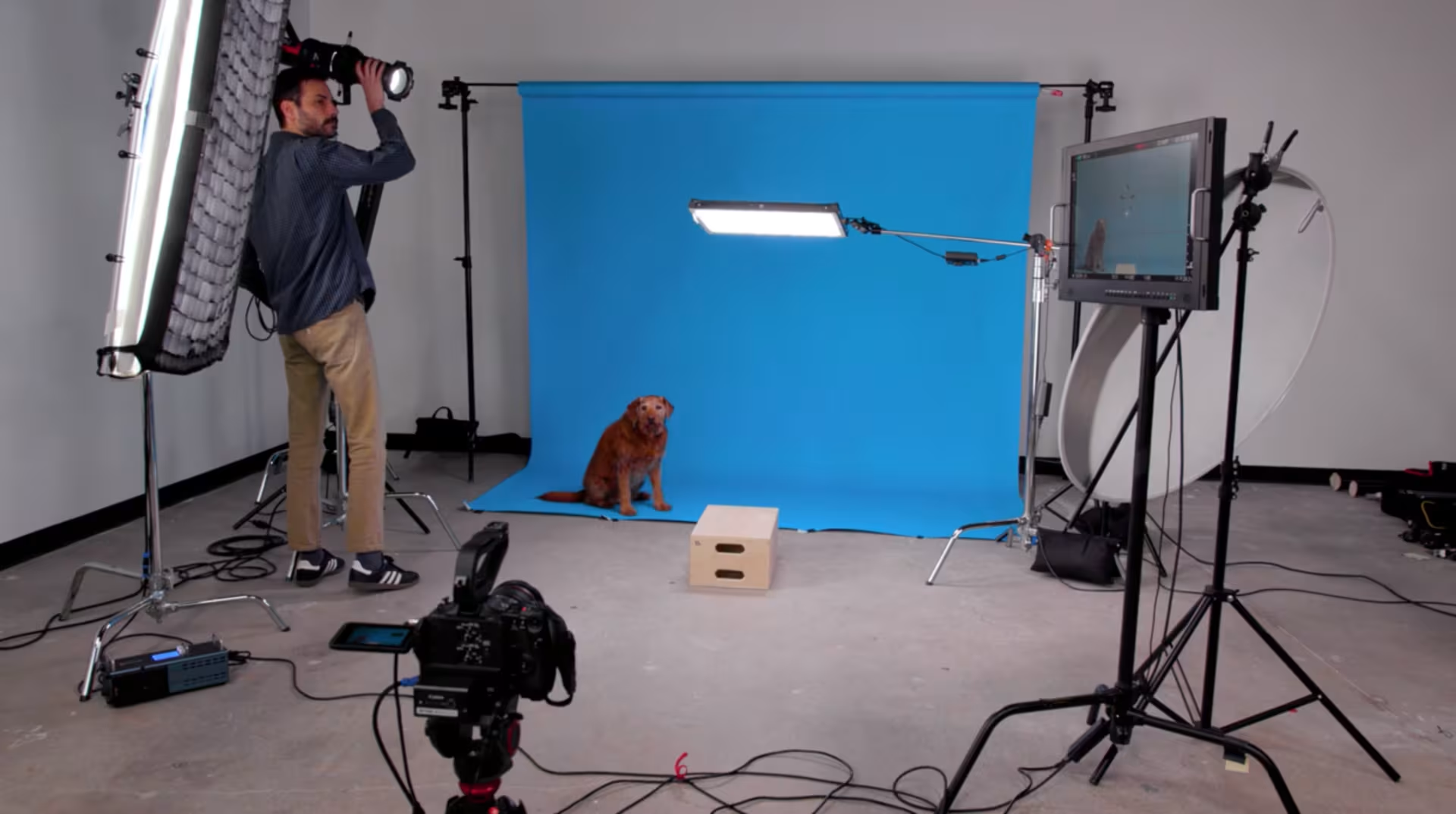
Wistia’s Guide to Easily Color Match Your Video Backdrops
Color matching your video backdrop has never been easier. Watch this quick video to perfect your technique!
Editing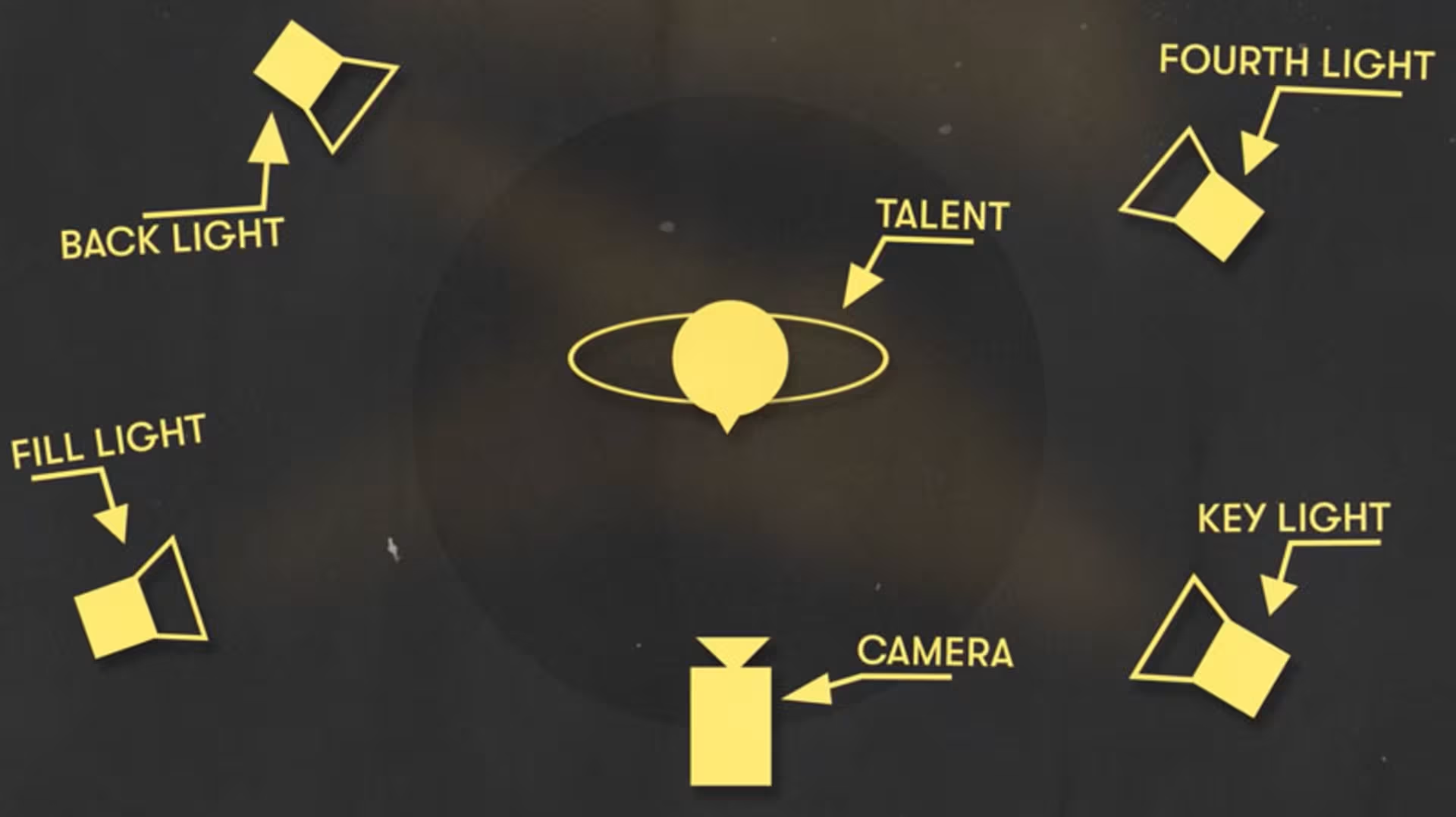
Wistia's Guide to Lighting Show Talent: A Step-by-Step Tutorial
Stephen Petto shares how we kept lighting consistent throughout our series Show Business by following the three-point lighting setup.
Video Production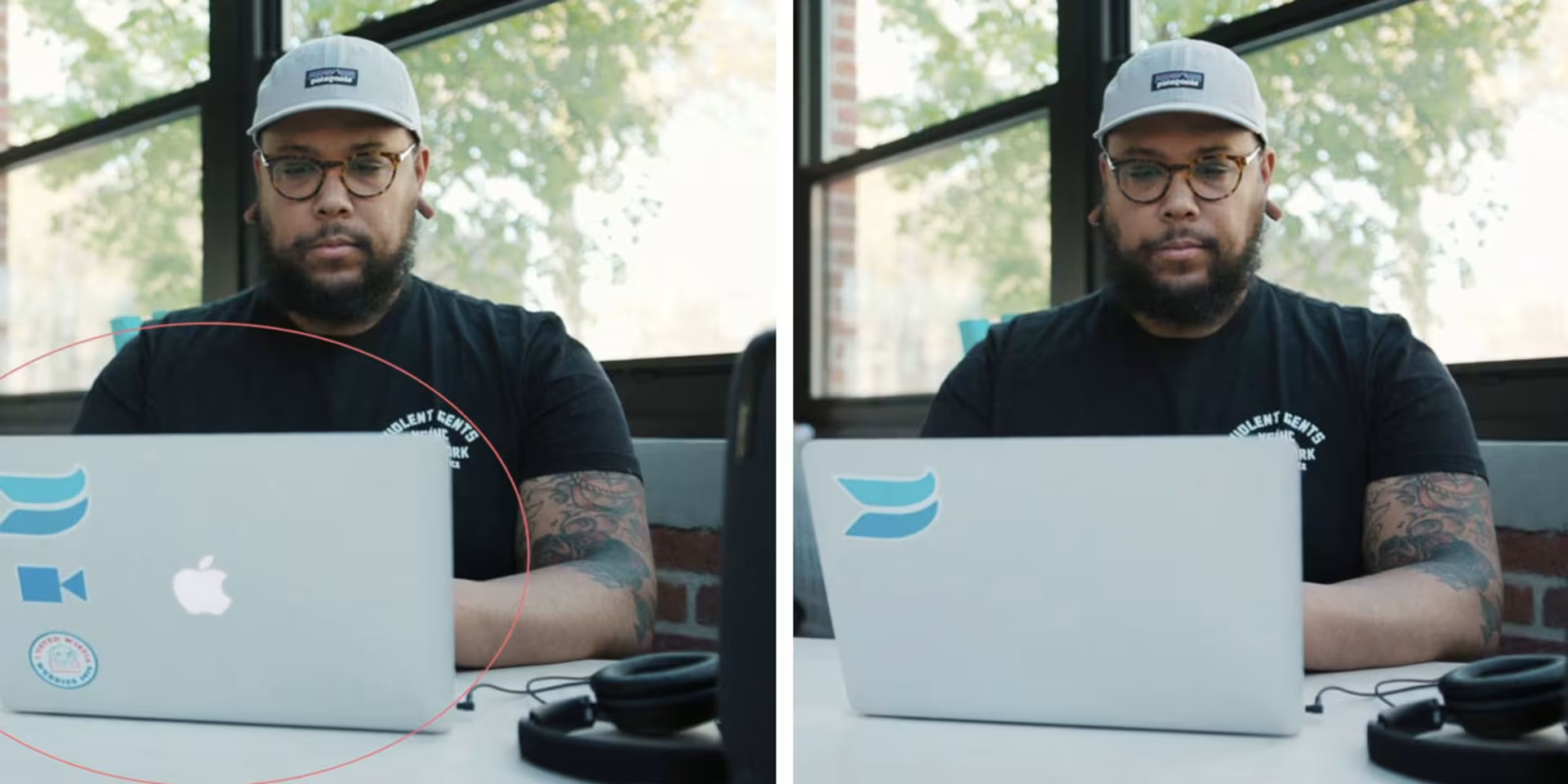
How and When to Use Content-Aware Fill in Adobe After Effects
Content-Aware Fill makes removing objects from your videos so easy it feels like magic. Lean how and when to use this new Adobe feature in this article.
Editing