
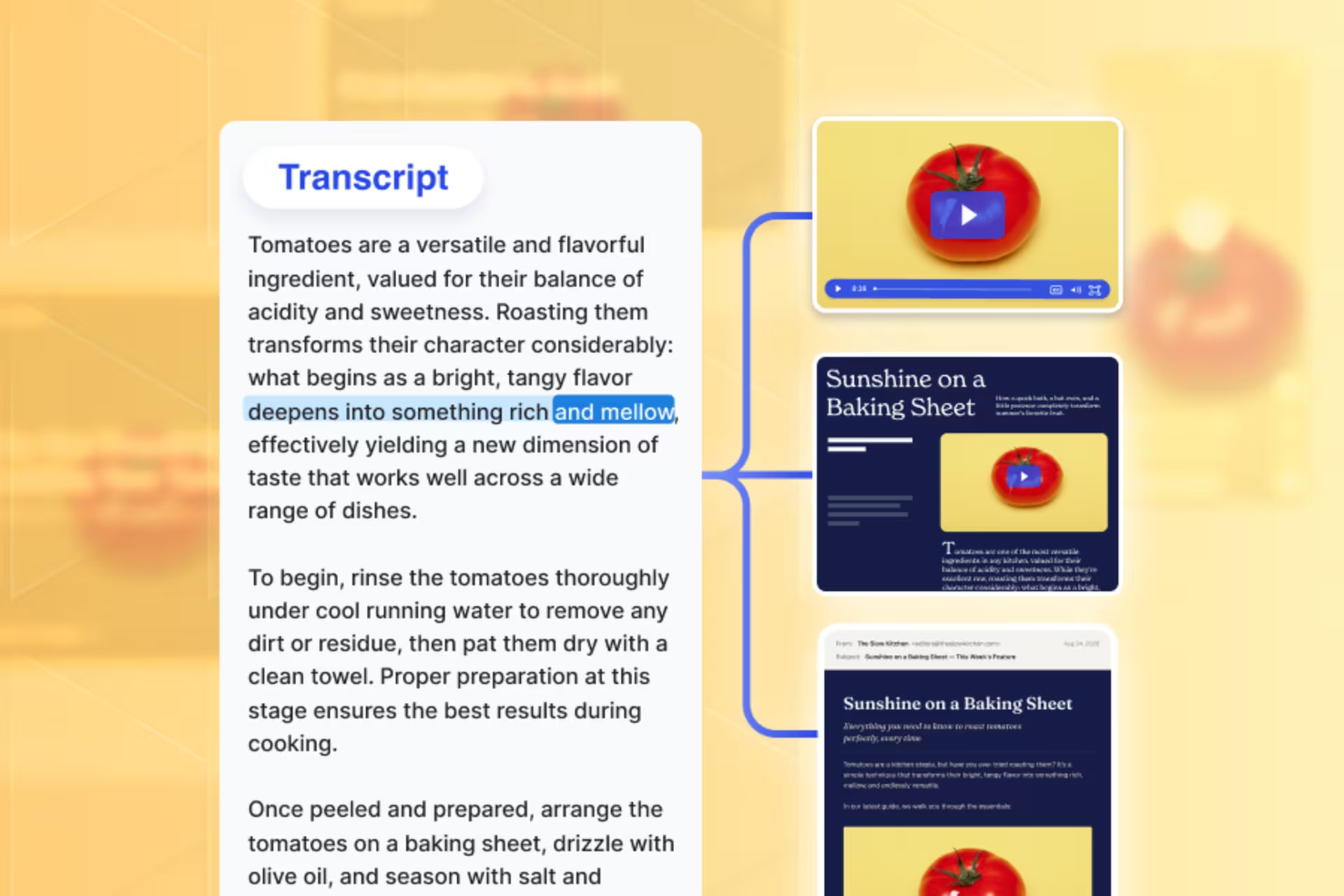
A good webinar is a rich source of content you can reuse long after the event ends.
And these days, tapping into it is easier than ever. Most webinar platforms, including Wistia, auto-generate a transcript the moment your event wraps, and AI can turn that transcript into multiple pieces of written content in a matter of minutes.
Our Head of Content Sam Balter just hosted a webinar with Superpath’s marketing advisor Ruth Favela to share a fast, repeatable AI workflow for turning transcripts into high-quality blog posts, emails, and newsletters.
1. Round up the ideas worth reusing
Paste the transcript into ChatGPT, Claude, or another AI agent, provide context on your audience and the formats you’re creating, and ask it to:
- Find useful answers, strong opinions, examples, frameworks, or other ideas worth turning into follow-up content
- Include a summary and timestamps for anything it flags
- Avoid adding anything the transcript doesn’t support
Tip from Sam
2. Have AI draft the blog, email, and newsletter
Pick the ideas you want to reuse and send them to your AI agent, along with your brand guidelines, examples of your voice, and instructions for each format.
A few examples:
- Blog post: “Turn this idea into a practical blog post for [AUDIENCE]. Preserve the speaker’s point of view and flag anything that needs fact-checking or additional research.”
- Follow-up email: “Draft a short follow-up email using these takeaways. End with one clear next step.”
- Newsletter section: “Turn this idea into a standalone newsletter section that’s useful even for folks who didn’t attend the webinar.”
Tip from Ruth
Build a library for your best prompts and skills instead of starting from scratch after every webinar.
Consider adding video clips too
We’ve found that videos in blog posts usually keep visitors around longer (which can help the posts rank higher in search engines). So if your webinar recording has some good clips that support your content, include ’em!
With just one prompt, you can have your AI agent pull clips from the recording via the Wistia MCP and drop them in the drafts. See how Sam did this:
3. Edit, verify, and publish
AI is great at giving you a starting point, but not a finished piece. It might get some facts wrong, miss your brand’s voice, or write something that reads more like a transcript summary than a piece folks actually want to read. Publishing AI’s first draft is about as close to a rookie mistake as it gets.
That’s why you want to do three quick checks before publishing:
- Verify the facts: Check quotes, stats, names, and claims against the transcript. If AI added something that wasn’t said, source it separately or cut it.
- Sharpen the point of view: Make sure the piece has a focused takeaway instead of reading like a broad webinar summary.
- Make it sound like your brand: Cut generic AI phrasing, tighten the language, and make sure the tone fits your brand and the format.
Make your next transcript even better
The easiest transcript to repurpose starts with a good conversation. Before your next webinar, think about the content you’ll want afterward and build questions that give your speakers room to deliver useful, standalone answers.