Editing
Get practical advice for turning raw footage into videos people actually want to watch.
9 Tips for Repurposing Videos for Social Media
Turn your video library into a steady stream of engaging social content.
Lisa Marinelli
How to Choose the Right Marketing Video Length for Any Goal
Discover what video length performs best for any marketing goal, backed by insights from 100 million videos.
Ezra Fishman

AI Video Creation Guide: How to Use AI to Create Videos
Learn how to use AI to create videos for your business. From scripting to editing, generative AI is making video production easier than ever.
Chris Lavigne
Vertical Video Guide: Sizes, Dimensions & How to Resize for Social Media
Get vertical video dimensions for every social platform, plus how to resize a horizontal video to 9:16 in one click. Free editor included.
Chiara Hoogervorst
Video Repurposing Cookbook
Get tried-and-true tips on editing your videos into social clips, ads, and other video assets.
Grab your free copy
All Articles
AI Video Creation Guide: How to Use AI to Create Videos
Learn how to use AI to create videos for your business. From scripting to editing, generative AI is making video production easier than ever.
Chris Lavigne
9 Tips for Repurposing Videos for Social Media
Turn your video library into a steady stream of engaging social content.
Lisa Marinelli

How We Made A Fully Animated Short with AI and the Nuances of AI Video Generation
Learn how we reimagined an old video from our archive into a brand-new AI-generated animated short in a week.
Chris Lavigne
9 Easy Ways to Repurpose Your Videos
Discover all the different ways you can transform your existing videos into new pieces of content.
Chiara Hoogervorst
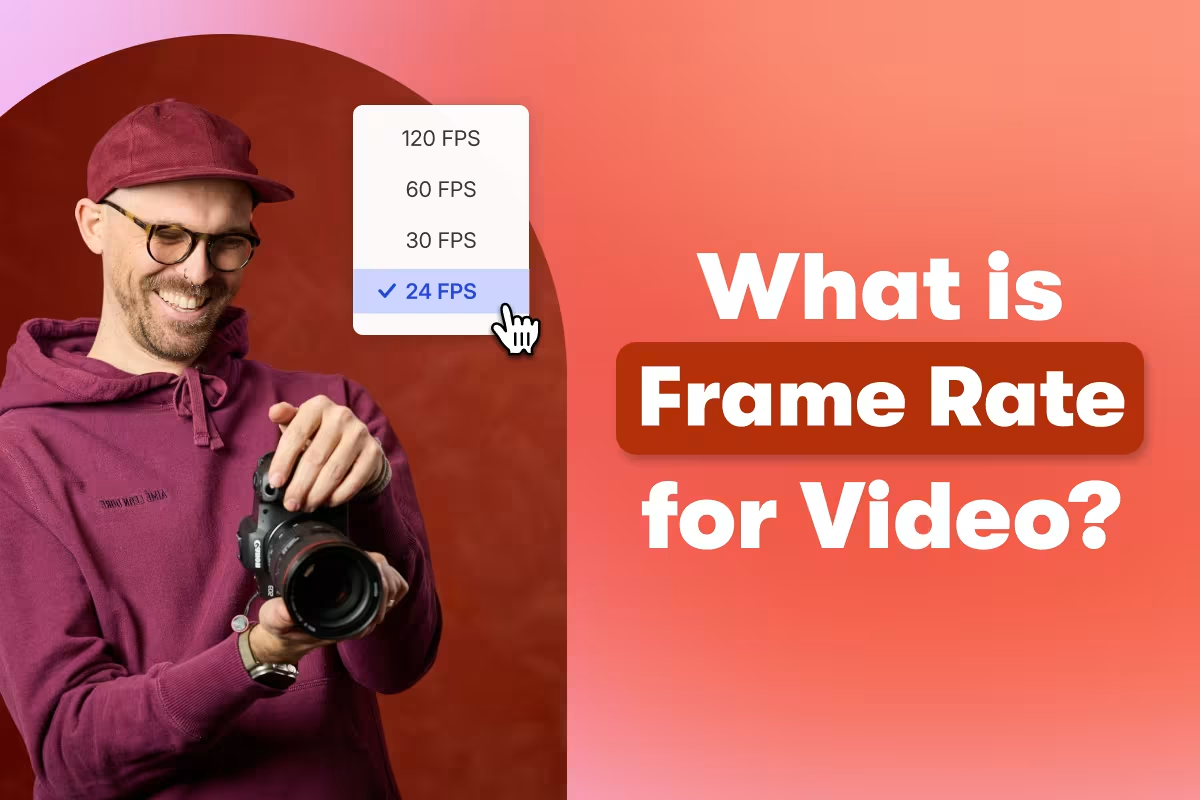
What Is a Video Frame Rate?
Find out more about frame rates and how to pick the best one for your shot.
Trevor Holmes
How to Choose the Right Marketing Video Length for Any Goal
Discover what video length performs best for any marketing goal, backed by insights from 100 million videos.
Ezra Fishman
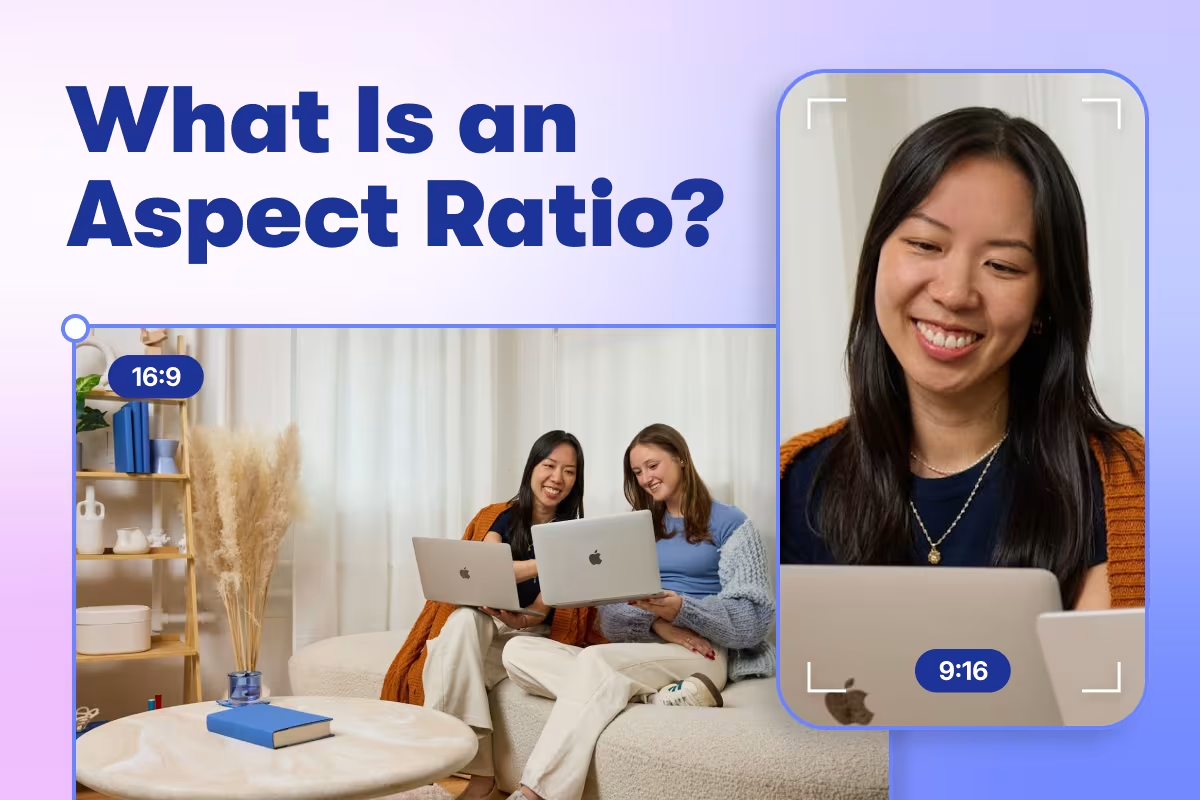
What Is an Aspect Ratio?
Aspect ratio is the proportion between the width and height of your video. Find out how aspect ratios affect your shot and which one to use in different circumstances.
Trevor Holmes
Our First AI Video Ad: How We Made It and What We Learned
See how Wistia built a complete video ad with AI for under $10K—process, tools, and lessons inside.
Meg Dalessandro
Vertical Video Guide: Sizes, Dimensions & How to Resize for Social Media
Get vertical video dimensions for every social platform, plus how to resize a horizontal video to 9:16 in one click. Free editor included.
Chiara Hoogervorst
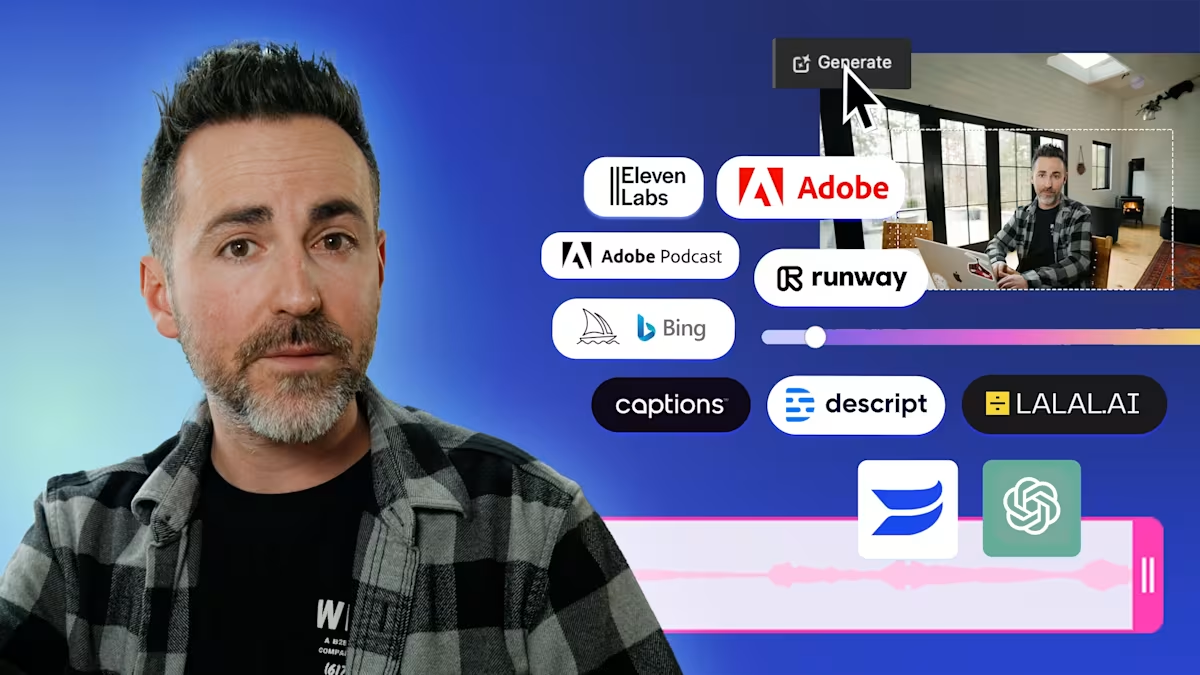
10 Best AI Tools for Video Editing and Production
These tools make video production easier, faster, and better.
Chris Lavigne
4 Best Video Editing Software For In-House Editors
We've picked out the best video editing software for your post-production needs.
Austin Canary
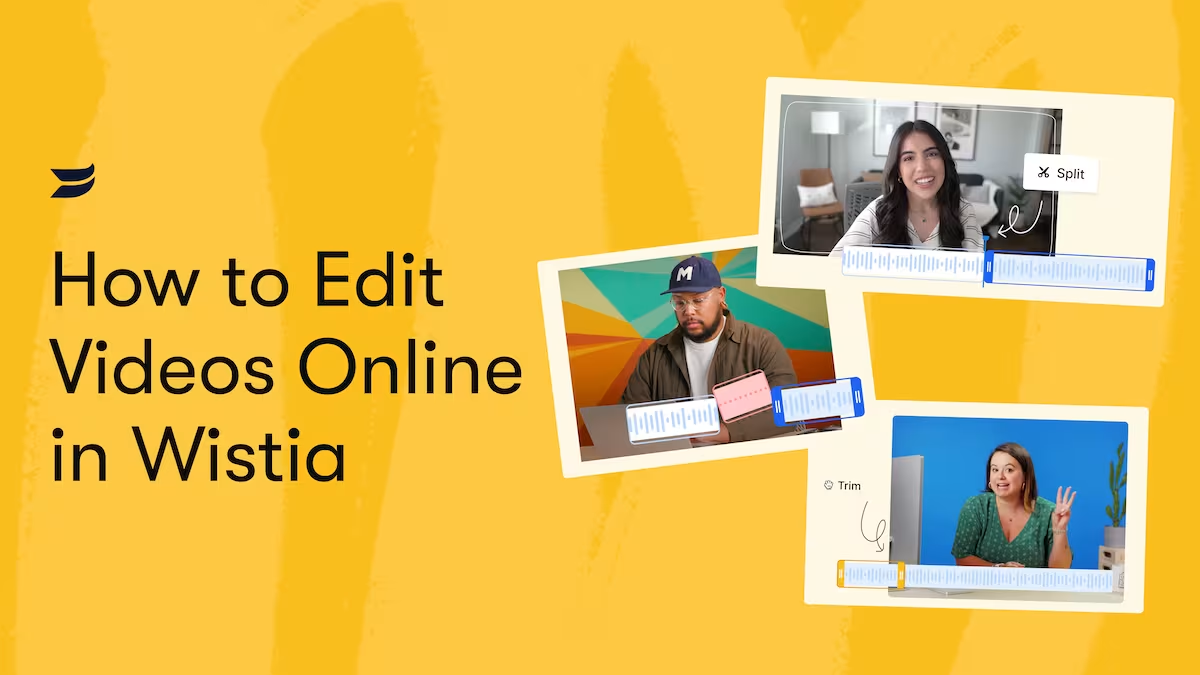
How to Edit Videos Online in Wistia's Video Editor
Trim, split, and delete clips; add background music; and more.
Austin Canary
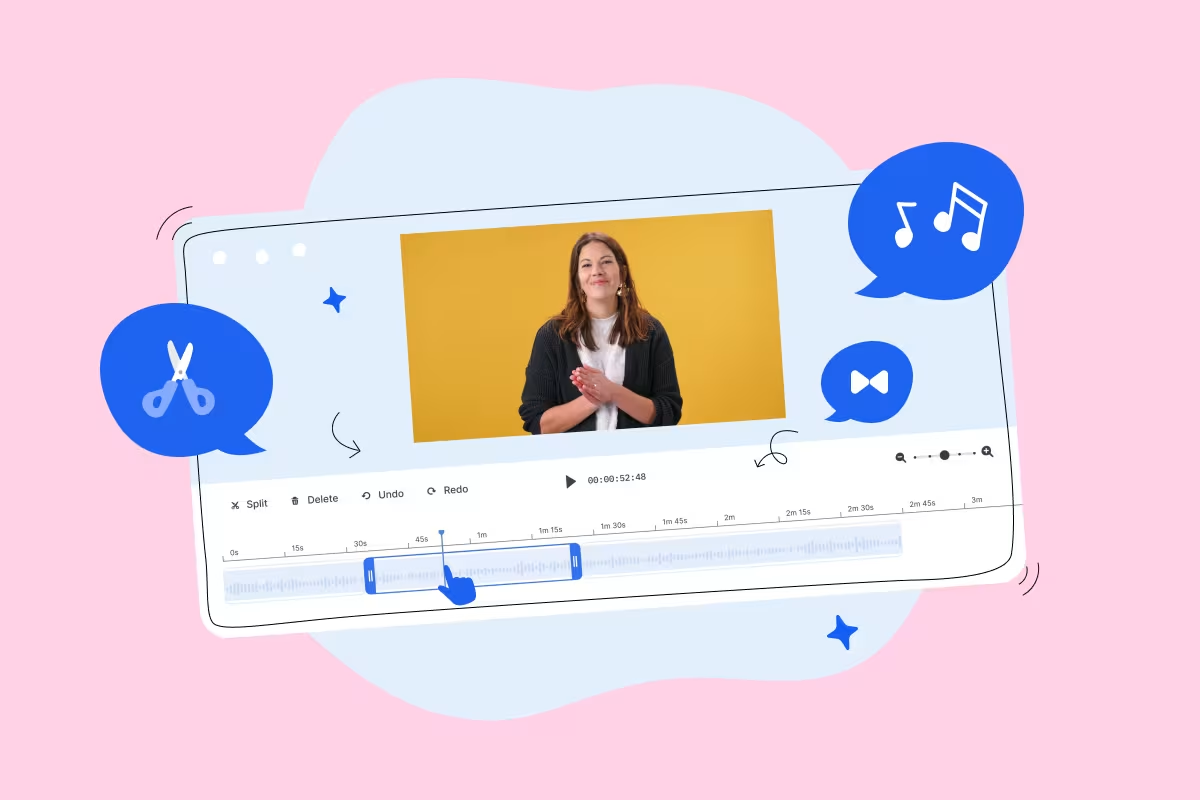
9 Best Online Video Editors For Creating Great Marketing Videos
When looking for an online video editor, you might be wondering which ones are the best. Lucky for you, we rounded up some of our top picks. Take a look!
Austin Canary
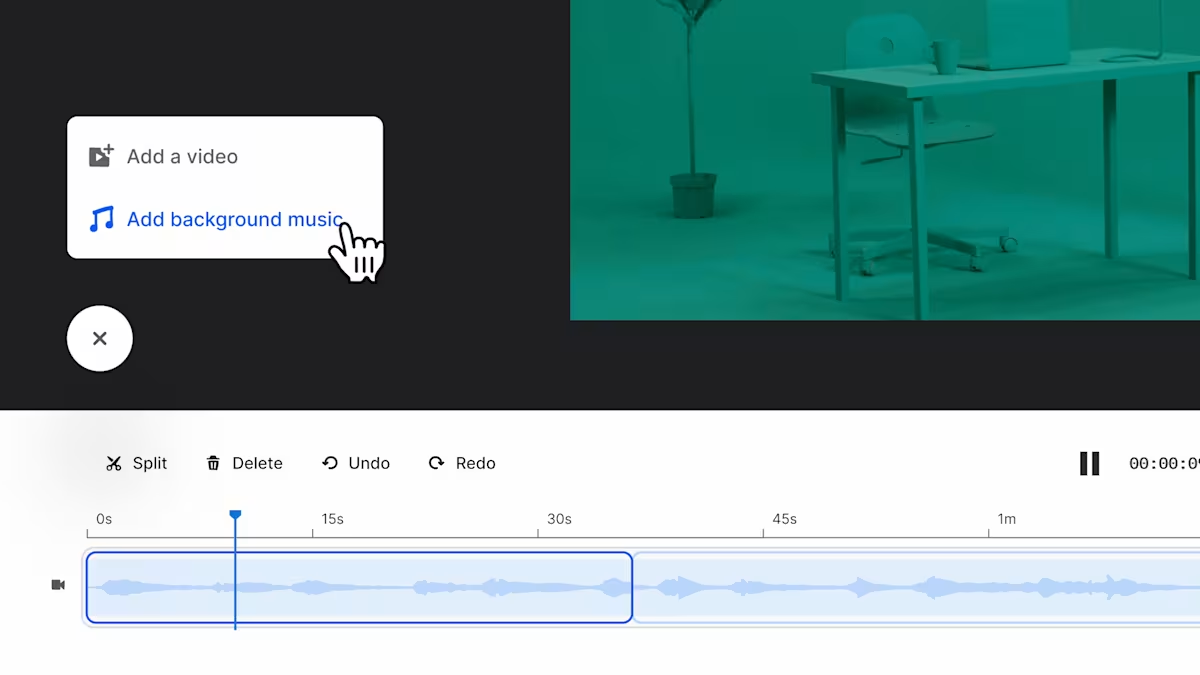
Introducing Background Music Powered by Smart Tracks
Learn how to add royalty-free background music to your videos in Wistia’s video editor powered by our Smart Tracks Technology.
Courtney Lefferts
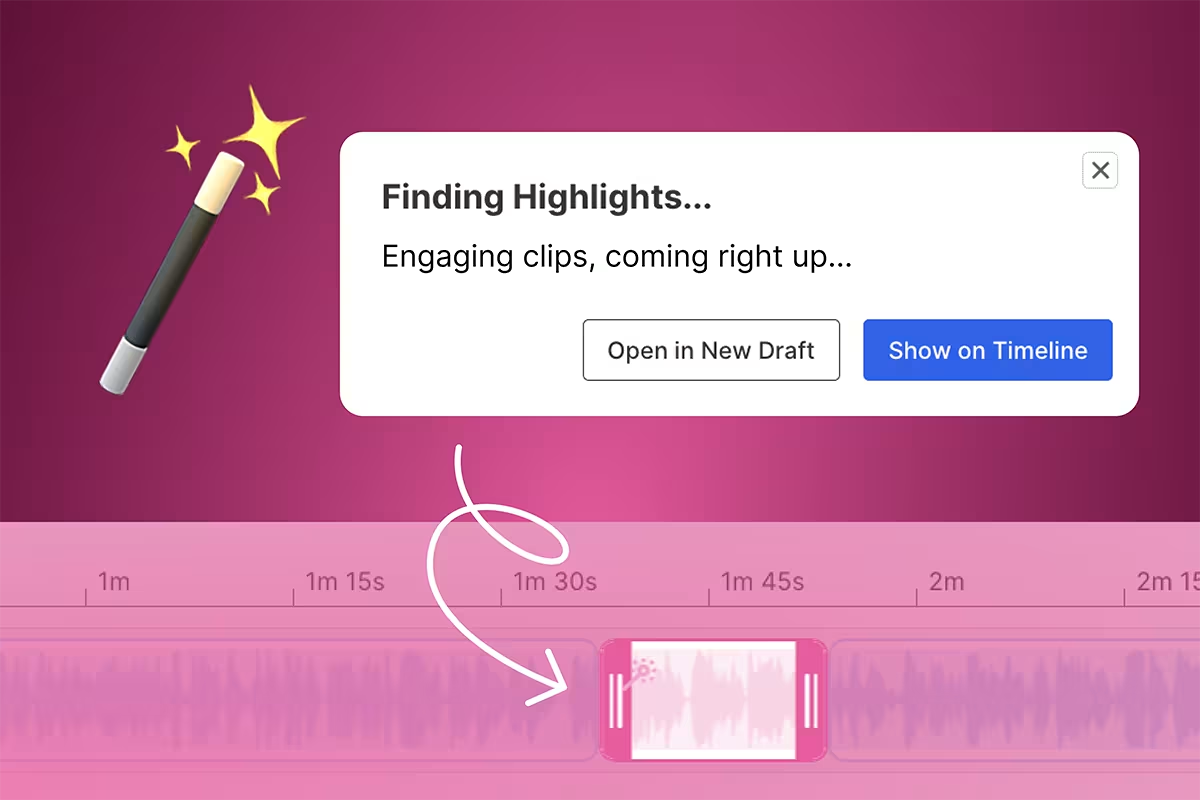
How to Make Video Highlight Reels From Your Recordings
Learn how to turn your long-form videos into highlight reels that will amplify your promotion and distribution strategy.
Austin Canary
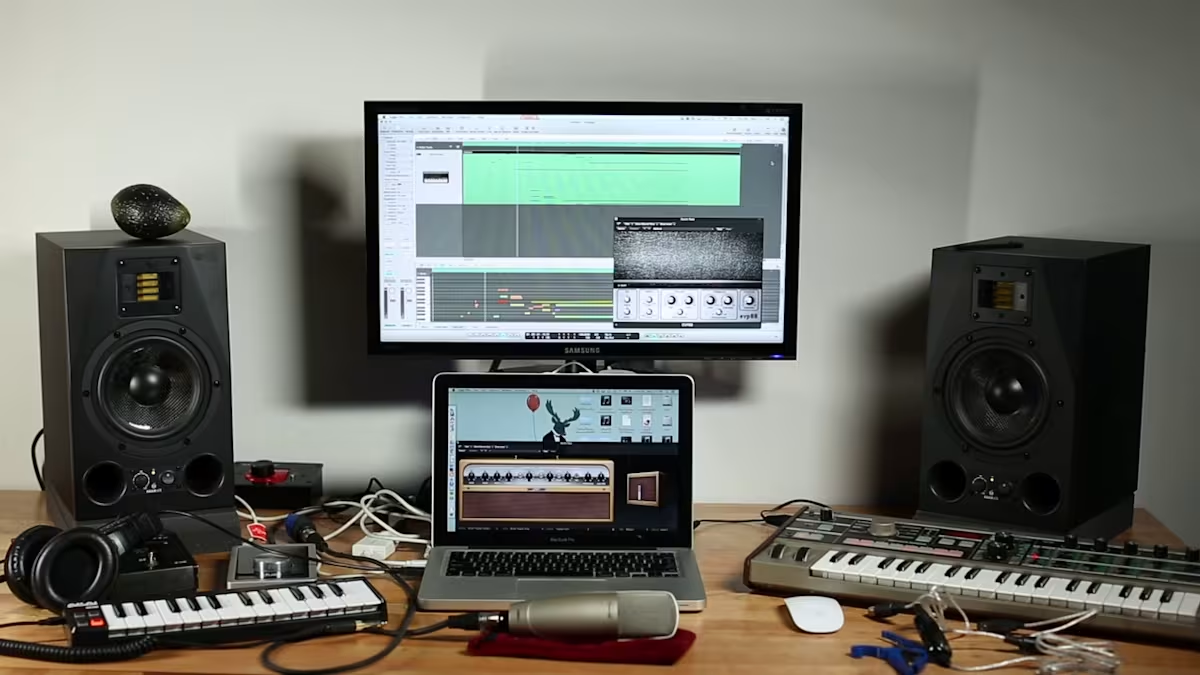
How to Choose Background Music for Your Marketing Videos
Learn where to find good royalty-free music and how to choose the best background track for your video.
Lisa Marinelli
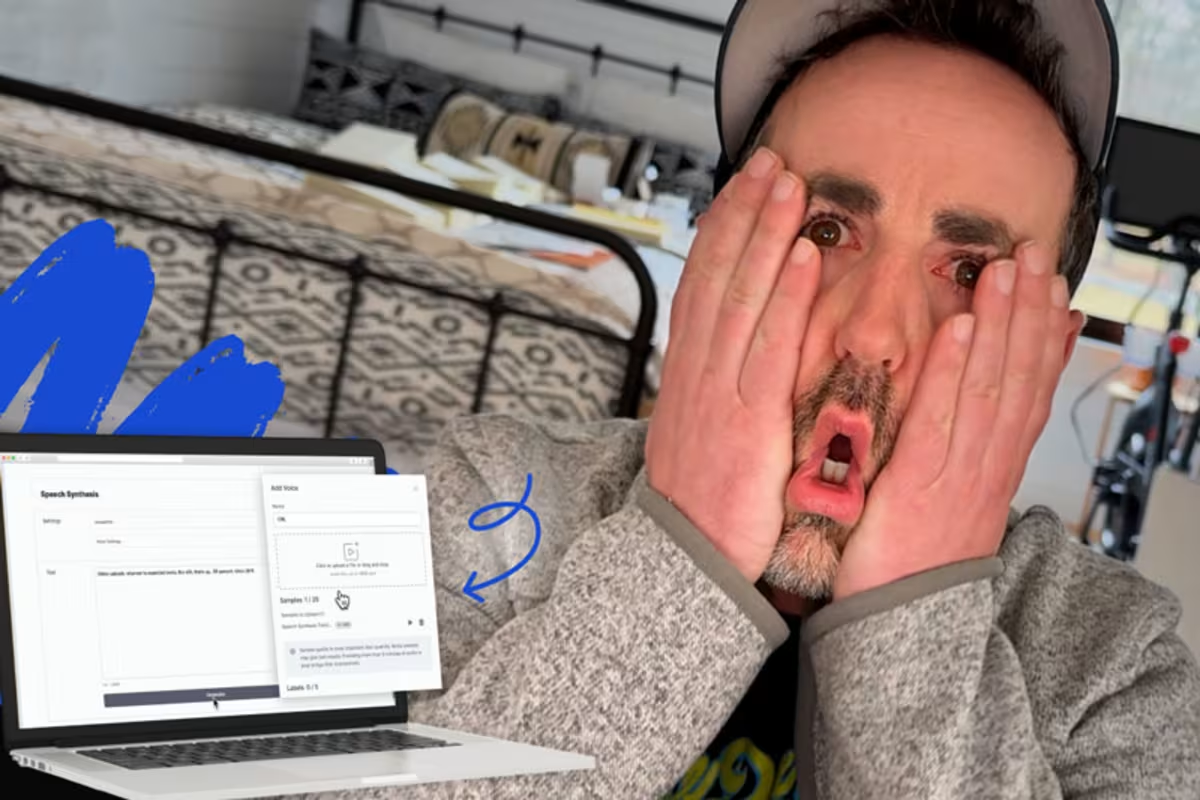
Use an AI Voice Generator to Fix a Mistake in Your Video
No need to bust out your video gear and reshoot. Here’s how to do it with AI.
Chris Lavigne
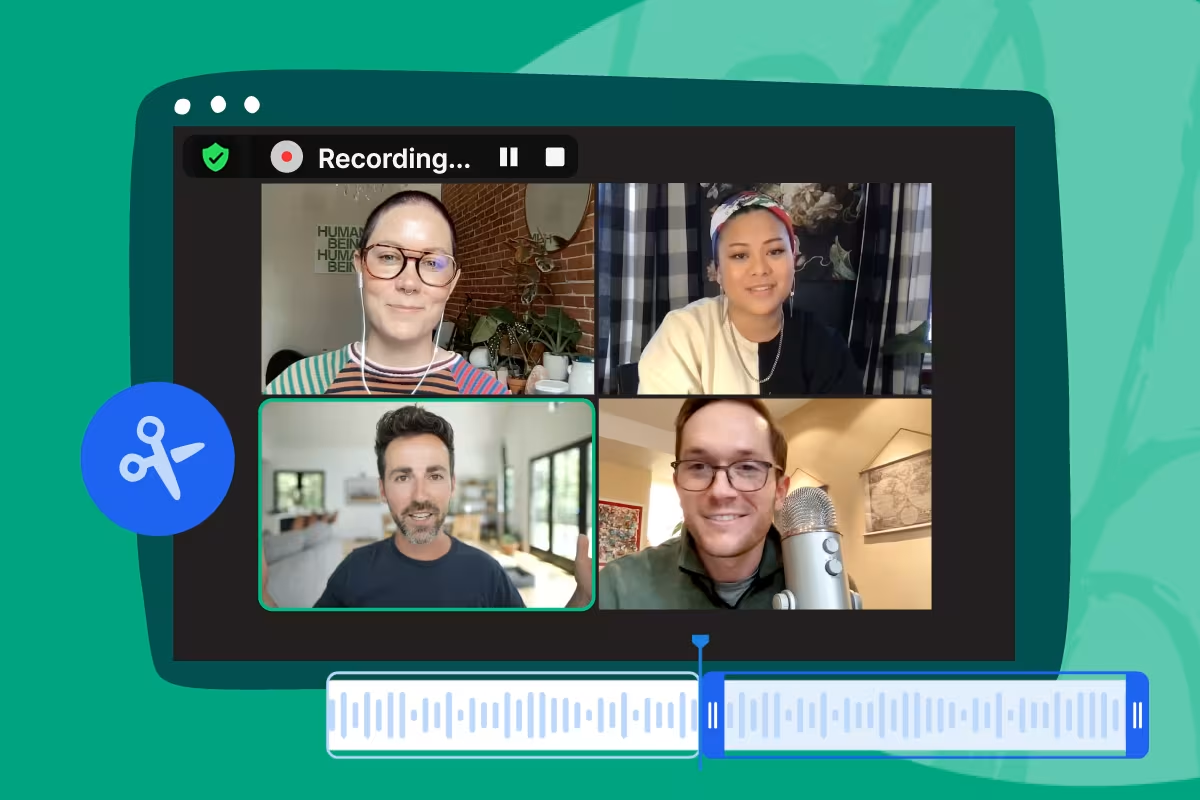
How to Edit A Zoom Recording of Your Meeting or Webinar
Learn how to edit a Zoom recording with the Wistia editor. Trim a Zoom meeting or webinar recording and share with your audience to get the most of your videos.
Austin Canary
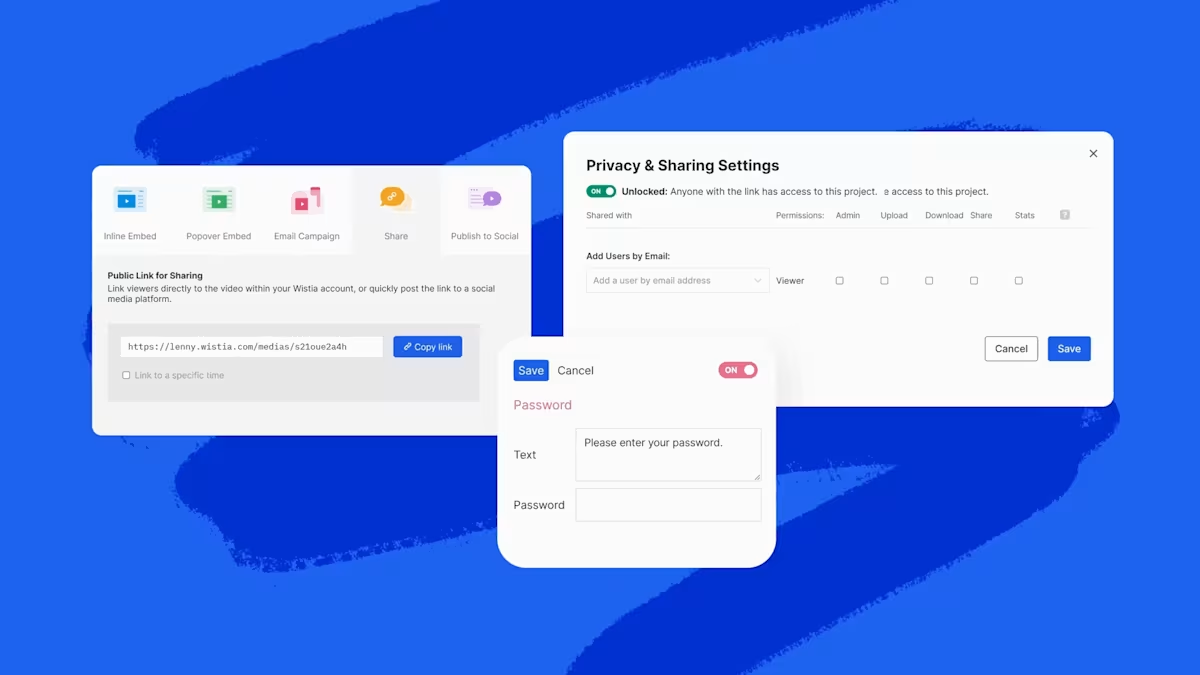
How to Share a Video Privately With Wistia
Wistia offers three different ways to secure your video and share it privately. Let's go over each option.
Chiara Hoogervorst
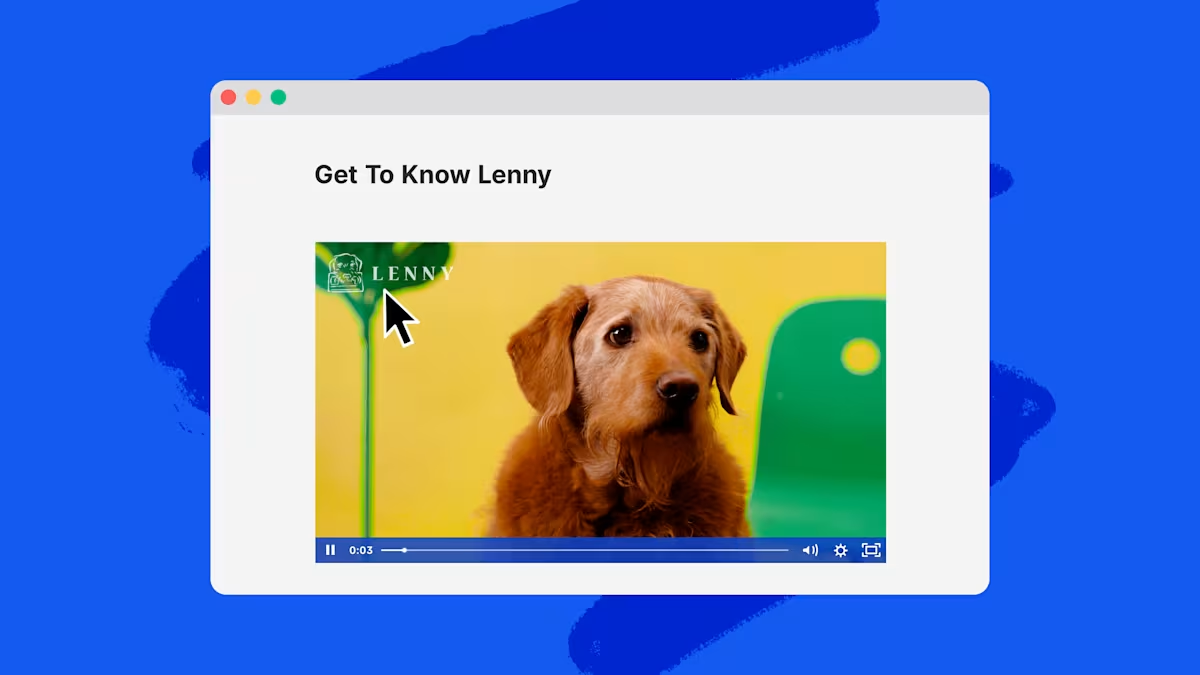
How to Add a Logo to Your Video in Wistia
Learn how to add an extra brand touch to your video by adding your logo.
Chris Lavigne
8 Best Video Editing Software for YouTube: Marketer's Guide
Here's a list of the best video editing software for YouTube that marketers can use to scale the video production process for their business.
Austin Canary

How to Create an AI Generated Video with ChatGPT, Synthesia, and Descript
Learn how we created an AI generated video with a ChatGPT script, a Synthesia avatar and voice, and stock footage from Descript.
Chris Lavigne
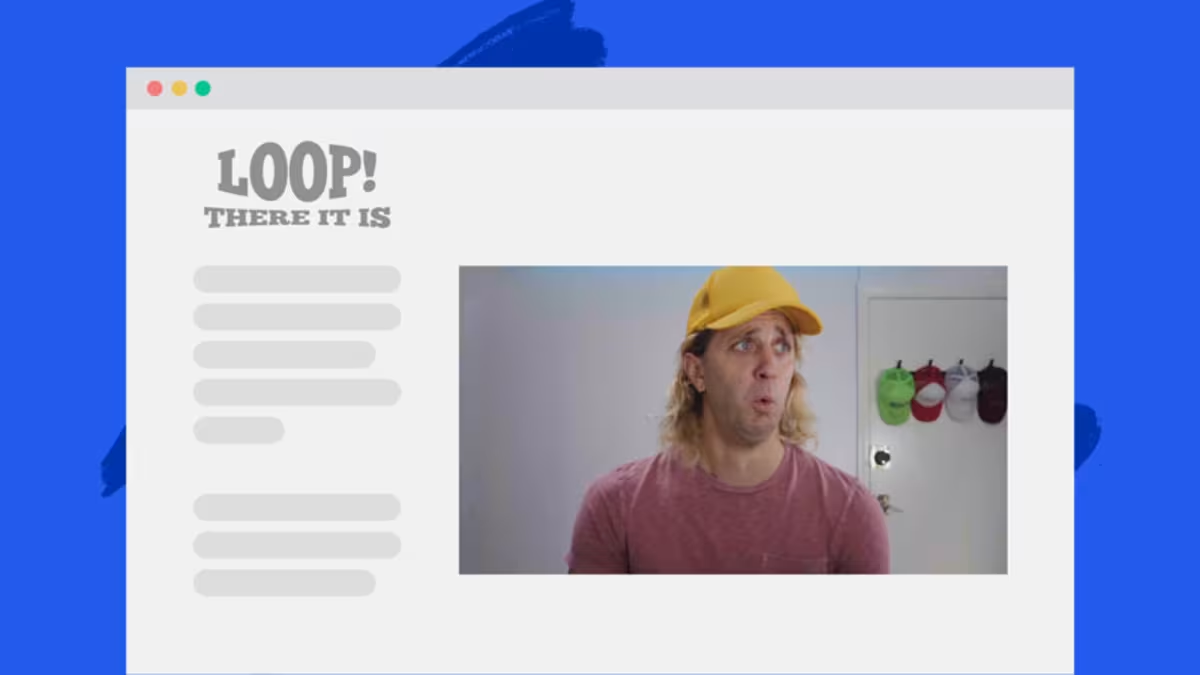
How to Make a Looping Video with Wistia
Learn how to create a silent looping video right in Wistia as a high-quality alternative to GIFs.
Chiara Hoogervorst

25 Adobe Premiere Shortcuts in under 60 Seconds
Ditch the mouse. Become a Premiere pro with these go-to keyboard shortcuts.
Chris Lavigne