Editing
Get practical advice for turning raw footage into videos people actually want to watch.
9 Tips for Repurposing Videos for Social Media
Turn your video library into a steady stream of engaging social content.
Lisa Marinelli
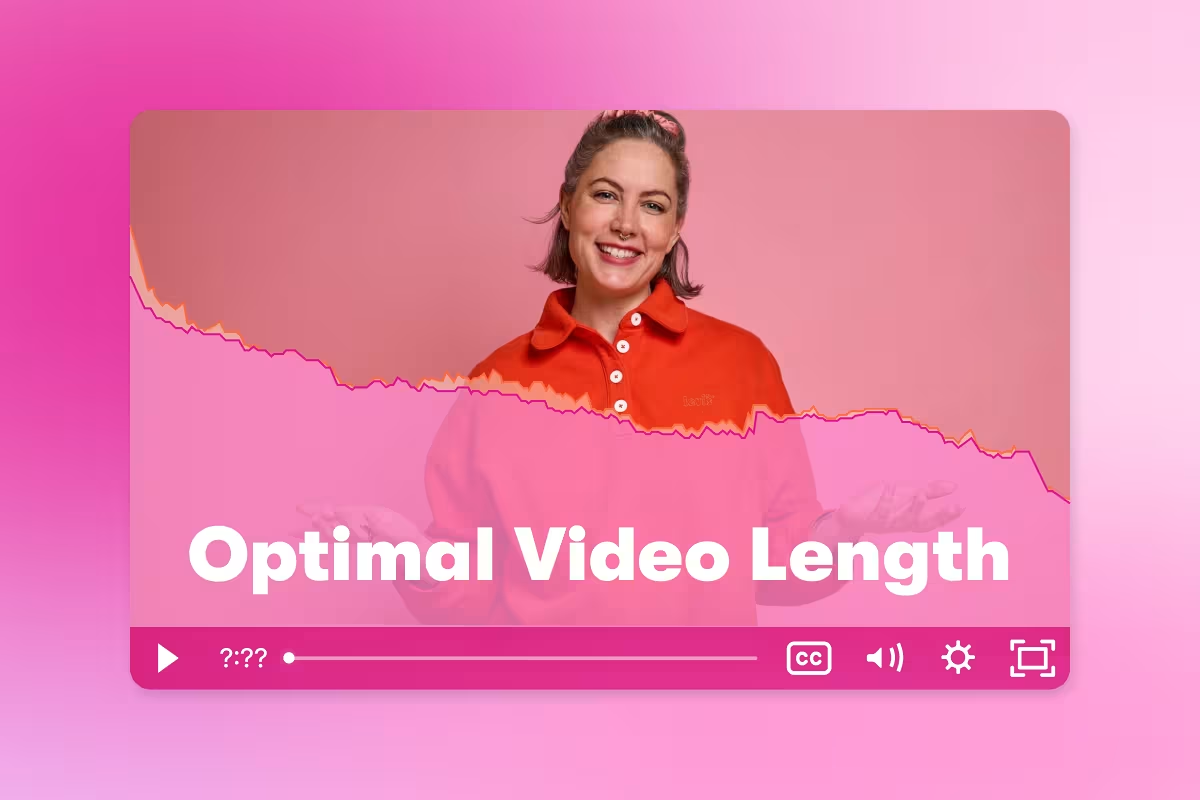
How to Choose the Right Marketing Video Length for Any Goal
Discover what video length performs best for any marketing goal, backed by insights from 100 million videos.
Ezra Fishman

AI Video Creation Guide: How to Use AI to Create Videos
Learn how to use AI to create videos for your business. From scripting to editing, generative AI is making video production easier than ever.
Chris Lavigne
Vertical Video Guide: Sizes, Dimensions & How to Resize for Social Media
Get vertical video dimensions for every social platform, plus how to resize a horizontal video to 9:16 in one click. Free editor included.
Chiara Hoogervorst
Video Repurposing Cookbook
Get tried-and-true tips on editing your videos into social clips, ads, and other video assets.
Grab your free copy
All Articles
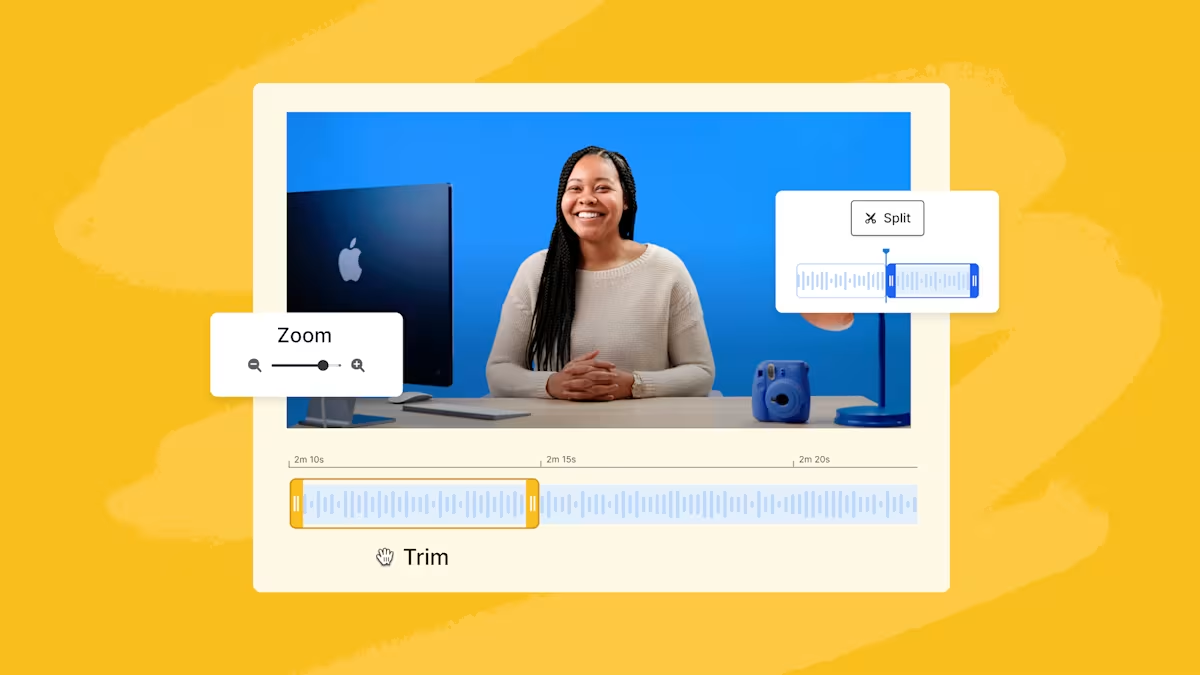
Introducing Wistia’s New Video Editing Feature! ✂️
Take editing matters into your own hands with the ability to make quick trims, create short clips, and more.
Lisa Marinelli

What is a LUT? How to Use LUTs for Color Grading
Learn how you can get started with color grading to speed up your workflow and produce better looking footage for your business.
Stephen Petto
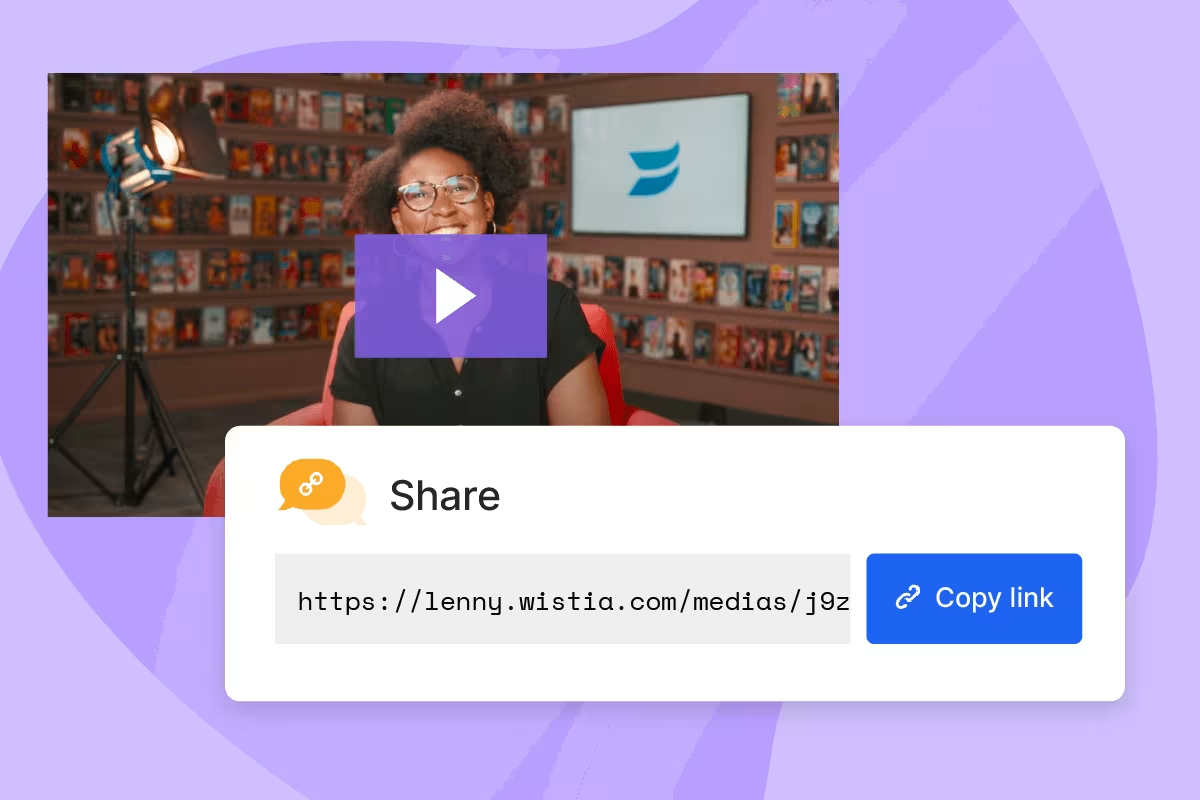
How to Share a Large Video File Using a Free Wistia Account
Sending a large video file can be way too complicated. We know. That’s why we made it possible to share large videos in three easy steps with a free Wistia account.
Chiara Hoogervorst
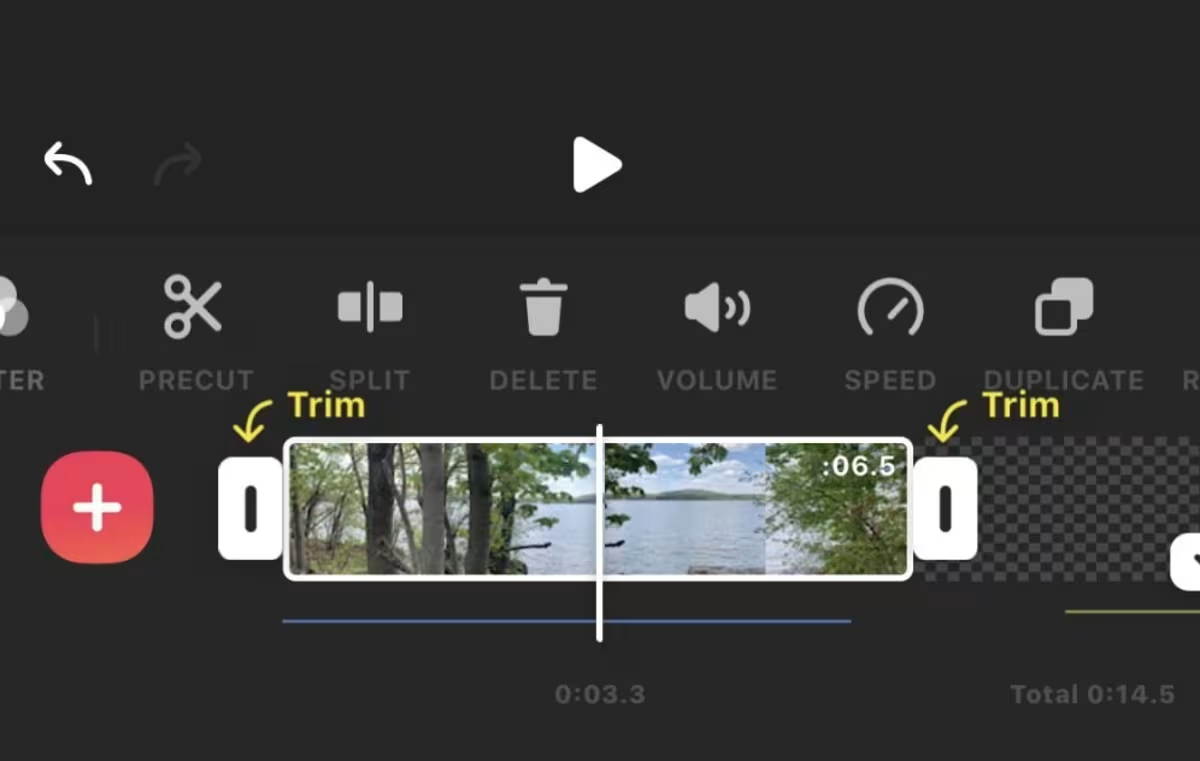
13 Social Media Video Tools to Help Your Business Make Memorable Videos
Enhance your social media video marketing efforts with 13 of our favorite tools for pre-production, creation, editing, and more!
Frank Emanuele
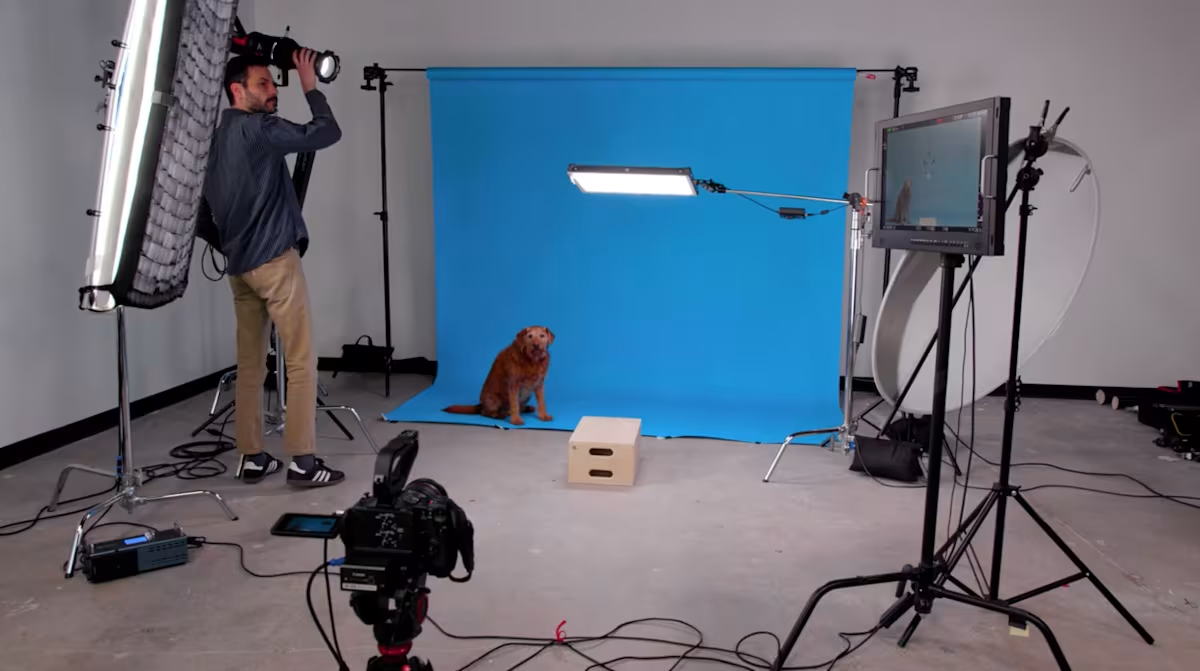
Wistia’s Guide to Easily Color Match Your Video Backdrops
Color matching your video backdrop has never been easier. Watch this quick video to perfect your technique!
Stephen Petto
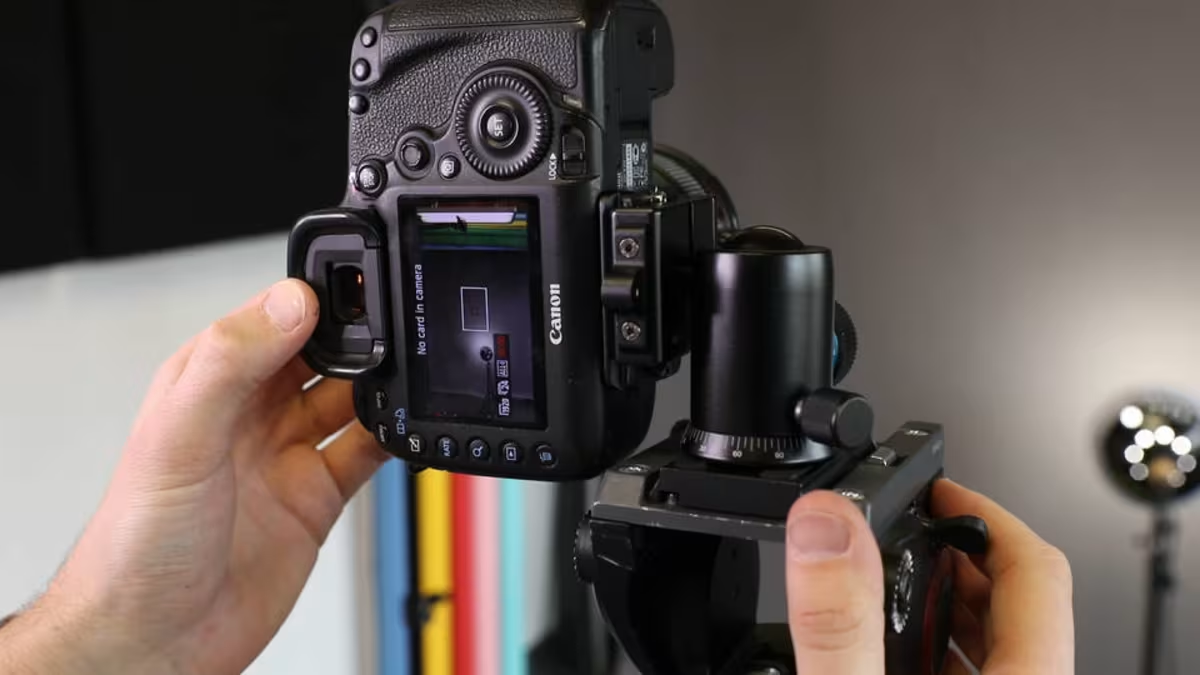
How to Edit Videos for Social Media
Create scroll-stopping social videos with just a few free tools and simple tips from creators who've done it before.
Jenny Coppola
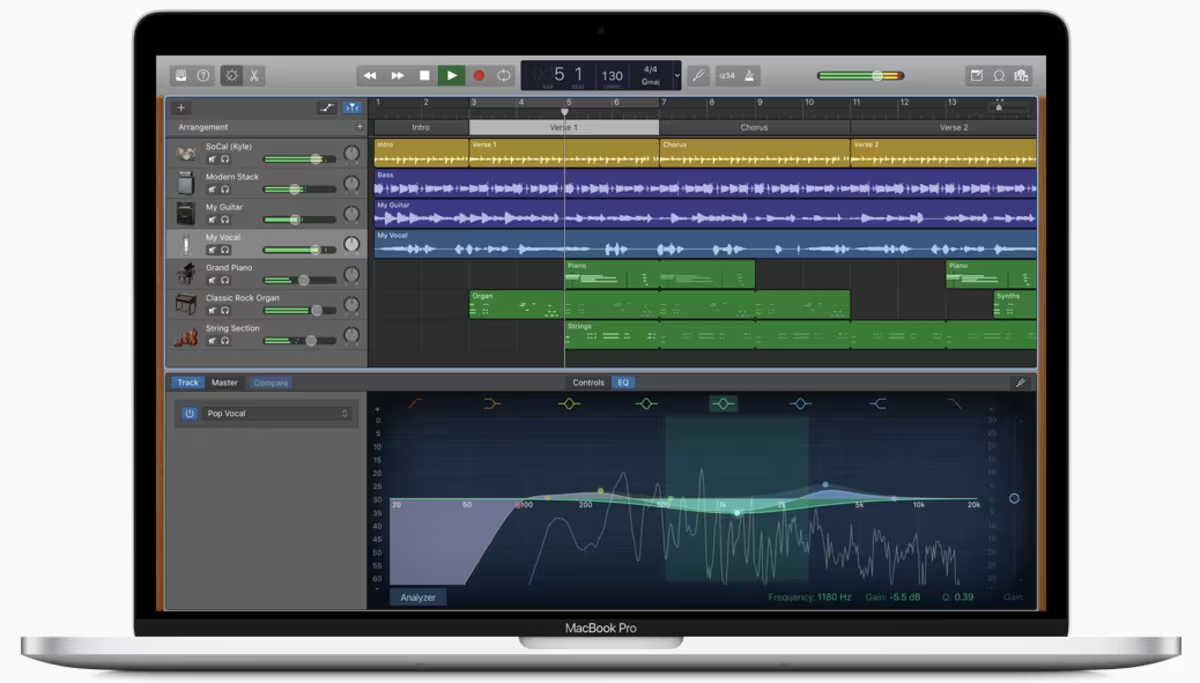
9 Essential Apps for Podcast Producers
From pre-production to post-production and beyond, here are nine essential tools that can help you create binge-worthy podcasts.
Lisa Marinelli
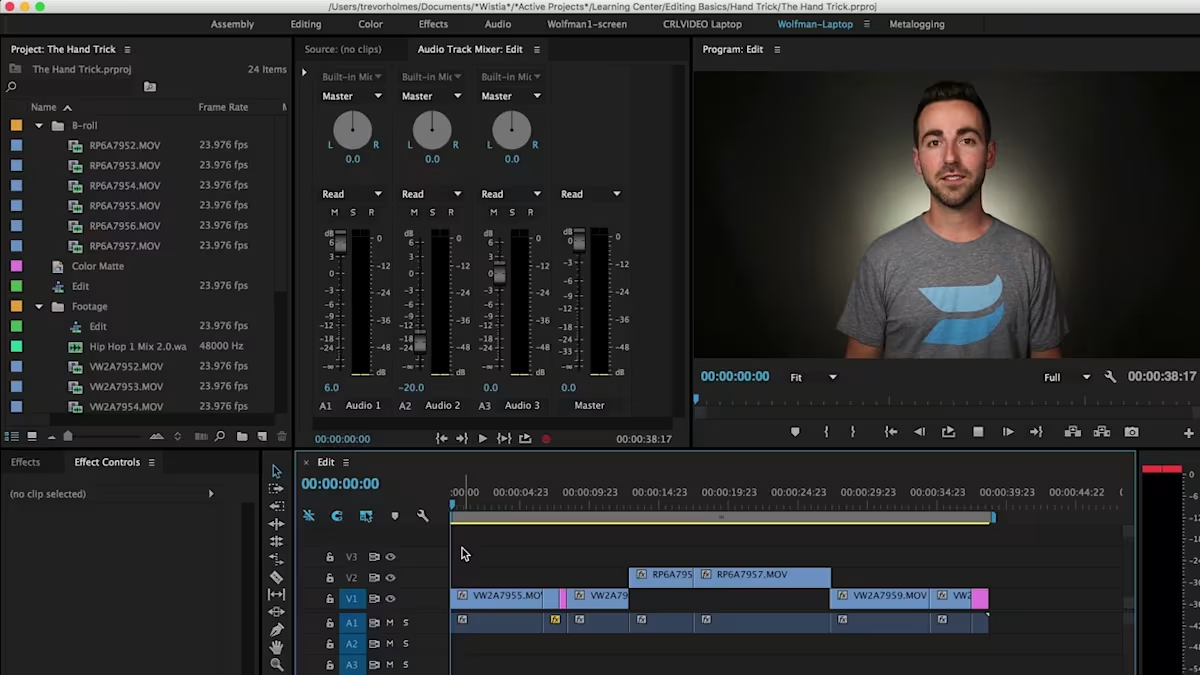
Editing Basics for Business Video
A guide to some basic editing theories that you can apply in any software. Learn the basics of how to edit a video for your business.
Chris Lavigne

How and When to Use Content-Aware Fill in Adobe After Effects
Content-Aware Fill makes removing objects from your videos so easy it feels like magic. Lean how and when to use this new Adobe feature in this article.
Stephen Petto
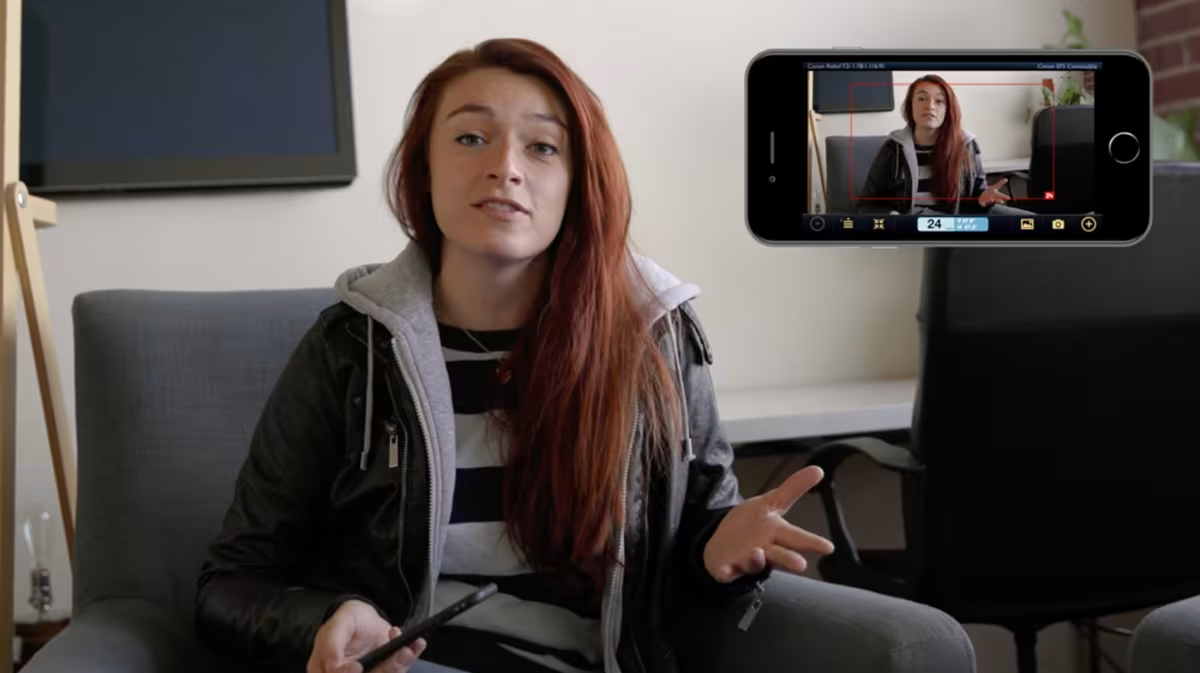
6 Helpful Apps for Shooting and Editing Video on Your Phone
Simulate sunlight and shadows, remotely control your camera through WiFi, and much more thanks to the power of these apps.
Lisa Marinelli

Learn Why Captions and Transcripts are Great for Business
Captions and transcripts provide many benefits for SEO and improve accessibility for better user experiences.
Lisa Marinelli
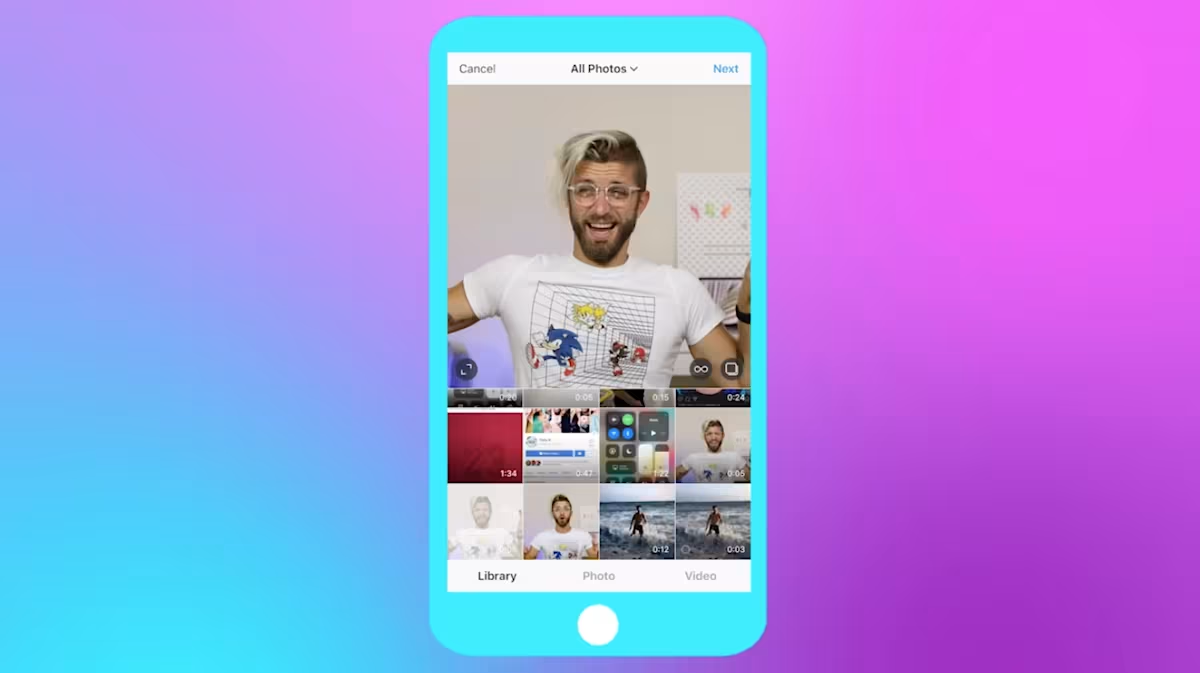
Choosing the Ideal Aspect Ratio for Your Video
Make simple math your best friend and start creating more intentional experiences for your viewers.
Jenny Coppola

How to Get Started with Adobe Rush
Learn how Adobe Rush can make your video-editing life a whole lot easier.
Trevor Holmes

How to Make Square Videos for Social Media
Take up more real estate on your viewer's social media feeds by creating square videos—here's how!
Trevor Holmes

How to Tell an Effective Story with Vertical Video
Stretch your creativity and learn some new production skills by capitalizing on the vertical video trend.
Jenny Coppola
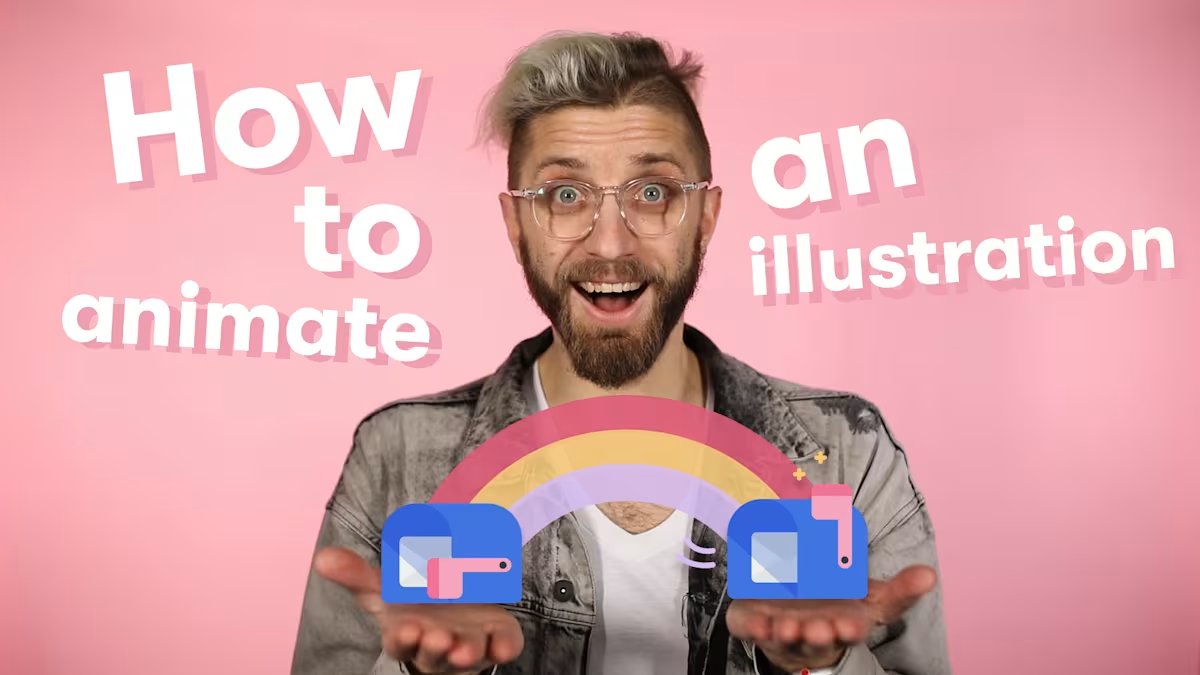
How to Animate an Illustration
Illustrations are great. But you know what’s even better? Turning them into animations to make your videos (or your website) look extra snazzy.
Trevor Holmes

How to Remove Black Bars from Your Video
This article explains why black bars appear on the top or sides of your embedded video, and how you can eliminate them! They may distracting, but luckily it's super easy to troubleshoot and fix your black bar issues.
Trevor Holmes

How to Create Motion Graphics in Keynote for Your Next Video
With just a few steps, you can take an animation made in Keynote and export it as a video file. It’s video wizardry at its most magical.
Trevor Holmes

How to Easily Motion Track Text in After Effects
Watch Trevor’s video tutorial and learn about the single-point tracker in After Effects.
Trevor Holmes

5 Shooting and Editing Tips from Skateboarding Videos
Skateboarding is a tricky craft to master, but shooting and editing awesome video doesn’t have to be.
Jenny Coppola

5 Ways to Fix Your Shot in Post-Production
It’s shakier than you thought. It’s completely washed out. The framing looks weird. Don’t fret! Learn about how to fix these common production pitfalls in post.
Trevor Holmes
How to Animate your Company Logo
An in-depth guide on the basics to motion graphics in After Effects. In this video, Trevor covers animation basics using Adobe Illustrator and After Effects. Specifically, he covers how to animate a logo using keyframes, masks, and modified animation presets.
Trevor Holmes

How to Boost Your Engagement with Custom GIFs
Jenny breaks down her GIF-making process and provides some expert tips on how and why we use GIFs at Wistia.
Jenny Coppola

4 Ways to Animate Your Video with Keyframes
Trevor walks through four examples of ways we use keyframes in Adobe Premiere to create interesting visual effects.
Trevor Holmes