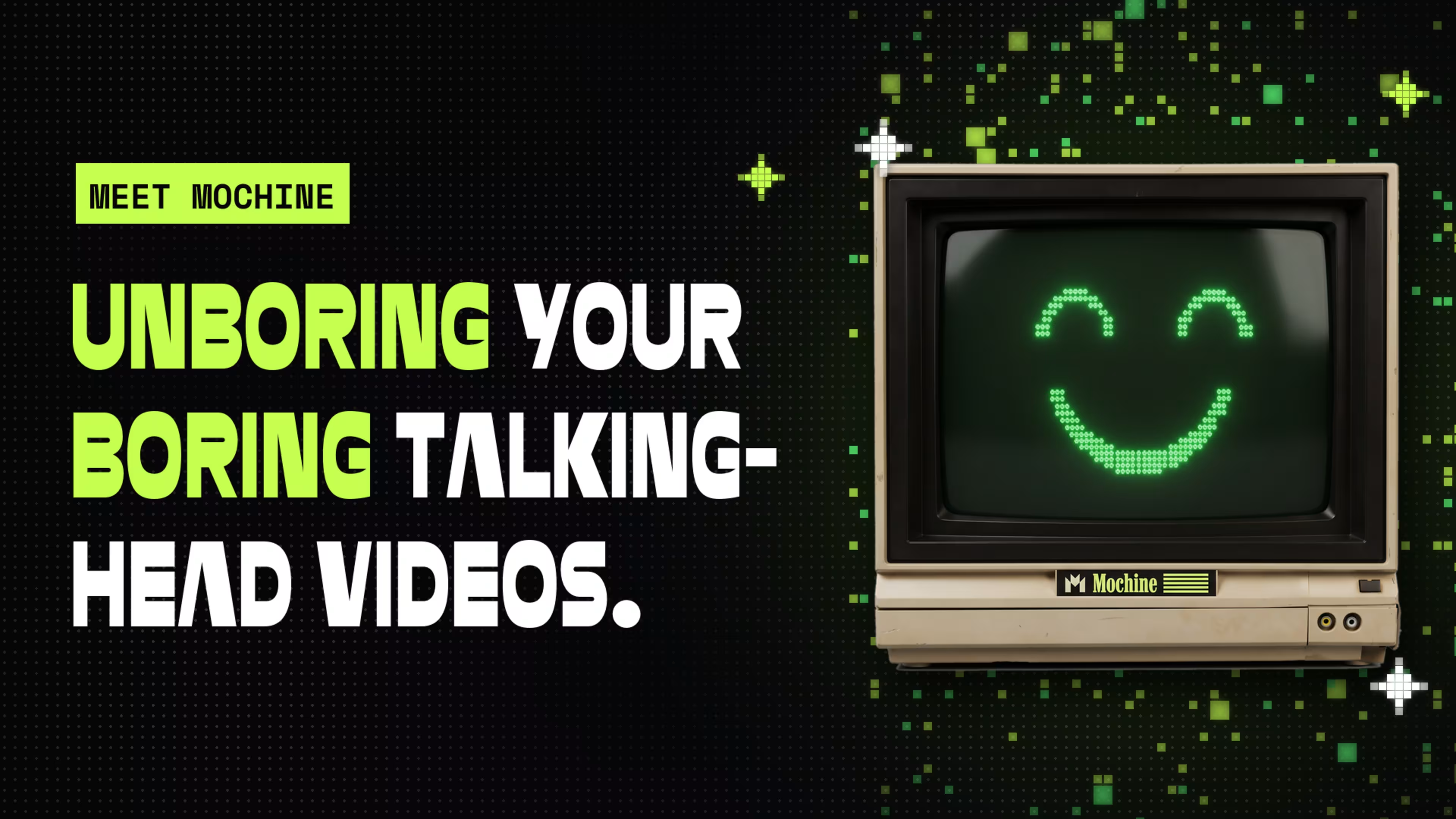
Today’s a big day at Wistia. We’re launching Mochine (formerly known as Remix), a new AI video editor built to unboring your boring talking-head videos.
We’ve spent almost 20 years helping businesses make videos. And you know what kind of video we all keep making?
Talking head videos.
I make them. Our team makes them. Pretty much every business I know makes them. And for good reason!
They’re easy to record. You get someone’s face, voice, personality, and imperfections. All the stuff that makes them them.
I love that about video.
But the way we watch video has changed. Social media has completely rewired our expectations for what keeps us watching. Snappier edits. Motion graphics. Visuals that help tell the story, not just someone talking at a camera.
And that’s where talking-head videos can get lost.
One person. One camera angle. Five minutes of talking. And turning that into something interesting? Suddenly you need an editor, motion graphics, and a whole lot more time than it took to record the damn thing.
And now we have AI, which could make all of that dramatically easier.
But so much of the industry seems obsessed with using it to replace the person on camera entirely. Avatars. Synthetic presenters. People who don’t actually exist.
I think we’ve got it backward.
The person isn’t boring. The video is.
Why replace the best part of the video when AI can make everything around that person so much better?
That’s why we built Mochine (the name comes from Motion Machine).
You bring your footage. A webinar, a podcast, a screen recording, or just you talking into a camera.
Then, just tell Mochine what you want. “Cut the pauses.” “Add some motion graphics.” “Emphasize the important stuff.” “Make it look like my brand.”
And just like that, it does it.
No more spending half an hour editing a video that took five minutes to record.
You get to be yourself on camera. Mochine makes the whole thing a hell of a lot more interesting to watch.
Your brand should look like your brand
One of the things the team is most excited about is Motion Kits, which are specially designed motion graphics packages that can bring your video to life.
With Mochine, you can create a custom Motion Kit with your brand’s colors, fonts, titles, lower thirds, and animated graphics. Set it up once, and you and your team can use it across all your videos, so everything actually looks like your company made it.
You don’t need to know a single thing about motion design. You just tell Mochine what you want.
So what can you actually make?
The best part of Mochine is you don’t have to change how you record videos. You just get to do a whole lot more with the footage you already have.
- Unboring your talking-head videos. Add motion graphics, captions, and better pacing to that straight-to-camera update.
- Giving webinars a second life. Turn a 45-minute webinar into a quick recap or a handful of social clips.
- Finding the good stuff in long recordings. Pull highlights and key takeaways out of podcasts, interviews, and conversations.
- Making videos for social. Turn existing footage into vertical clips for LinkedIn and wherever else your audience hangs out.
- Making everything look more polished. Customer testimonials, event recaps, product updates. All the stuff you’ve been meaning to do something with.
And you can do all of this by talking to Mochine.
You don’t have to learn a new editing workflow or figure out which button does what.
You just ask.
I can’t wait to see what you make with this that we haven’t thought of yet. Give it a try and show me on: X, Instagram, or LinkedIn.
Already using Wistia? Here’s what you need to know.
We didn’t want Mochine to feel like another disconnected tool you have to manage. So it works with your existing Wistia account, and we’re introducing a shared credit system for AI-powered features.
Here’s the quick version.
Do I need a separate account?
Nope. You can use Mochine right inside Wistia and save it to your existing account.
How do credits work?
Talking to Mochine is free. Creating or editing a video costs 250 credits, which covers the AI processing, narration, and rendering.
Do I already have credits?
Yep! Credits are included with Wistia plans:
- Business: 5,000 credits/month (about 20 videos)
- Premium and Enterprise 1: 12,500 credits/month (about 50 videos)
- Enterprise 2: 25,000 credits/month (about 100 videos)
- Free: 3,000 one-time credits (about 12 videos)
Credits are shared across your account, so your whole team can use them. They also work for other AI-powered Wistia features, like dubbing, captions, and audio descriptions.
Monthly credits reset on your billing date and don’t roll over. If you have any questions please contact your account manager or Support.
What about Motion Kits?
Paid plans include three custom Motion Kits, and free accounts include one. Additional custom kits cost 2,500 credits, with extra revisions at 250 credits each. Our pre-made kits are always free.
What if I need more credits?
You can add a monthly credit subscription starting at $22.50 for 5,000 credits, or buy a one-time top-up starting at $25 for 4,000 credits.
Account owners can manage both from the Credits page in Wistia.
For all the details, including the full pricing breakdown, check out Understanding Wistia Credits.
Come make something with us
We’re hosting Mochine office hours on November 2 at 1 p.m. ET, and I’d love for you to join us.
Bring a video you’ve been meaning to do something with. We’ll show you what Mochine can do with it, live.
Mochine Office Hours
November 2 at 1 p.m. ET. Bring a video and see what Mochine can do with it, live.
Register hereAnd you can go try today at mochine.ai or directly inside Wistia.
The more I see what AI can do for video, the more convinced I am that the biggest opportunity isn’t getting rid of the people making it.
It’s making it dramatically easier for more people to make great videos.
Because the real people, the real ideas, the weird little things that make us human? That’s the good stuff.
Let’s make the videos a hell of a lot more interesting to watch.
— Chris