
The Model Context Protocol (MCP) is a technology that lets AI agents (like Claude, ChatGPT, and Cursor) connect to specific tools and actions within your software. You tell the AI what to do, and it takes care of the task without you having to log into your software.
A video MCP is that same idea, except it’s specific to video platforms. It's a defined set of video actions an AI agent is allowed to take. For example, we built an MCP server that lets agents access your video library, webinars, and analytics and carry out tasks without you lifting a finger. It’s like having your own AI video agent.
What your AI agent can do with a video MCP
Your AI agent’s capabilities depend on the video platform and what the MCP allows. I tested a range of tasks with the Wistia MCP and rounded up some favorites:
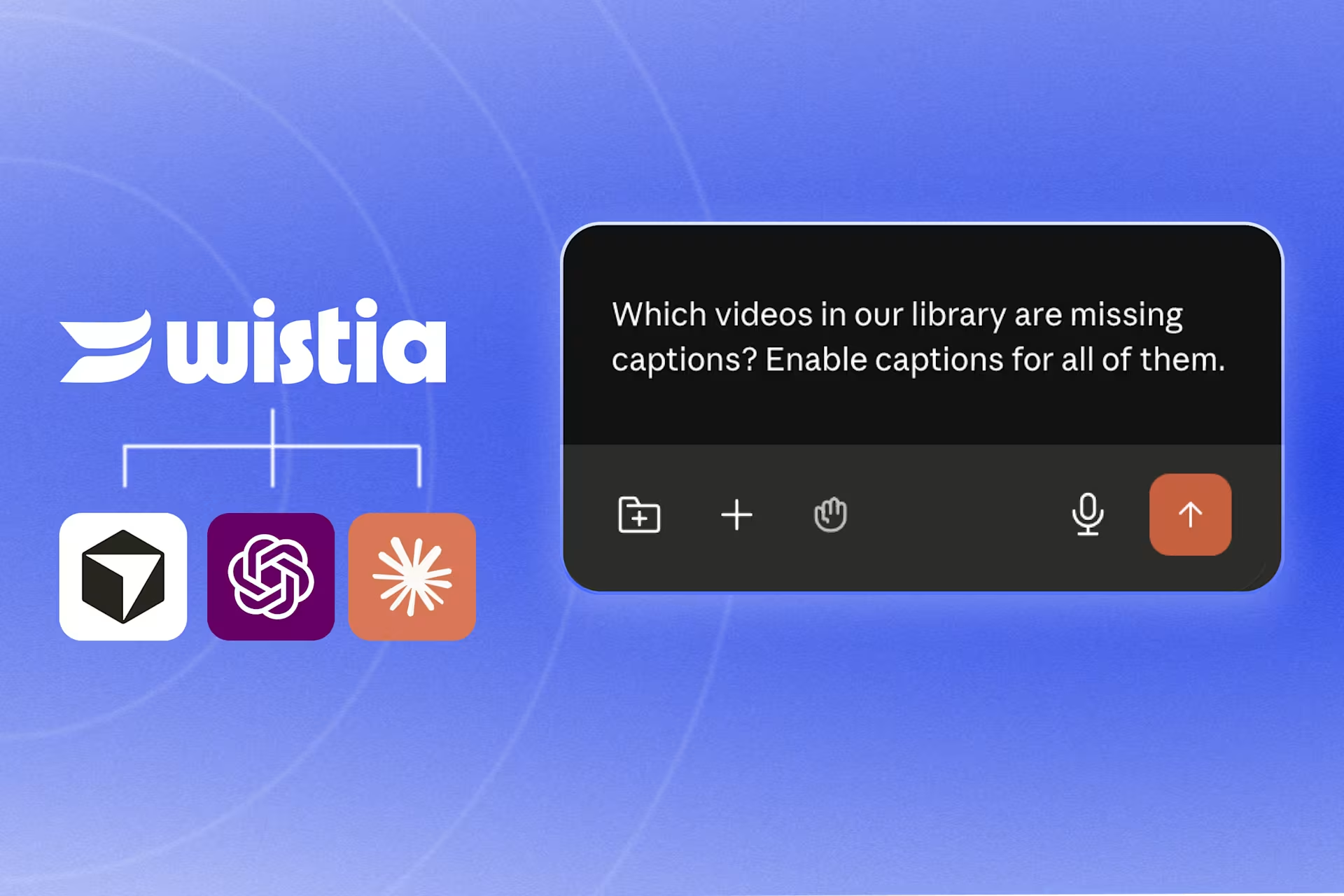
- Add captions in bulk: "Which videos in our library are missing captions? Enable captions for all of them."
- Upload videos, and then some: "Add this video to our 'Thought Leadership' folder and order overdubs in Spanish, French, and German."
- Provide video performance updates: "Pull last month's plays and engagement for every video in the product folder, and give me the top five."
- Tag videos by type: "Find and tag every untagged video from all our webinars in 2025."
- Create social posts from a webinar transcript: "Grab the transcript from our latest webinar and draft five LinkedIn posts from the best moments."
- Provide webinar performance updates: "How did last month's webinar do? Give me registrations, how many showed up, and the average watch time."
My team spent some time playing around with the Wistia MCP on the webinar side and found some more tasks worth automating.
Tips for getting the most out of a video MCP
- Start read-only. Let the agent pull and report before you let it change anything. It's a low-risk way to learn the workflow and trust the results. Since Wistia’s AI Video Marketing Trends report found that accuracy is the top concern marketers have about AI, a little verification goes a long way.
- Be specific. Agents do their best work with clear instructions. "Pull engagement for the Product Pages Videos folder for May and give me the top five by play rate" beats "how are our product videos doing?" For repeatable tasks, build skills for your agent.
- Pair it with the AI agent you already use. The agent already has context from your conversations and integrations to other tools, so video tasks slot right into your existing AI workflow.
Setting up a video MCP
It’s super easy. I’ve never coded anything in my life, and I managed to set up multiple MCPs. All you have to do is point your agent of choice to the MCP and follow the prompts. Or if you use Claude, ChatGPT, or Cursor, just search the connections library.
Video MCP FAQs
A few questions come up every time I talk about this with folks, so let's get into them.
What’s a video MCP?
A video MCP is a technology that lets AI agents (like Claude or ChatGPT) securely connect to your video platform and take a defined set of video actions when you prompt them to. With Wistia’s MCP, for example, you can have your AI agent do a wide range of things, like edit videos, track webinar registrations, and create performance reports.
How is a video MCP different from a regular AI video tool?
Most AI video tools live inside the video platform itself, so you still have to log in. Plus, they usually do one thing, like editing clips. A video MCP lets you have your AI agent handle a wider range of video tasks without having to log into the platform.
What can I do with a video MCP?
The video tasks you can do with your AI agent come down to what your video platform’s MCP allows. Some video MCPs are focused on one part of the workflow, like editing or creating videos, while others (like Wistia’s MCP) cover the whole workflow.
Which AI agents work with a video MCP?
Any agent that supports the Model Context Protocol can work with a video MCP. This includes Claude, ChatGPT, and Cursor. If you want to know if your agent supports it, check its settings for something called "connectors," "integrations," or "MCP," or just Google "[your agent] MCP support."
How much control do I have over what my AI agent does?
You have full control over your AI agent’s actions because it only does what you ask it to. If you want to test the waters first, stick to read-only requests, like pulling data and reporting back, before letting it touch your videos.
Does connecting my AI agent to a video MCP mean my content gets used to train AI models?
Whether your content gets used to train AI models depends on the agent you're using and the plan you're on. Higher-tier plans usually exclude your data from training by default, while other plans might require you to opt out yourself. It’s worth checking your agent's privacy settings just to be safe.
While you're at it, check your video platform's policy too because some platforms use your content to train AI models. (You don’t have to worry about that with Wistia. We don’t do that, ever.)
Do I need to know how to code to set up a video MCP?
Nope, not at all. Just point your agent at the MCP and follow the prompts, or if you're using Claude, ChatGPT, or Cursor, look for it in the connections library.
Point your AI agent to the Wistia MCP
So you can spend less time on manual video tasks and more time on everything else.
Let’s go →