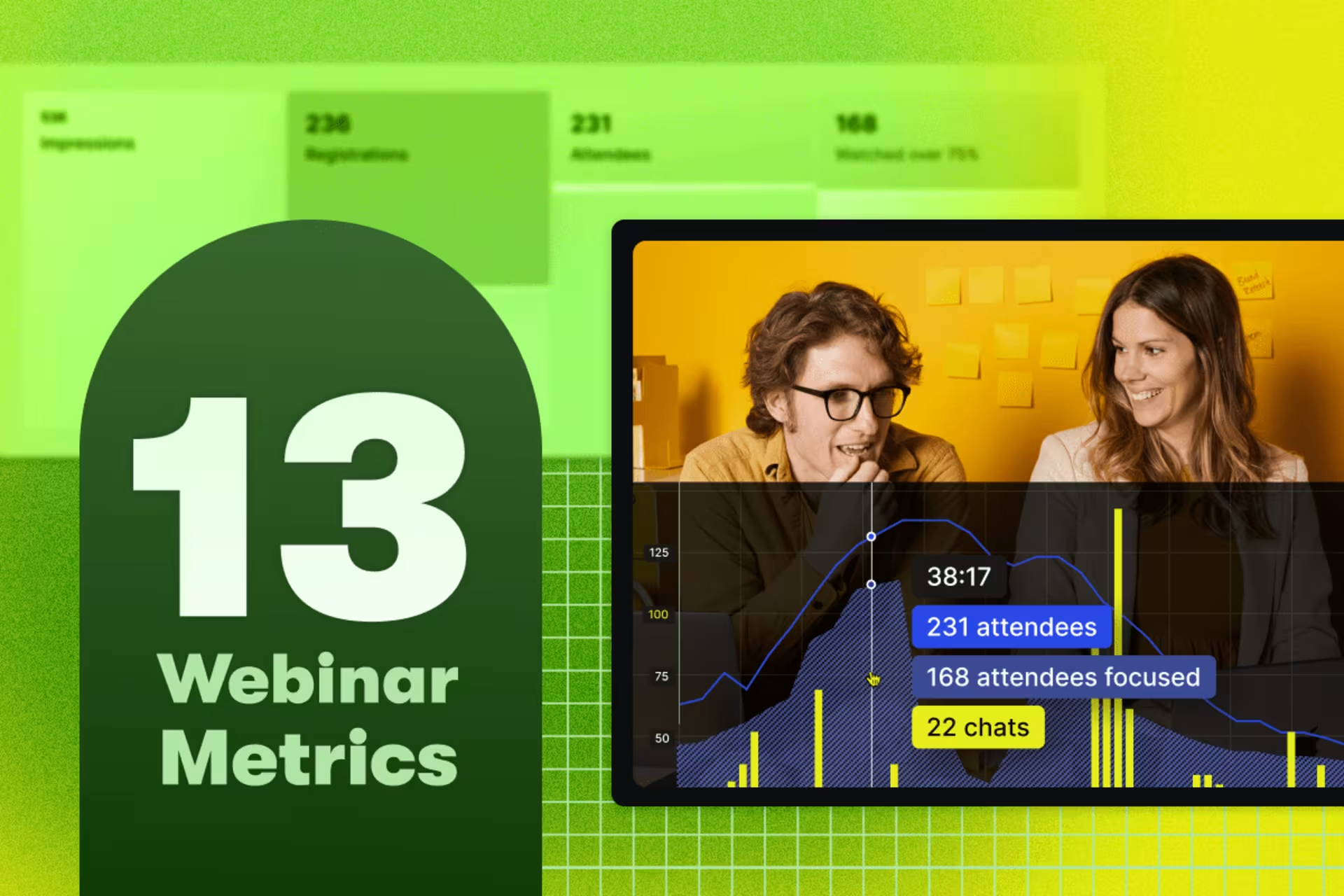
The Top 13 Webinar Analytics For Measuring Success
Use these insights to refine your strategy and make each webinar a bigger win than the last.
Video AnalyticsThe Wistia MCP: Run Your Whole Video Workflow With Your Favorite AI Agent
Repurpose your videos, pull performance reports, update your content, and more with just one prompt.
Video StrategyState of Video Report: Video Marketing Statistics for 2026
Build a stronger video marketing strategy this year with our latest video marketing statistics on performance, creation, distribution, and generative artificial intelligence (AI).
Video AnalyticsHow Reddit Scaled a Webinar Program with Wistia
Reddit’s SMB marketing team turned a content-rich strategy into a scalable webinar program—and they couldn’t have done it without Wistia.
Customer StoriesHow to Enhance Your Creativity with Wistia’s AI Video Tools
Kickstart scripts, clean up recordings, and repurpose footage in a few clicks, so you can spend less time on busywork and more on ideas.
Wistia UpdatesWistia Guides
Customer Story
How Reddit Grew Their Webinar Program 4x
Reddit’s SMB team went from one webinar a month to four and used Wistia analytics to build a pipeline machine.
Read the story
Browse by category
Video Strategy
See more
The Wistia MCP: Run Your Whole Video Workflow With Your Favorite AI Agent
Repurpose your videos, pull performance reports, update your content, and more with just one prompt.
Sasha Friedman
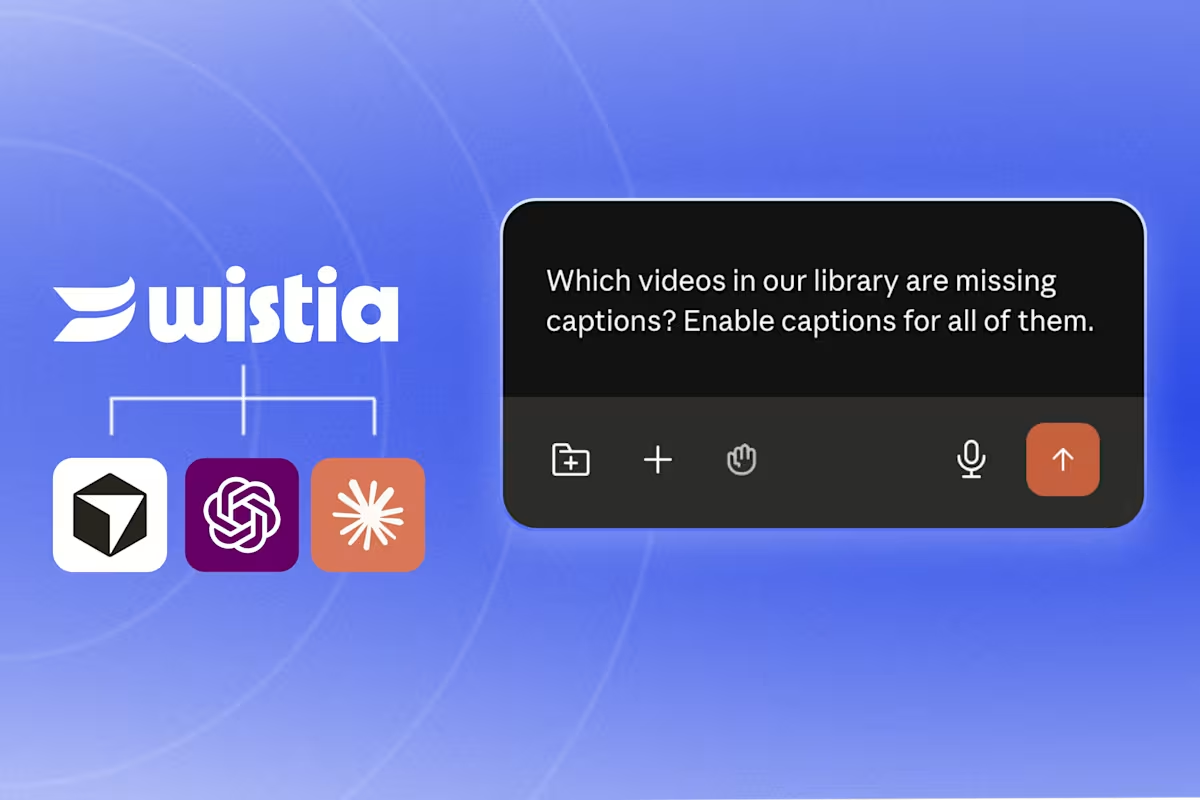
Video MCP, Explained: How to Turn Your AI Agent into a Video Assistant
A video MCP connects your AI agent to your video library so you can prompt it to manage your videos, report on performance, and more. See what you can do with Wistia’s video MCP.
Sam Balter
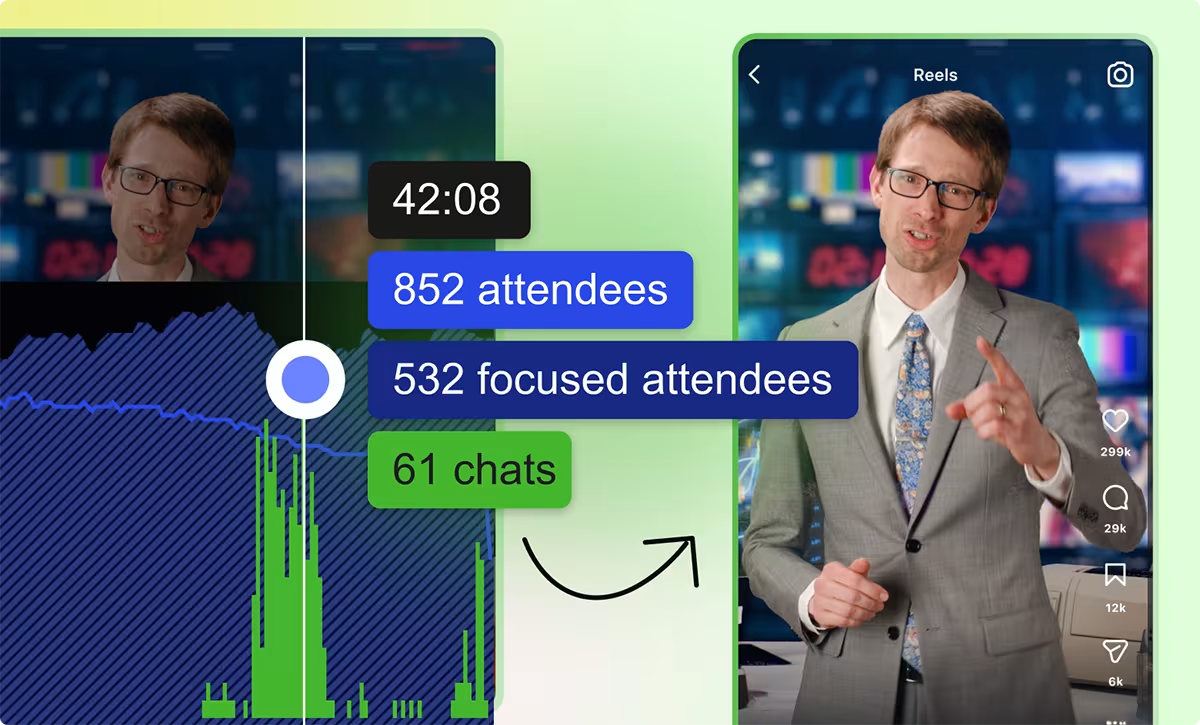
Webinar Analytics Playbook: How to Build a Smarter Follow-up Strategy with the Right Data
Granular engagement data is the secret ingredient for sending targeted follow-ups and knowing what to repurpose. Here's how we use it.
Meg Dalessandro
Product Comparison
See more
Contrast Alternative: Webinars with Wistia
Learn why Wistia is the better choice to help you get the most out of your webinars.
Sasha Friedman

Wistia vs. Goldcast: Which Webinar Platform Is Better for Marketers?
Wistia and Goldcast serve different needs. Compare the two and find the better fit for your team.
Lisa Marinelli
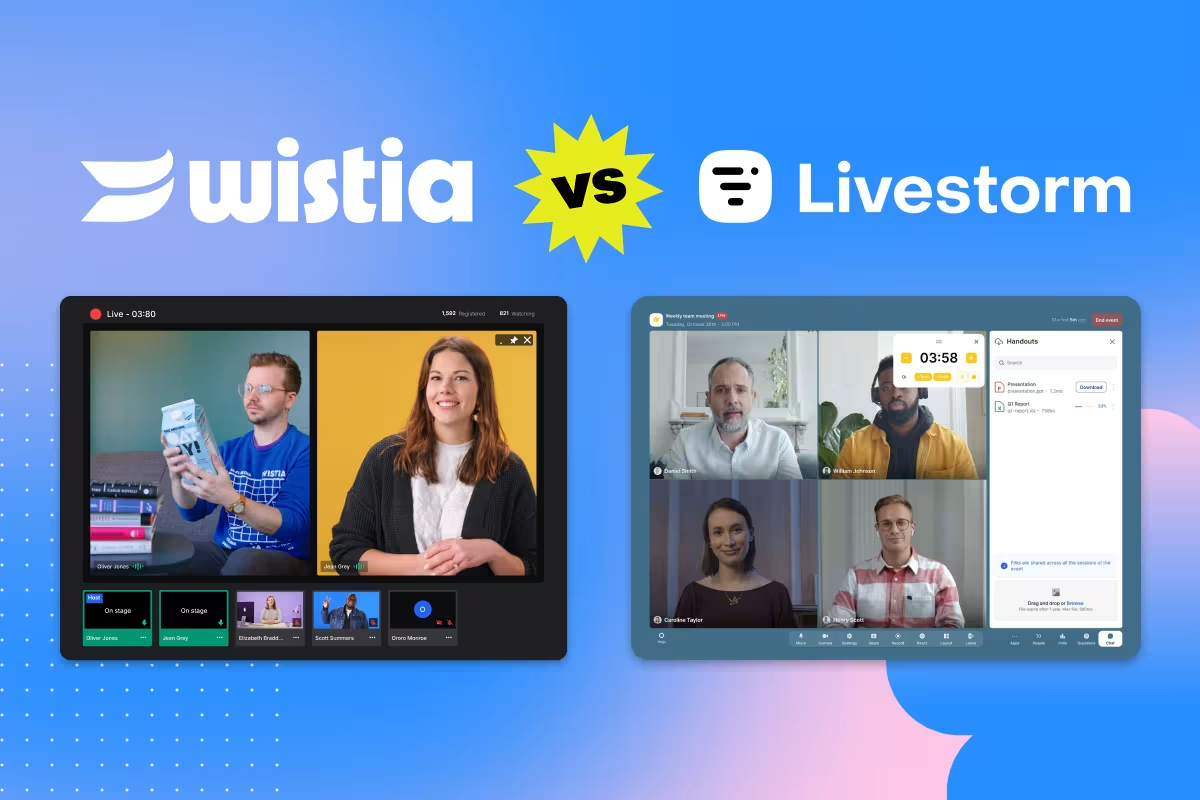
Wistia vs. Livestorm: Which Webinar Platform Is Better for Marketers?
Explore the main differences between these two platforms and choose the right one for your team.
Lisa Marinelli
Webinars
See more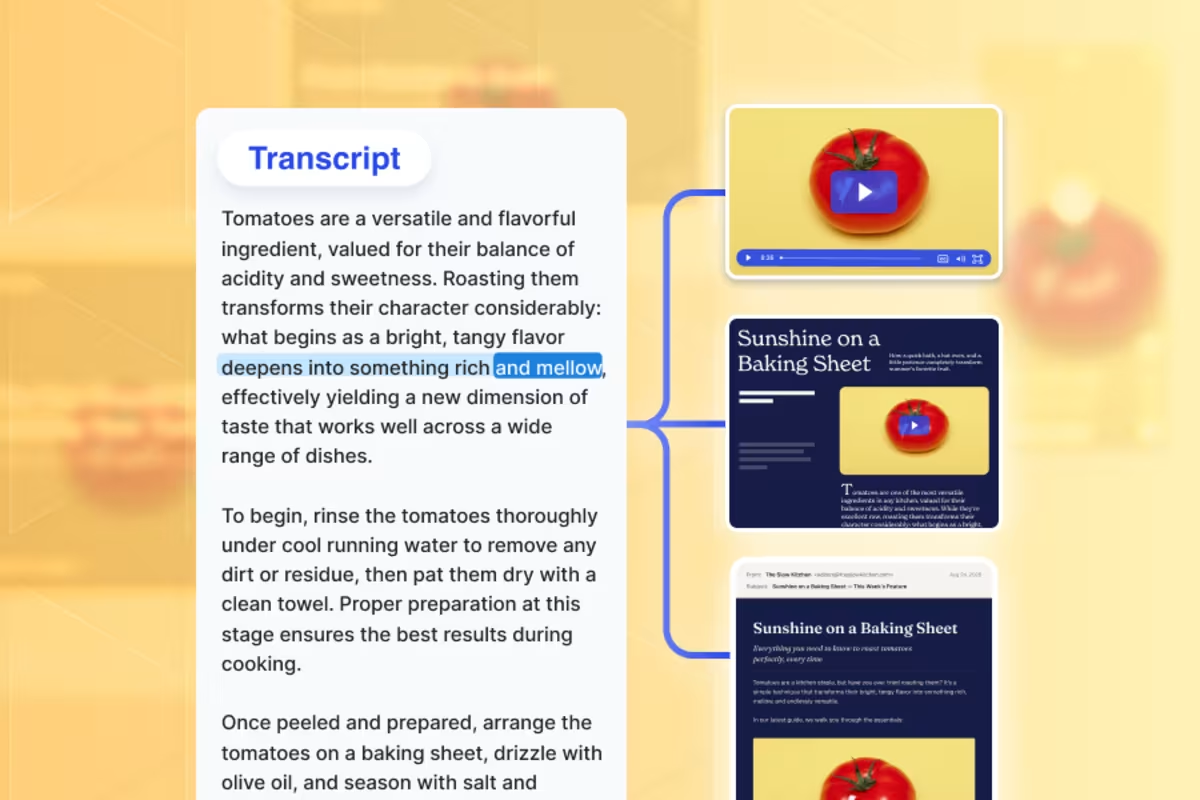
How to Get More Content From a Webinar Transcript in One Sitting
Try this AI workflow to get a blog post, follow-up email, and newsletter before lunch.
Meg Dalessandro

The Best Webinar Platform for Video Marketing ROI
Wistia makes it easy to turn your webinars into quality leads, insights, and content that can drive growth.
Lisa Marinelli

5 Webinar Tasks You Can Automate with an AI Agent
Connect your AI agent to Wistia so it can help plan webinars, track performance, repurpose recordings, and more.
Meg Dalessandro
Video Distribution
See more
The 3 Best Video KPIs to Track on Each Social Platform
Reach more people and improve your strategy by watching the right social video metrics.
Frank Emanuele

How to Use Wistia and YouTube Together
Integrate the advantages of both video hosting platforms into your marketing strategy.
Phil Nottingham
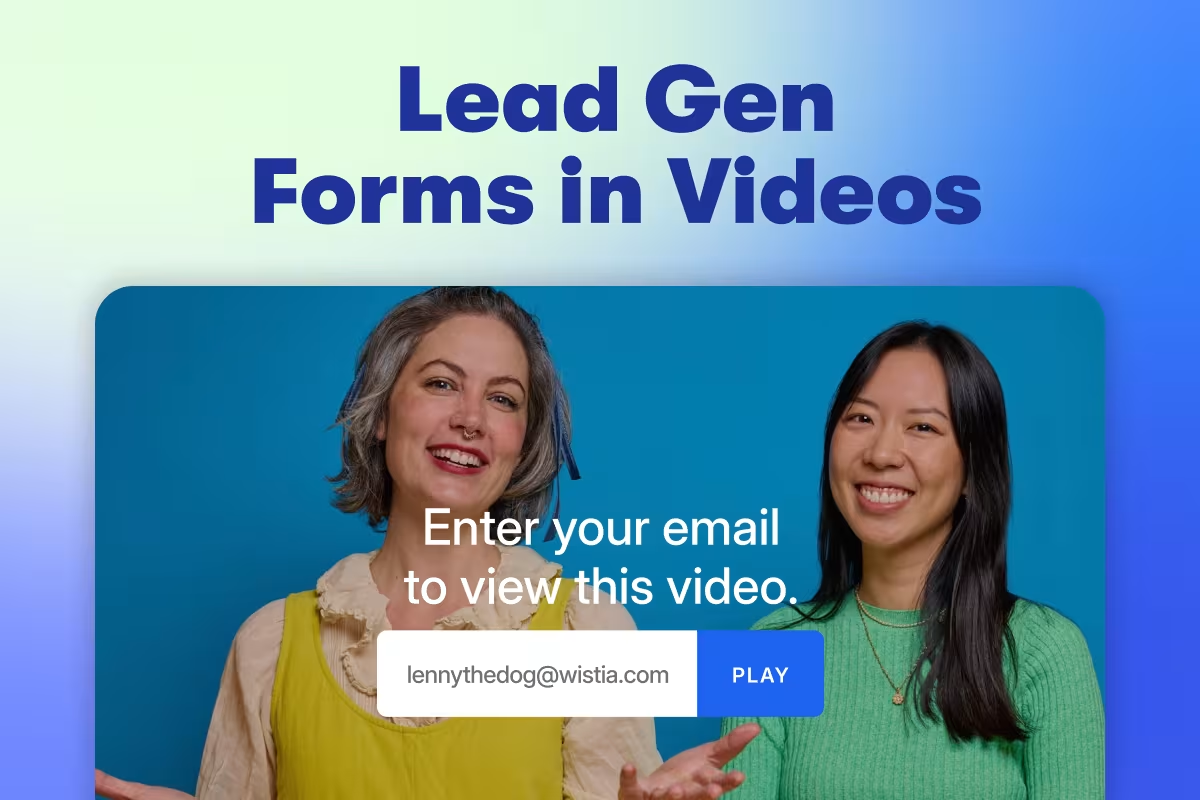
The Best Practices for Adding Lead Gen Forms to Your Videos
Get data-backed insights on the types of videos that capture the most leads, the best places to put a form in your videos, and more.
Chiara Hoogervorst
Video Analytics
See moreThe 3 Best Video KPIs to Track on Each Social Platform
Reach more people and improve your strategy by watching the right social video metrics.
Frank Emanuele

How to Track Video Metrics and Performance with Analytics
Discover what video metrics to track for engagement, conversion assists, and ROI of your next video.
Lisa Marinelli

State of Video Report: Video Marketing Statistics for 2026
Build a stronger video marketing strategy this year with our latest video marketing statistics on performance, creation, distribution, and generative artificial intelligence (AI).
Lisa Marinelli
Video Production
See more
The 2-Hour Video Workflow That Actually Gets Done
Skip the analysis paralysis and ship that video in just six steps. No big budget needed.
Chris Lavigne
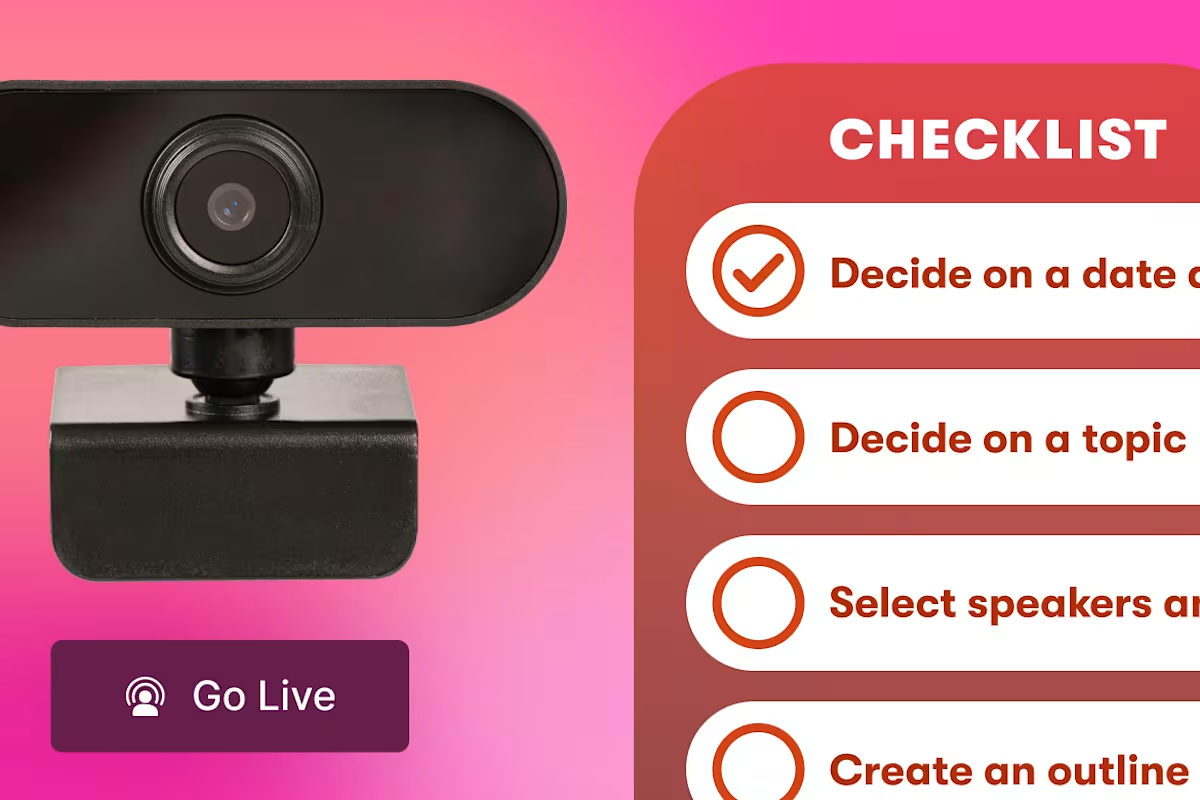
Webinar Checklist: How to Plan, Host & Follow Up on a Successful Webinar
A week-by-week webinar checklist covering planning, promotion, going live, and post-event follow-up.
Lisa Marinelli
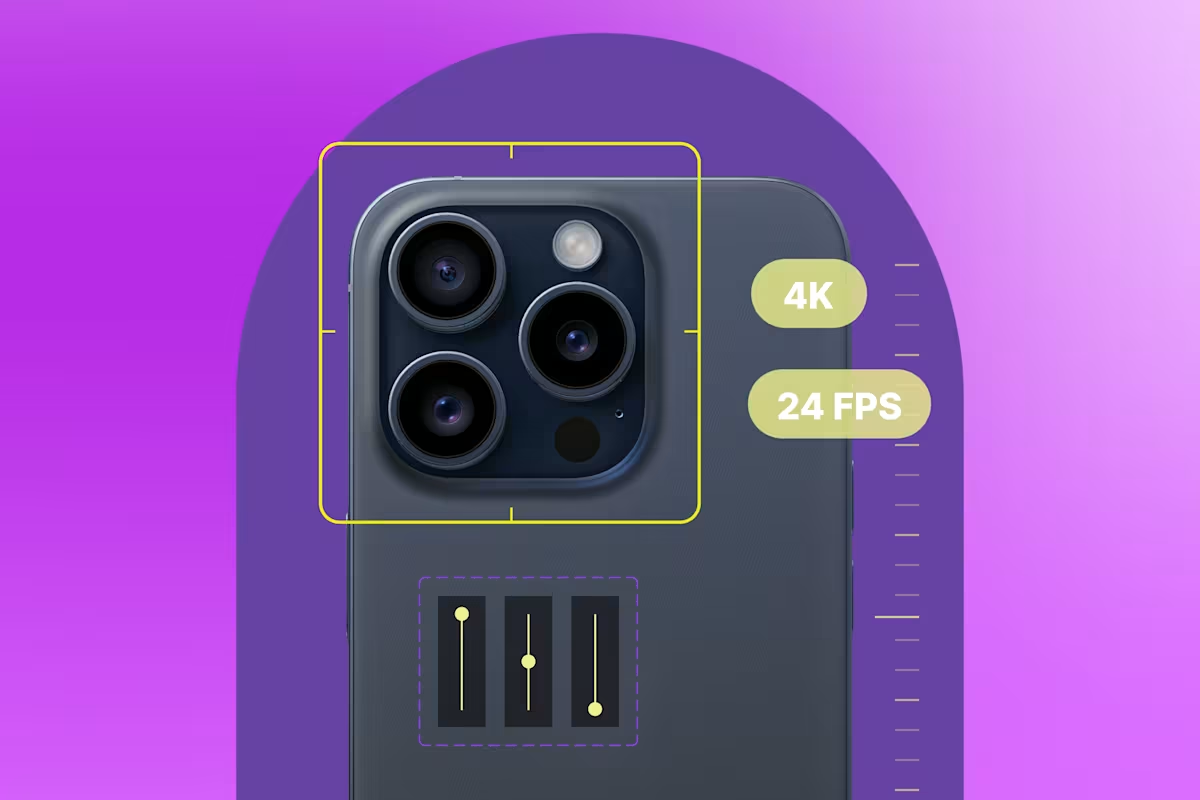
The Best iPhone Camera Settings for Video
Walk through all the settings to adjust on your iPhone for high-quality footage.
Chris Lavigne
Editing
See more
AI Video Creation Guide: How to Use AI to Create Videos
Learn how to use AI to create videos for your business. From scripting to editing, generative AI is making video production easier than ever.
Chris Lavigne
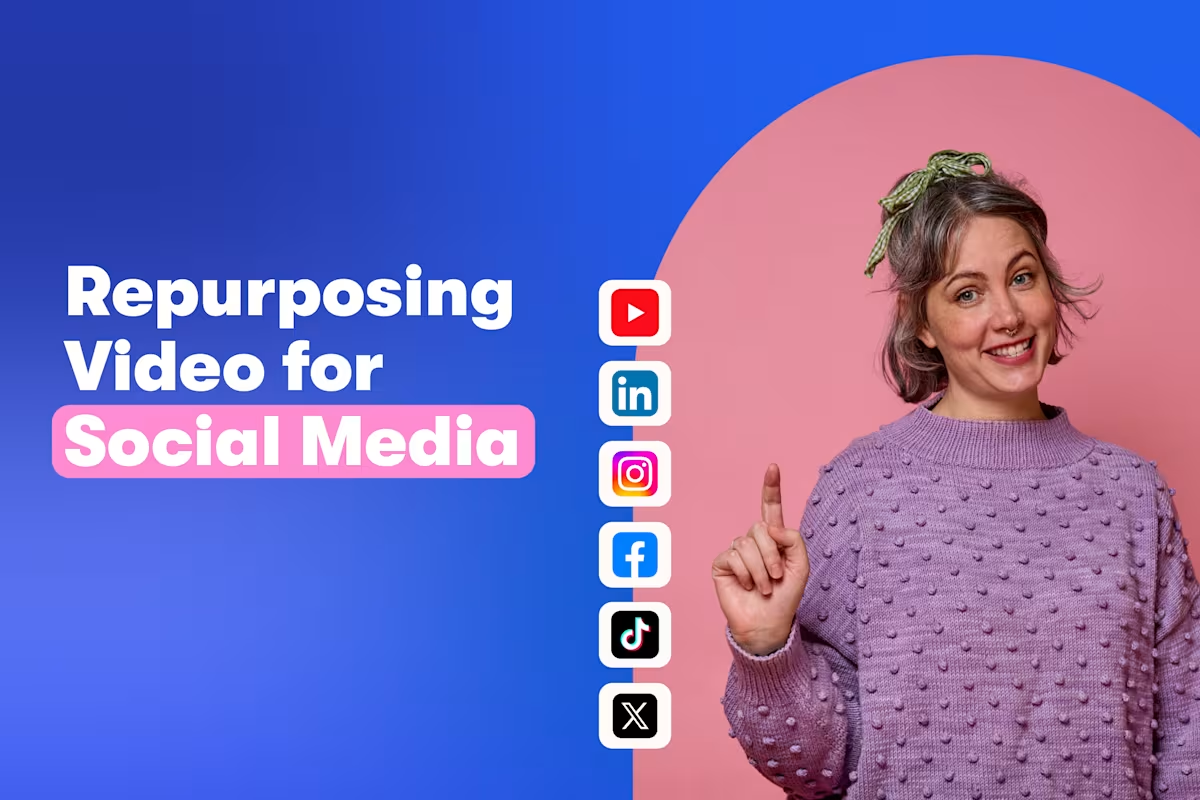
9 Tips for Repurposing Videos for Social Media
Turn your video library into a steady stream of engaging social content.
Lisa Marinelli

How We Made A Fully Animated Short with AI and the Nuances of AI Video Generation
Learn how we reimagined an old video from our archive into a brand-new AI-generated animated short in a week.
Chris Lavigne
Podcasting
See more
7 Great Reasons to Start a Podcast for Your Business
Discover 7 profitable reasons to start a podcast for your business and build trust, grow your audience, and boost your brand visibility.
Chiara Hoogervorst
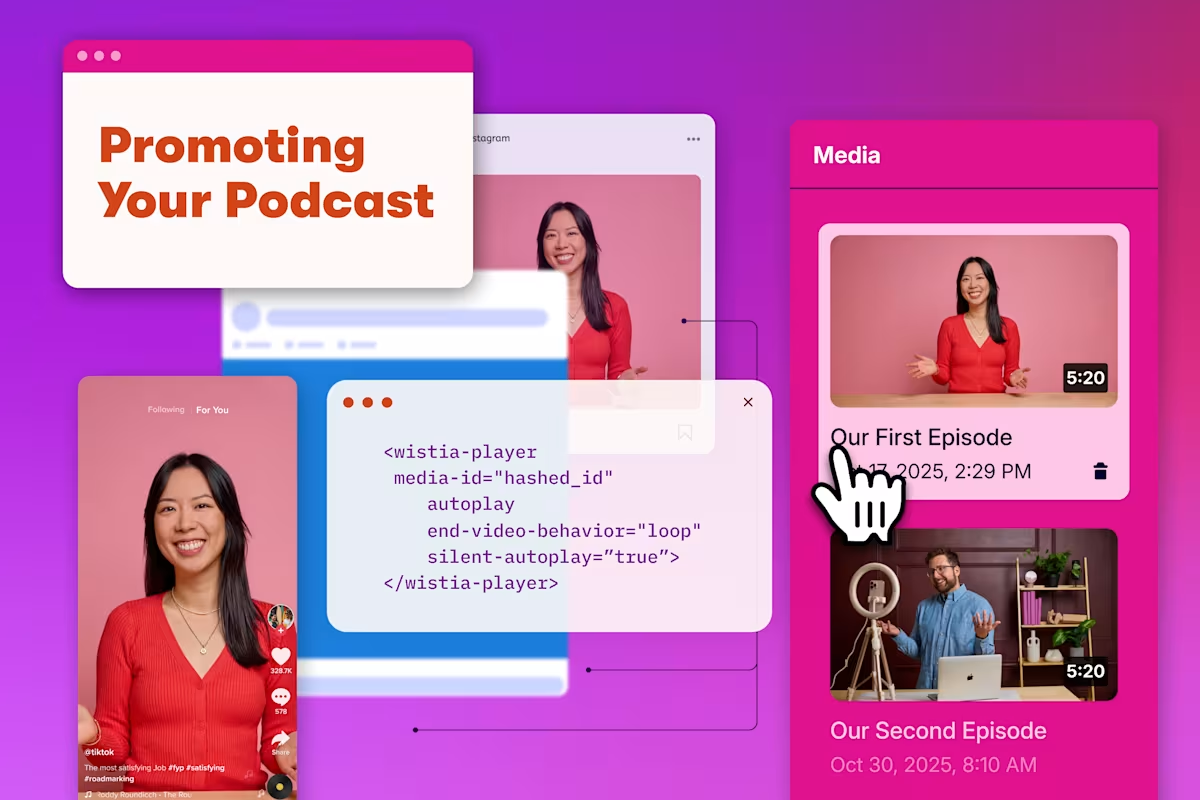
17 Ways to Promote Your Podcast like a Pro
Get the best practices for distributing your podcast and getting folks to hit play.
Chiara Hoogervorst
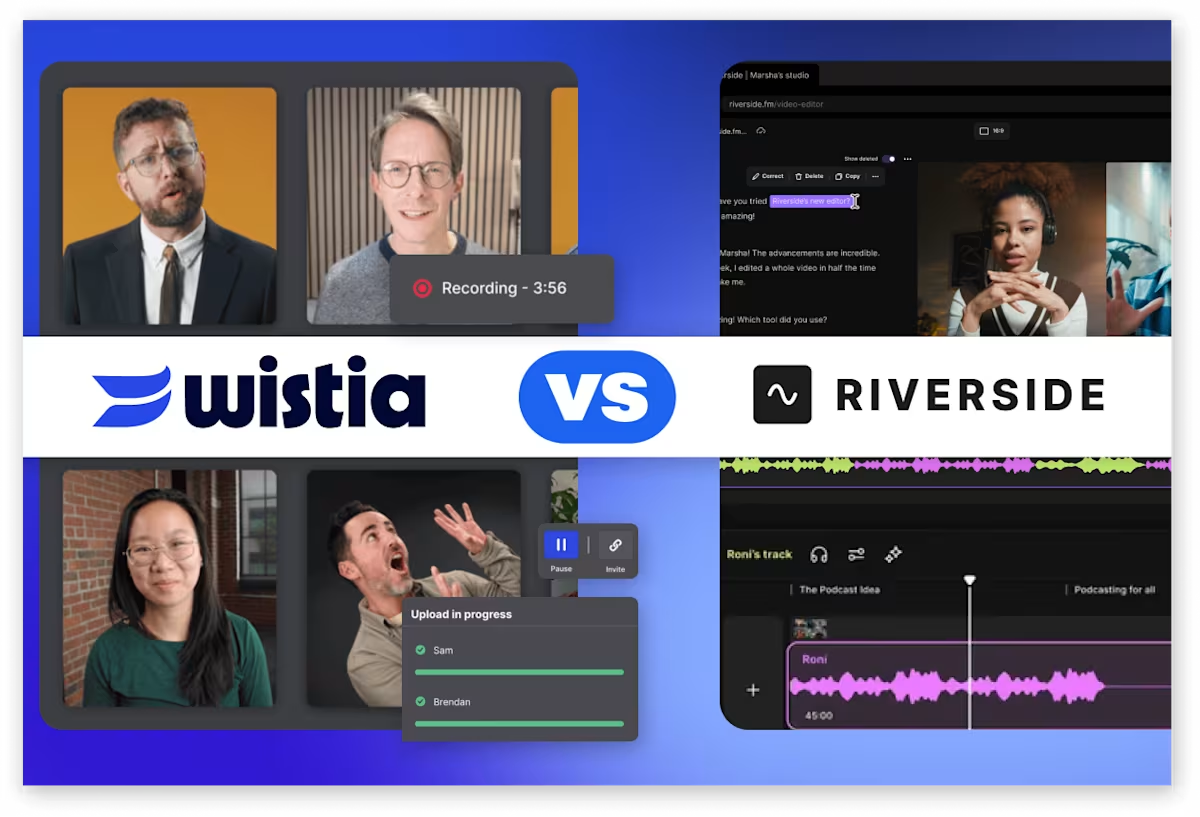
Wistia vs. Riverside: Which Remote Recording Platform Is Right for You?
Both deliver studio-quality remote recordings, but Wistia carries the recording all the way through branding, editing, and publishing to your audience.
Courtney Lefferts
Customer Stories
See more
How Wistia Helps Tomorrow.io’s Small Video Team Work Faster and Smarter
The team ditched a patchwork of video tools for Wistia, and now they save hours of work and share content securely.
The Wistia Team

How Wistia Helps the Marketing Meetup’s Small Team Run and Repurpose Webinars for a Global Community
Webinars and content for 50,000+ marketers is a tall order for a team of five, but Wistia makes it possible.
The Wistia Team
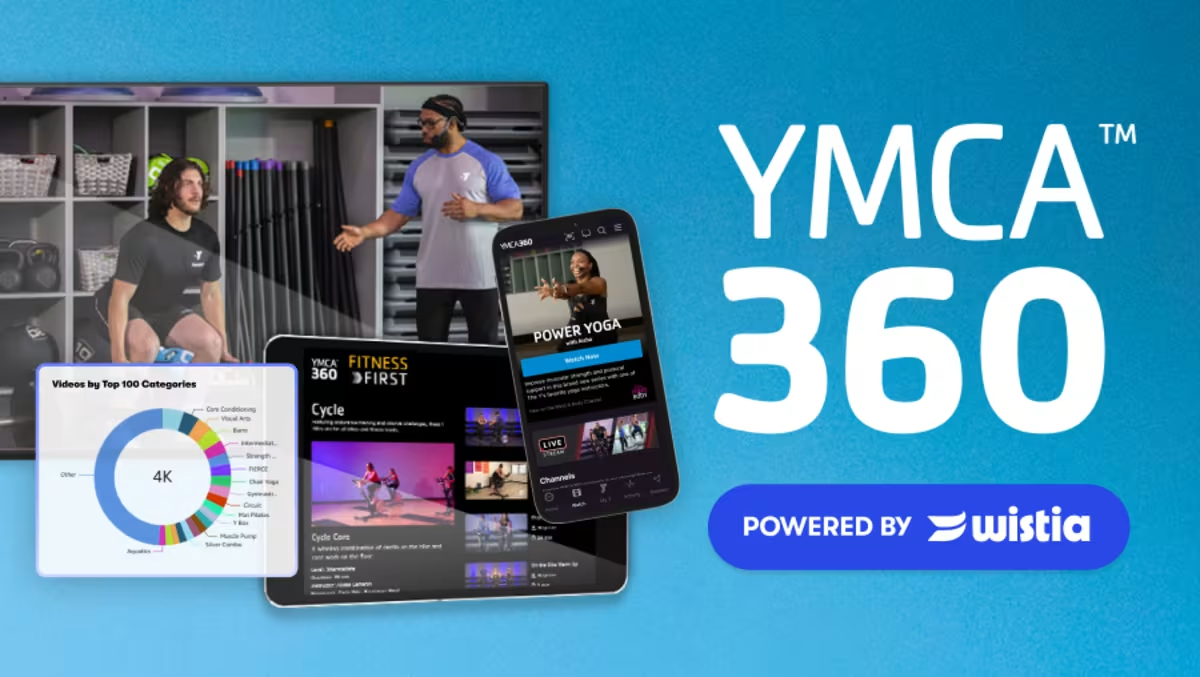
How Wistia Helps the YMCA Manage 4,000+ Videos from Hundreds of Partners
YMCA produces and publishes content from Y partners across the country. See how Wistia keeps their 4,000+ video library organized and their Monday release schedule on track.
The Wistia Team
Wistia Updates
See moreThe Wistia MCP: Run Your Whole Video Workflow With Your Favorite AI Agent
Repurpose your videos, pull performance reports, update your content, and more with just one prompt.
Sasha Friedman

A Recap of Wistia’s 2026 Town Hall
See how our latest features are helping solve the biggest challenges marketers are facing these days.
Chiara Hoogervorst
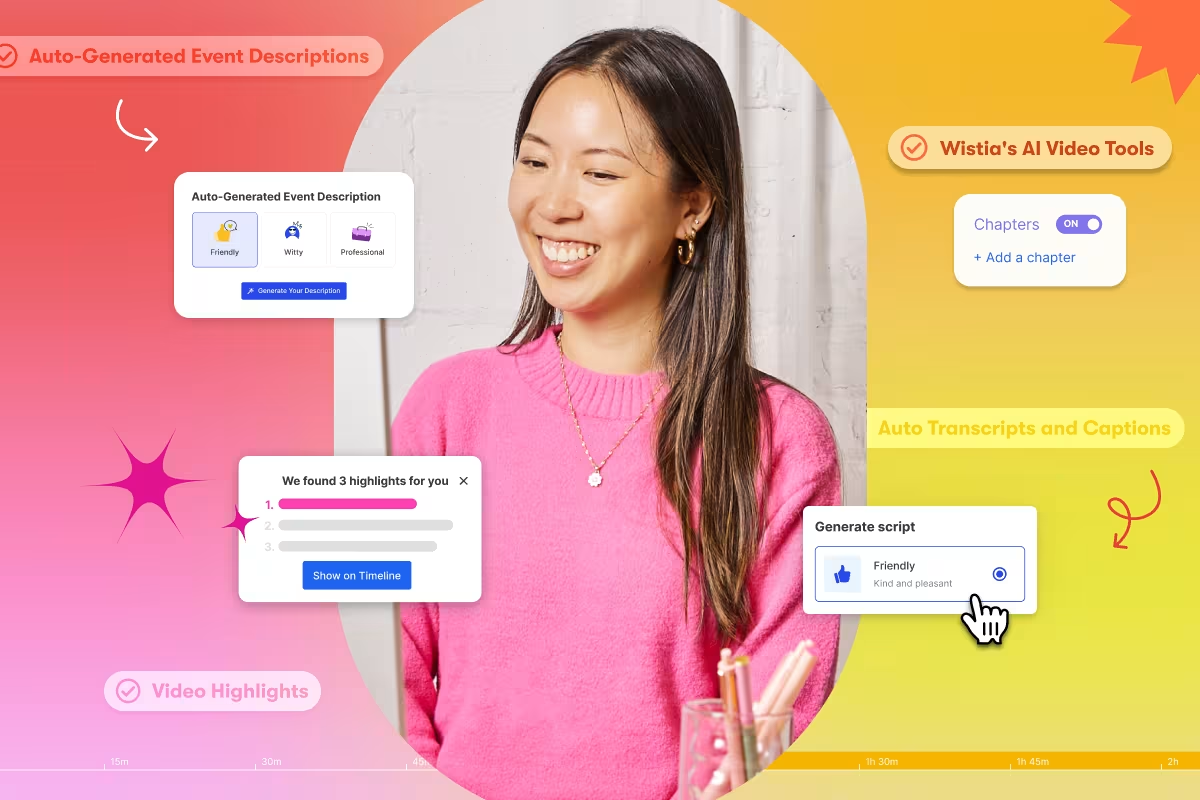
How to Enhance Your Creativity with Wistia’s AI Video Tools
Kickstart scripts, clean up recordings, and repurpose footage in a few clicks, so you can spend less time on busywork and more on ideas.
Sasha Friedman